

Development Windows
Notepad++ for Windows
Edit source code and plain text in Notepad++, a free Windows desktop editor with support for several programming languages.
- Operating system
- Windows; exact supported versions not confirmed in the recorded sources
- Architecture
- x64
- Download package
- EXE installer
Not portable; x86, ARM64 and portable packages are separate.
Link checked · Download guidance
What is Notepad++?
Notepad++ is a free source-code editor and replacement for Windows Notepad. It suits editing plain text and code in a desktop application, with support for several programming languages through the Scintilla editing component. Choose it for text-focused work rather than treating it as a browser-based document service.
The project offers both installed and portable editions, so choose the package that fits how you work. The linked download installs the editor; a portable archive is a separate choice on the official release page. That page also provides SHA256 digests and GPG signatures for users who need to check a downloaded package.
What it offers
- Edit source code and plain text on Windows.
- Work with several programming languages through a Scintilla-based editor.
- Use the editor as a desktop replacement for Windows Notepad.
Good to know
- This is a text and source-code editor, not a browser-based document service.
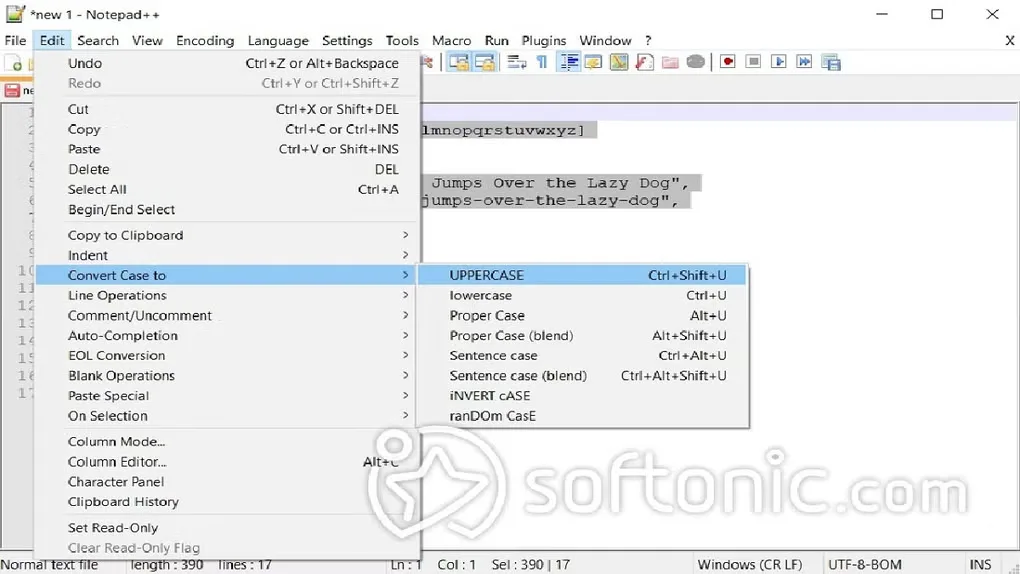
Product images
Sources
References used for this listing. Retrieval dates do not indicate hands-on testing.
More in development
View category ↗
010 Editor 17.0
Inspect and edit binary files on Mac with 010 Editor, a paid text and hex editor with Binary Templates, file comparison and a 30-day trial.
010 Editor 17.0
Inspect and edit binary files with 010 Editor for Windows, a text and hex editor with Binary Templates, file comparison and scripting. Includes a 30-day trial.
10x Editor
Edit and navigate C++ projects on Windows with a built-in parser, workspace search and Visual Studio project support. A paid license is required after the 30-day trial.