
Utilities Windows
NVCleanstall
Choose which NVIDIA GeForce driver components to install with NVCleanstall, a free Windows utility that can also prepare a reusable custom installer.
Version 1.19.0 · Direct publisher file
Link checked · Download guidance
What is NVCleanstall?
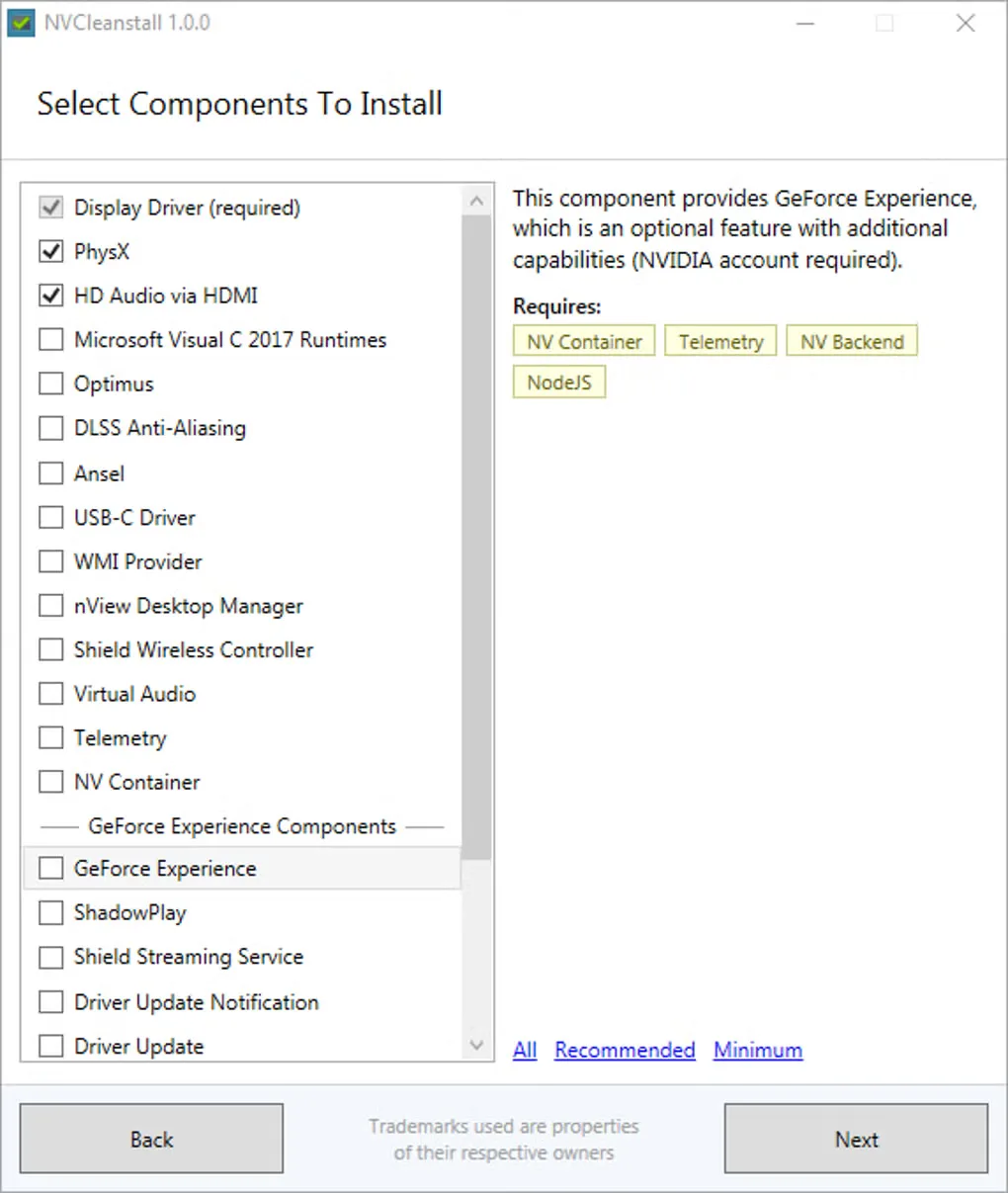
NVCleanstall prepares NVIDIA GeForce driver installations with the components you choose. Instead of accepting the whole driver package, you can review optional items such as PhysX, HDMI audio and telemetry before starting the NVIDIA installer. Component descriptions and dependency information help explain what each choice requires.
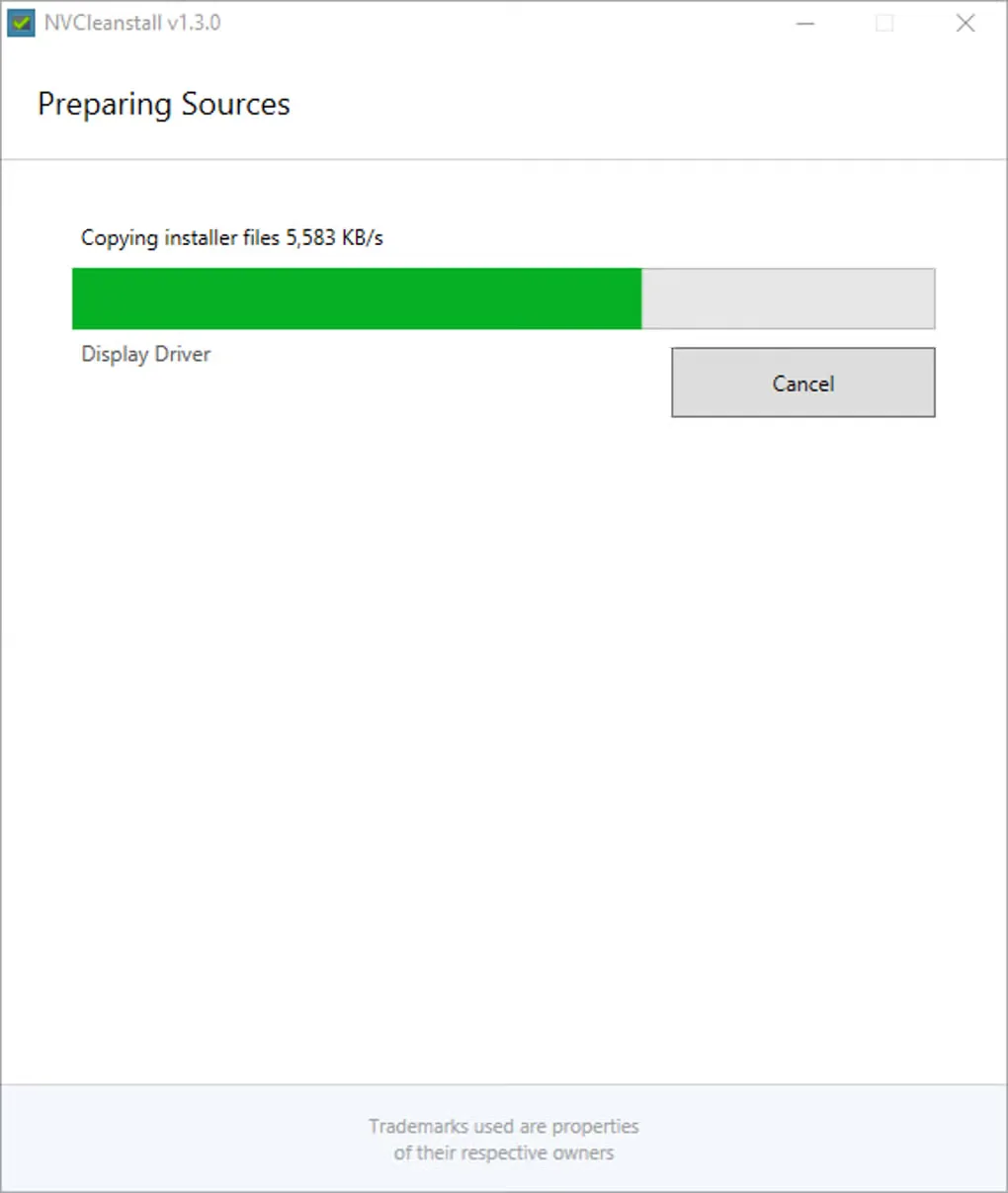
You can select a driver version or work with driver files you already have. After preparing the selection, install it immediately or build a custom package for reuse. Offline work requires an existing driver source; it does not remove the need to obtain the driver files first.
This tool is for NVIDIA GeForce drivers, not a general updater for every device in a PC. The download linked here is a third-party SourceForge upload named NVCleanstall_1.19.0.exe, maintained by the account mamyt—not a verified publisher-hosted copy. The screenshots show older NVCleanstall interfaces and illustrate the workflow rather than the exact 1.19.0 layout.
What it offers
- Select optional NVIDIA GeForce driver components before installation.
- Read component descriptions and dependency information while choosing what to include.
- Use a selected driver version or driver files already stored on the PC.
- Build a preconfigured custom installer for subsequent use.
Good to know
- Designed for NVIDIA GeForce driver packages; it is not a general-purpose device driver updater.
- Offline customization requires driver files already available locally.
- The linked SourceForge upload is maintained by a third-party account. Its binary equivalence to the publisher package was not verified.
Product images
Sources
References used for this listing. Retrieval dates do not indicate hands-on testing.
More in utilities
View category ↗
1.1.1.1 with WARP 2026.8.2115.0
Encrypt traffic from your Mac to Cloudflare’s network with WARP, or use DNS-only mode for encrypted DNS queries to the 1.1.1.1 resolver.
1.1.1.1 with WARP 2026.8.2115.0
Encrypt traffic between your Windows PC and Cloudflare, or use encrypted DNS only, with the free 1.1.1.1 with WARP app.

3uTools 9.12.005
Manage iPhone and iPad photos, music, apps and backups from Windows with 3uTools, a free utility that also includes device checks and firmware flashing tools.