

Utilities Windows
NVDA for Windows
Read Windows applications through speech or a refreshable braille display with NVDA, a free, open-source screen reader from NV Access.
- Operating system
- 64-bit Windows 10 or 11; Windows Server 2016, 2019, 2022 or 2025
- Architecture
- AMD64; ARM64 on Windows 11
- Download package
- EXE launcher with installation, portable-copy and temporary-run options
The 2026.3 guide lists at least 500 MB of storage. Windows 10 before 22H2 and Windows Server before 2022 are no longer actively supported by NV Access.
Link checked · Download guidance
What is NVDA?
NVDA (NonVisual Desktop Access) makes Windows controls and text available through synthesized speech and supported refreshable braille displays. It is designed for blind and vision-impaired users working with web browsers, email, office applications and other Windows software. Keyboard navigation, spoken formatting information and configurable voices let users choose how to read and move through content.
The Windows launcher can install NVDA, create a portable copy on writable media or run a temporary copy. Installation matters if you need speech during Windows sign-in or User Account Control prompts: portable and temporary copies cannot read those secure screens. Temporary copies also do not save settings.
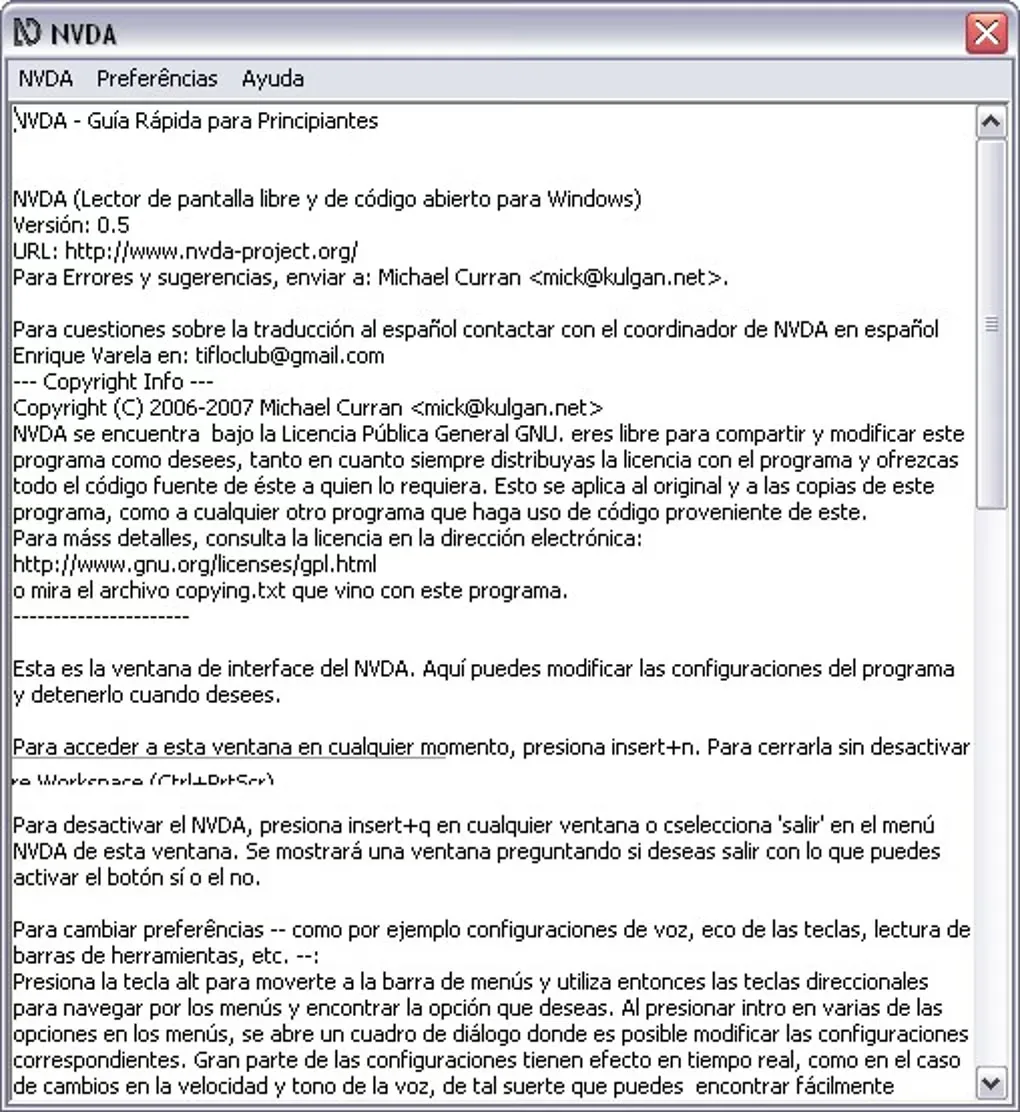
Version 2026.3 adds keyboard improvements to configuration dialogs and expands touch gestures. The screenshot is an archival Spanish-language NVDA 0.5 interface from the Softonic gallery, not a depiction of the 2026.3 release.
What it offers
- Receive synthesized speech and braille feedback while navigating Windows and supported applications.
- Navigate web content and work with applications such as Firefox, Chrome, Word and Excel.
- Adjust speech voices and reading preferences, and hear available text-formatting information.
- Create a portable copy on USB media or install NVDA for access during Windows sign-in.
- Use the built-in Add-on Store to find extensions for additional workflows.
Good to know
- Portable and temporary copies cannot read Windows sign-in or User Account Control secure screens; use an installed copy for those tasks.
- Temporary copies do not save settings.
- NVDA 2026.3 requires 64-bit Windows; ARM64 Windows 10 is not supported.
Product images
Sources
References used for this listing. Retrieval dates do not indicate hands-on testing.
- NVDA - Download — product discovery and archival gallery ↗Retrieved
- NV Access | About NVDA ↗Retrieved
- NV Access | NVDA 2026.3 Released ↗Retrieved
- NVDA 2026.3 User Guide ↗Retrieved
- NVDA Files — 2026.3 publisher directory ↗Retrieved
More in utilities
View category ↗
1.1.1.1 with WARP 2026.8.2115.0
Encrypt traffic from your Mac to Cloudflare’s network with WARP, or use DNS-only mode for encrypted DNS queries to the 1.1.1.1 resolver.
1.1.1.1 with WARP 2026.8.2115.0
Encrypt traffic between your Windows PC and Cloudflare, or use encrypted DNS only, with the free 1.1.1.1 with WARP app.

3uTools 9.12.005
Manage iPhone and iPad photos, music, apps and backups from Windows with 3uTools, a free utility that also includes device checks and firmware flashing tools.