
Utilities Windows
NXPowerLite Desktop
Reduce PDF, Microsoft Office and image file sizes offline with NXPowerLite Desktop for Windows, preserving their formats and optimizing Outlook attachments.
- Operating system
- Windows 10 and Windows 11
- Architecture
- 64-bit
- Download package
- MSI installer
The publisher identifies version 11 as a 64-bit Windows MSI. A separate macOS edition is available.
Link checked · Download guidance
What is NXPowerLite Desktop?
NXPowerLite Desktop compresses PDF documents, PowerPoint presentations, Word documents, Excel spreadsheets and JPEG, PNG or TIFF images locally on Windows. Files keep their original formats and extensions, so recipients do not need NXPowerLite to open the optimized copies. It is aimed at reducing bulky documents and attachments rather than simply packaging files into an archive.
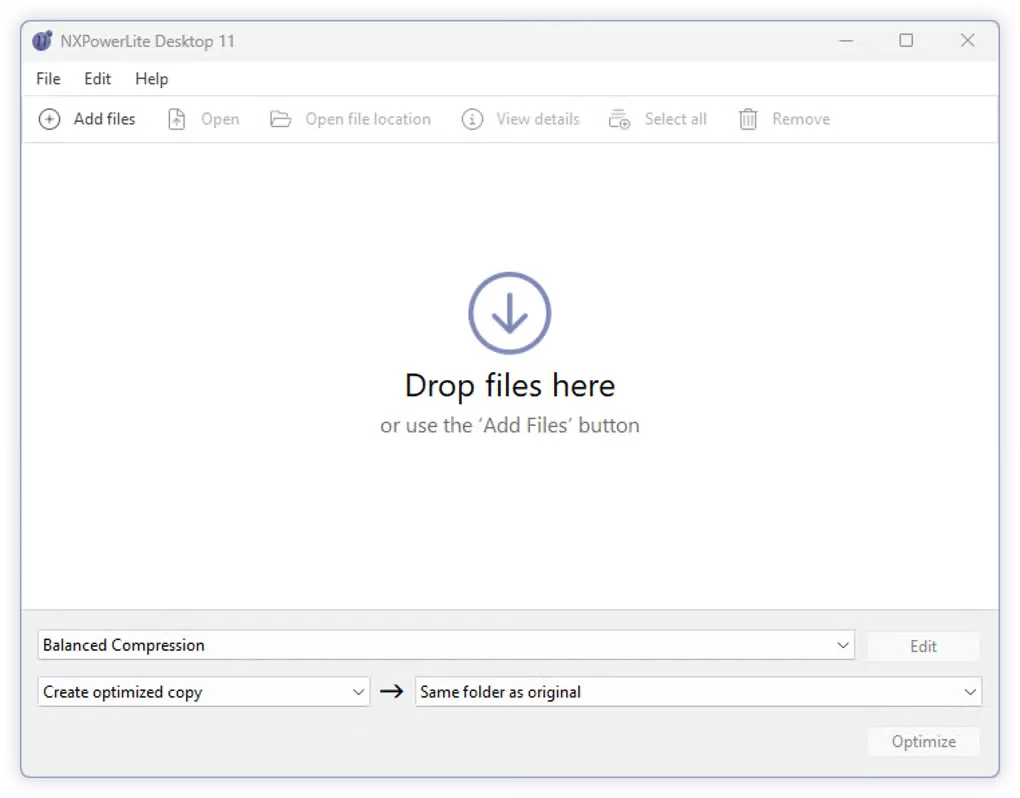
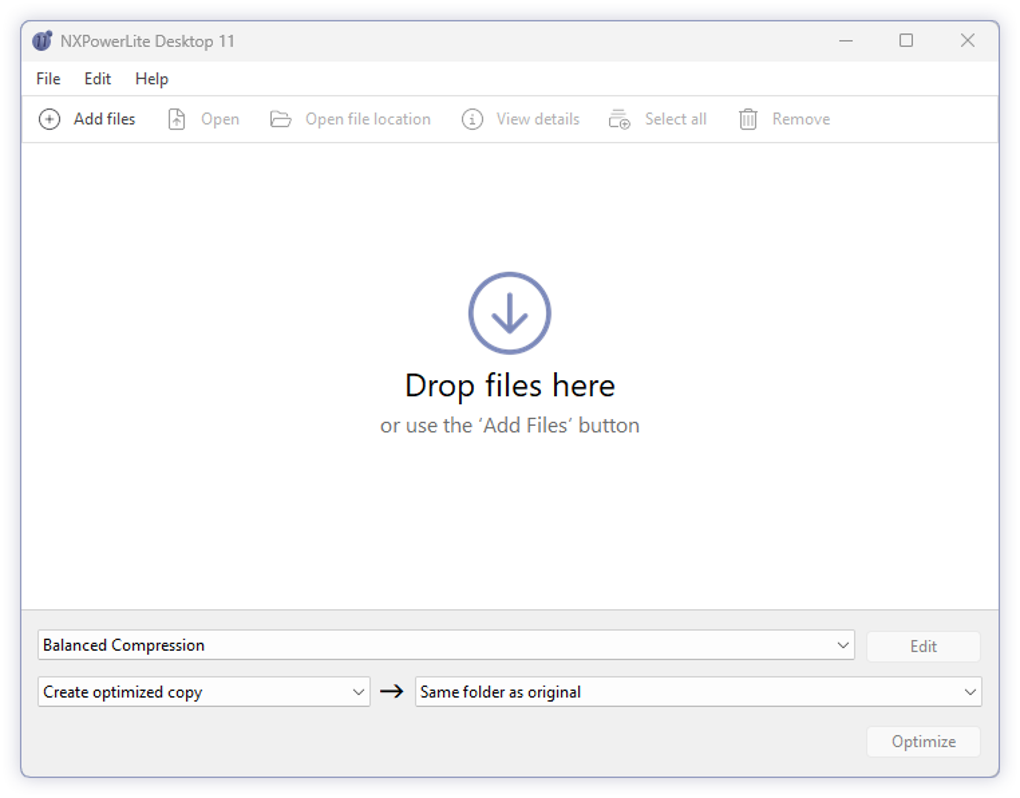
Add files to the desktop window, choose a compression profile and select where optimized copies should be saved. Custom profiles let you reuse settings, while Windows Explorer integration provides right-click access. The application also supports automatic Outlook attachment compression and batches of up to 10,000 files. Its file size audit breaks down Microsoft Office and PDF content to help identify what is taking up space or preventing compression.
The publisher offers a 14-day trial; continued use requires a paid license. A perpetual license covers the purchased major version, rather than granting every future major upgrade. The linked Windows package is a 64-bit MSI for Windows 10 or 11; the macOS edition is a separate download.
What it offers
- Compress PDF, PowerPoint, Word, Excel, JPEG, PNG and TIFF files without changing their formats or extensions.
- Process files locally without uploading them to an online compressor.
- Optimize up to 10,000 files in a batch and reuse custom compression profiles.
- Compress files from the Windows Explorer right-click menu or optimize Outlook email attachments.
- Inspect a file size breakdown for Microsoft Office and PDF content.
Good to know
- The free trial lasts 14 days; continued use requires a paid license.
- A perpetual license covers the purchased major version, not all future major versions.
- Batch processing is limited to 10,000 files at a time.
Product images
Sources
References used for this listing. Retrieval dates do not indicate hands-on testing.
More in utilities
View category ↗
1.1.1.1 with WARP 2026.8.2115.0
Encrypt traffic from your Mac to Cloudflare’s network with WARP, or use DNS-only mode for encrypted DNS queries to the 1.1.1.1 resolver.
1.1.1.1 with WARP 2026.8.2115.0
Encrypt traffic between your Windows PC and Cloudflare, or use encrypted DNS only, with the free 1.1.1.1 with WARP app.

3uTools 9.12.005
Manage iPhone and iPad photos, music, apps and backups from Windows with 3uTools, a free utility that also includes device checks and firmware flashing tools.