

Utilities macOS
OmniDiskSweeper for macOS
Find large files and folders on your Mac with OmniDiskSweeper, a free disk-space utility that lists items by size and lets you open them or move them to Trash.
- Operating system
- macOS 11 through macOS 26
- Architecture
- Not specified in the cited publisher release notes
- Download package
- DMG disk image
This publisher download resolved to OmniDiskSweeper-1.16.dmg. Full Disk Access is needed for complete sizing of files available to the current user.
Link checked · Download guidance
What is OmniDiskSweeper?
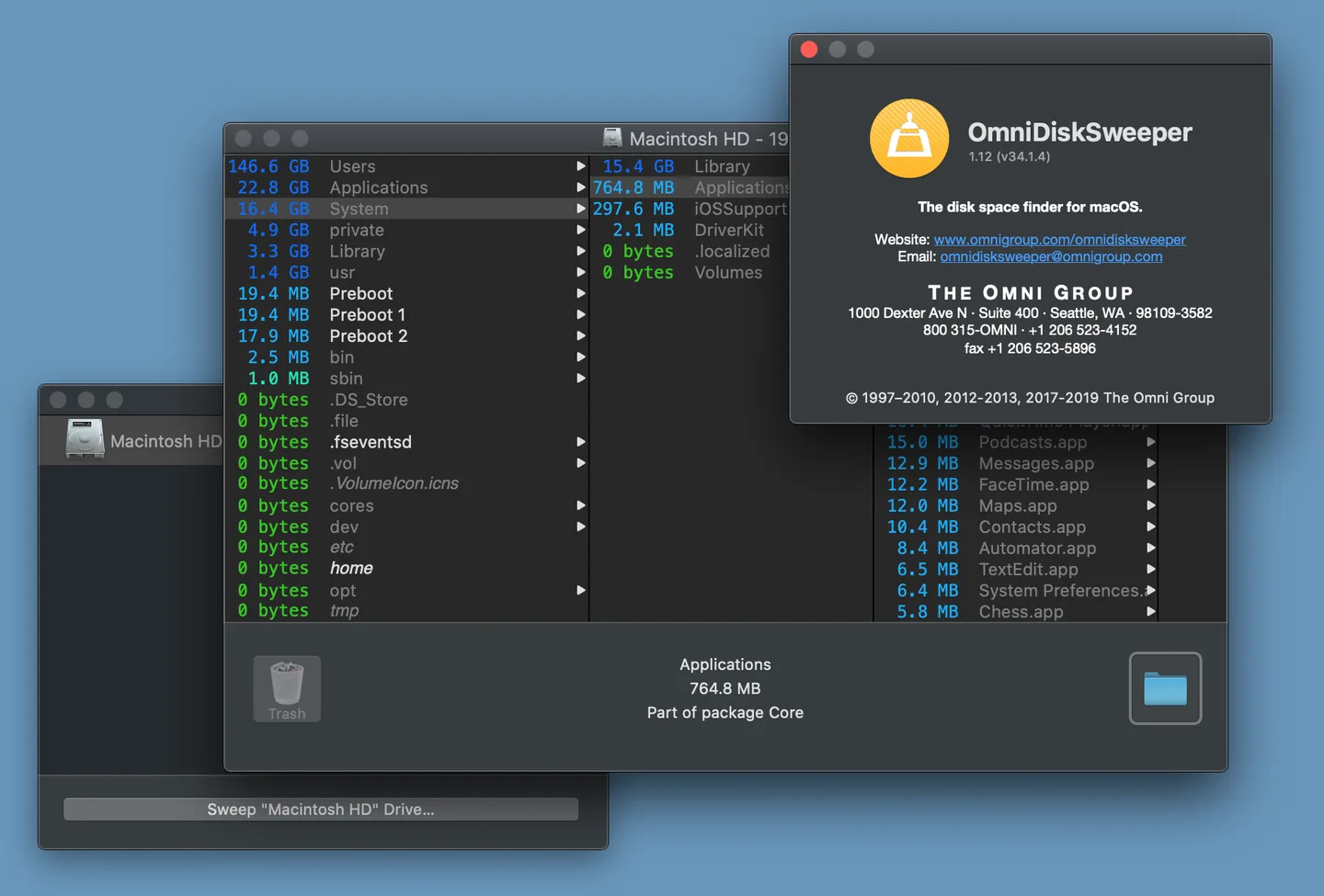
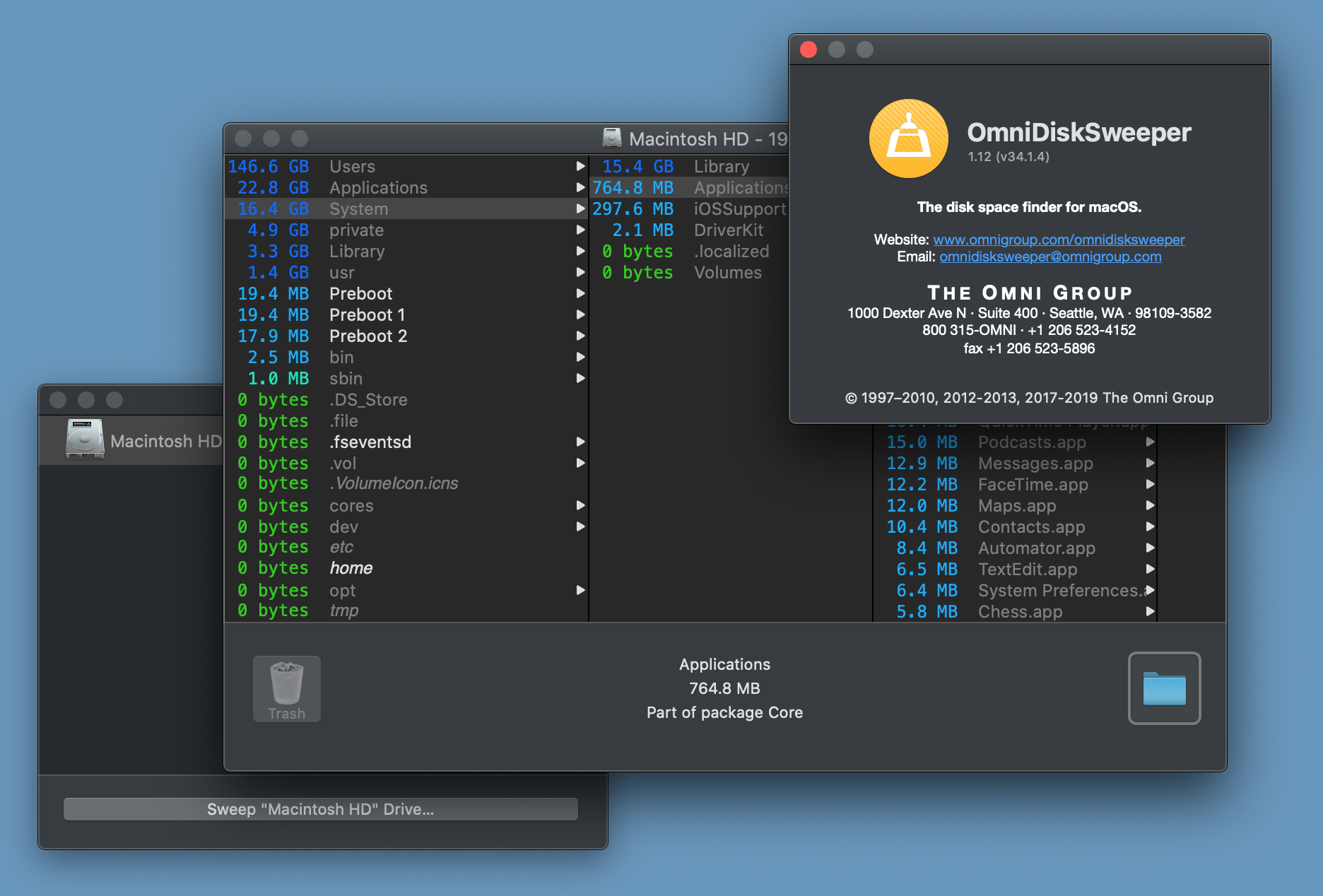
OmniDiskSweeper helps you see which files and folders occupy space on your Mac. It lists items from largest to smallest, so you can inspect a large folder before deciding what to keep, move elsewhere or put in the Trash. You can scan a drive or choose a particular folder rather than treating every large file as something to remove.
Version 1.16 supports macOS 11 through macOS 26. Its accessibility information describes an item's name, size and type, and explains when a size is incomplete because access permission is missing. The Help menu provides a shortcut to Full Disk Access in System Settings.
Permission limits matter: without Full Disk Access, the utility cannot size all files available to your user account. An incomplete total is not a complete picture of that folder's storage use. Review the files before trashing them; the size ranking tells you what is large, not whether you still need it.
The screenshot is the publisher's historical macOS Catalina illustration of version 1.12 in Dark Mode, not a capture of the linked 1.16 release.
What it offers
- Browse files and folders ranked from largest to smallest.
- Open items for inspection or move unwanted files to the Trash.
- Scan a selected folder using Open Folder, Size Folder or a folder dragged onto the application icon.
- Use accessibility descriptions for item names, sizes and types, including incomplete-size explanations.
Good to know
- Full Disk Access is required to size all files available to the current user; restricted access can leave reported sizes incomplete.
- Version 1.16 is supported on macOS 11 through macOS 26; older macOS releases need an older compatible download.
Product images
Sources
References used for this listing. Retrieval dates do not indicate hands-on testing.
- Omni Labs — OmniDiskSweeper, OmniWeb, and OmniPresence ↗Retrieved
- OmniDiskSweeper 1.16 — publisher release notes ↗Retrieved
- OmniDiskSweeper for Catalina Available! — October 9, 2019 ↗Retrieved
- OmniWeb, OmniDazzle, OmniDiskSweeper, and OmniObjectMeter now freeware — February 24, 2009 ↗Retrieved
- The Omni Group — Legal Information ↗Retrieved
- Press Kit and Attribution Requests — The Omni Group ↗Retrieved
- Publisher download endpoint — HEAD-only verification ↗Retrieved
More in utilities
View category ↗
1.1.1.1 with WARP 2026.8.2115.0
Encrypt traffic from your Mac to Cloudflare’s network with WARP, or use DNS-only mode for encrypted DNS queries to the 1.1.1.1 resolver.
1.1.1.1 with WARP 2026.8.2115.0
Encrypt traffic between your Windows PC and Cloudflare, or use encrypted DNS only, with the free 1.1.1.1 with WARP app.

3uTools 9.12.005
Manage iPhone and iPad photos, music, apps and backups from Windows with 3uTools, a free utility that also includes device checks and firmware flashing tools.