

Utilities macOS
ONLYOFFICE Desktop Editors for macOS
Create and edit documents, spreadsheets, presentations and PDFs on your Mac with a free, open-source office suite. This download is the Apple silicon DMG.
- Operating system
- macOS on Apple silicon
- Architecture
- ARM64 (Apple silicon)
- Download package
- DMG disk image
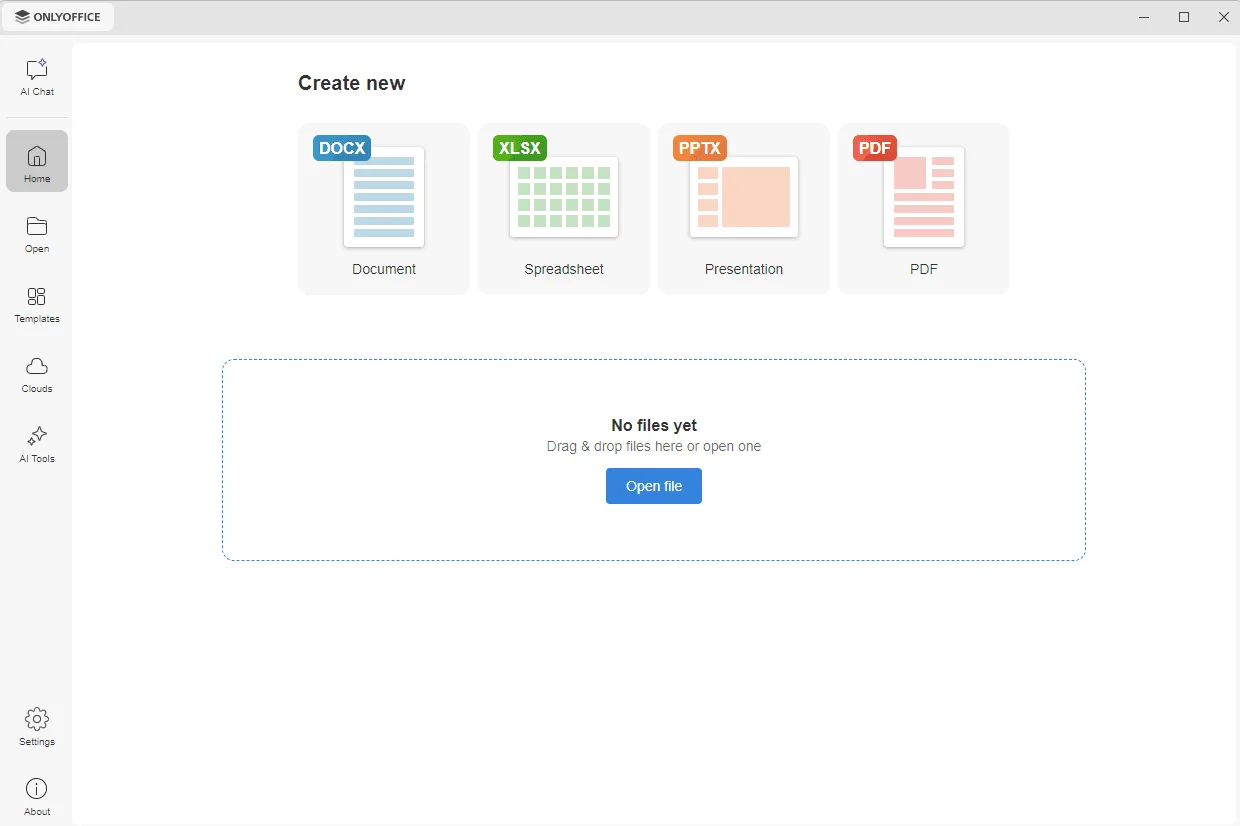
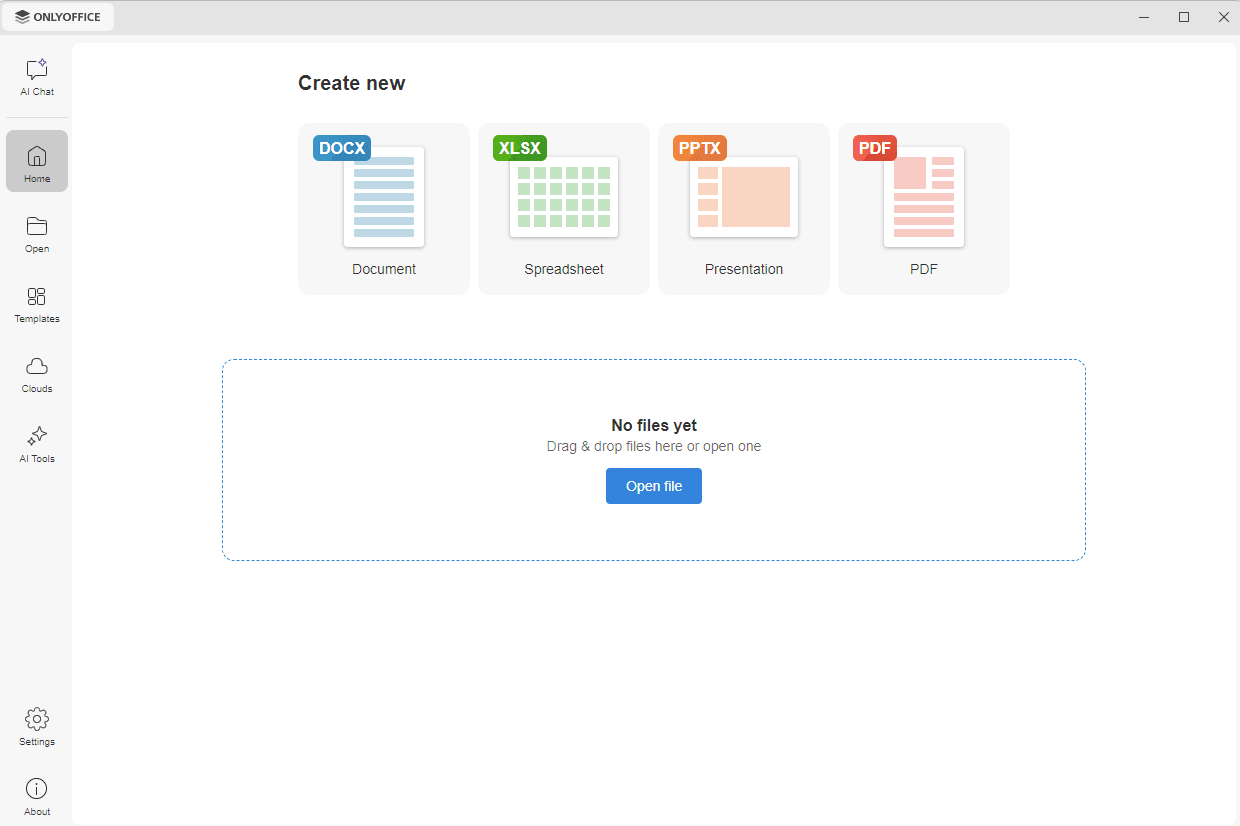
This link is the Apple Chip download. Intel Macs require the separate Intel Chip package from the publisher. The screenshot illustrates the shared desktop interface, not macOS window styling.
Link checked · Download guidance
What is ONLYOFFICE Desktop Editors?
ONLYOFFICE Desktop Editors brings document, spreadsheet, presentation and PDF editing into one desktop application. It works with local files without a constant internet connection and supports familiar formats including DOCX, XLSX, PPTX, ODT, ODS and CSV. Tabs let you keep several files open in one window.
For shared work, connect a supported service such as ONLYOFFICE, Nextcloud, ownCloud or Dropbox. That connection enables collaboration rather than making local editing dependent on cloud storage. Cloud features require internet access and authorization to the chosen service; Mail Merge is available only after connecting to the cloud.
The linked DMG is for Macs with Apple silicon. The publisher provides a separate Intel download. The Community edition is licensed under AGPLv3, and its optional AI Tools add-on is installed separately. The screenshot is the publisher’s cross-platform interface example with Windows window controls, not a capture of the macOS build; it also shows optional AI features.
What it offers
- Create and edit text documents, spreadsheets, presentations and PDFs in one application.
- Work on files stored on your Mac without a constant internet connection.
- Open common office formats including DOCX, XLSX, PPTX, ODT, ODS and CSV.
- Use document tabs and connect supported cloud services for collaboration.
Good to know
- Cloud collaboration requires an internet connection and authorization to a supported service; Mail Merge is unavailable in local-only editing.
- The Community edition does not bundle the optional AI Tools add-on; it must be installed separately.
Product images
Sources
References used for this listing. Retrieval dates do not indicate hands-on testing.
More in utilities
View category ↗
1.1.1.1 with WARP 2026.8.2115.0
Encrypt traffic from your Mac to Cloudflare’s network with WARP, or use DNS-only mode for encrypted DNS queries to the 1.1.1.1 resolver.
1.1.1.1 with WARP 2026.8.2115.0
Encrypt traffic between your Windows PC and Cloudflare, or use encrypted DNS only, with the free 1.1.1.1 with WARP app.

3uTools 9.12.005
Manage iPhone and iPad photos, music, apps and backups from Windows with 3uTools, a free utility that also includes device checks and firmware flashing tools.