

Utilities macOS
OpenCloud Desktop for macOS
Sync files from an OpenCloud server to your Mac, choose folders to keep locally and work with downloaded files offline. The linked package is for Apple Silicon.
- Operating system
- macOS; release 4.0.0 removes support for macOS 12
- Architecture
- ARM64 (Apple Silicon)
- Download package
- PKG installer
A separate x86_64 PKG is available for Intel Macs. No precise minimum macOS version beyond the publisher's macOS 12 exclusion is claimed.
Link checked · Download guidance
What is OpenCloud Desktop?
OpenCloud Desktop connects your Mac to an OpenCloud instance and synchronizes cloud files with local folders. It is useful when you want to work on downloaded files in your usual desktop applications rather than manage everything through a browser. Setup requires your server URL, account sign-in and authorization for the client.
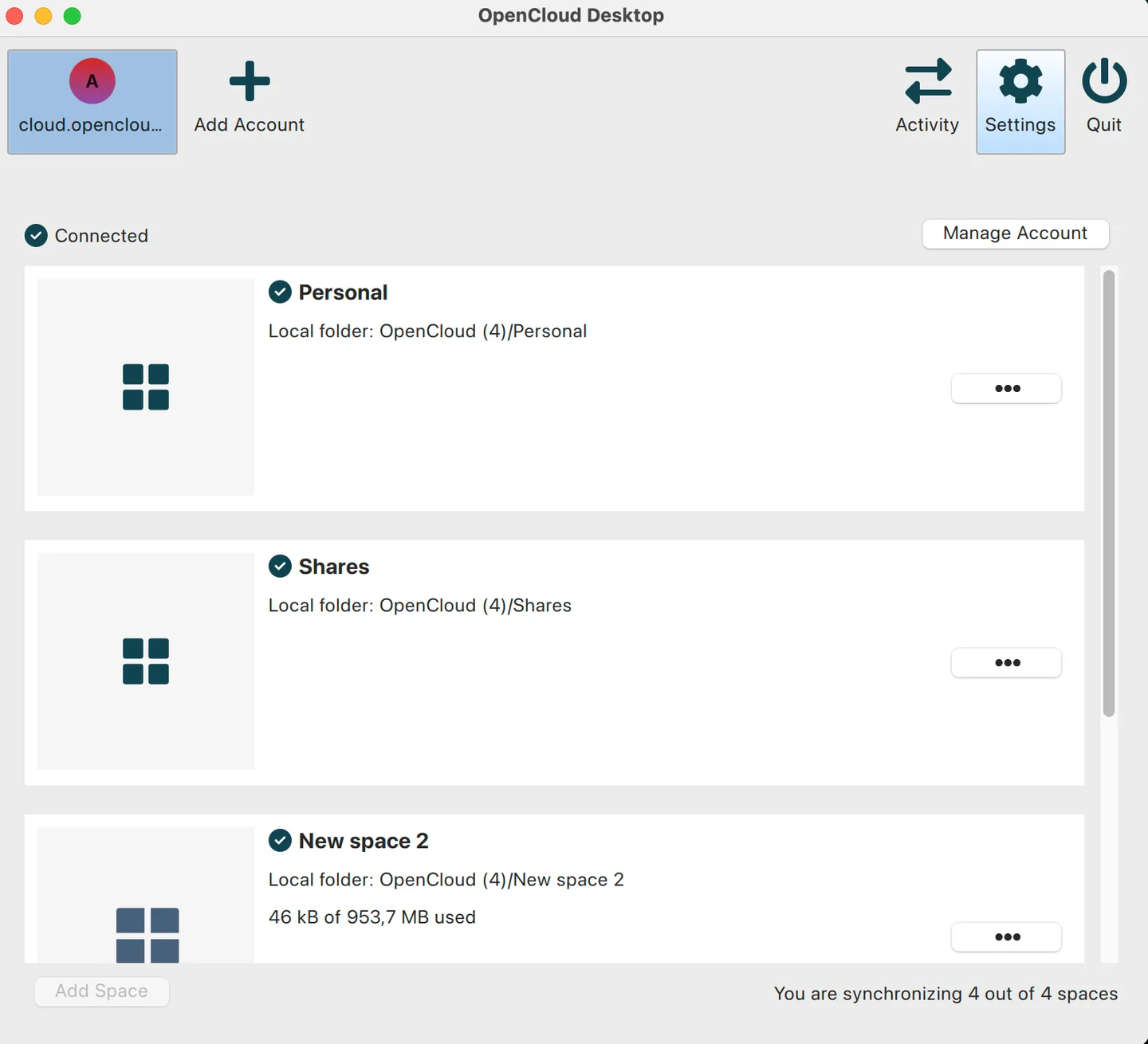
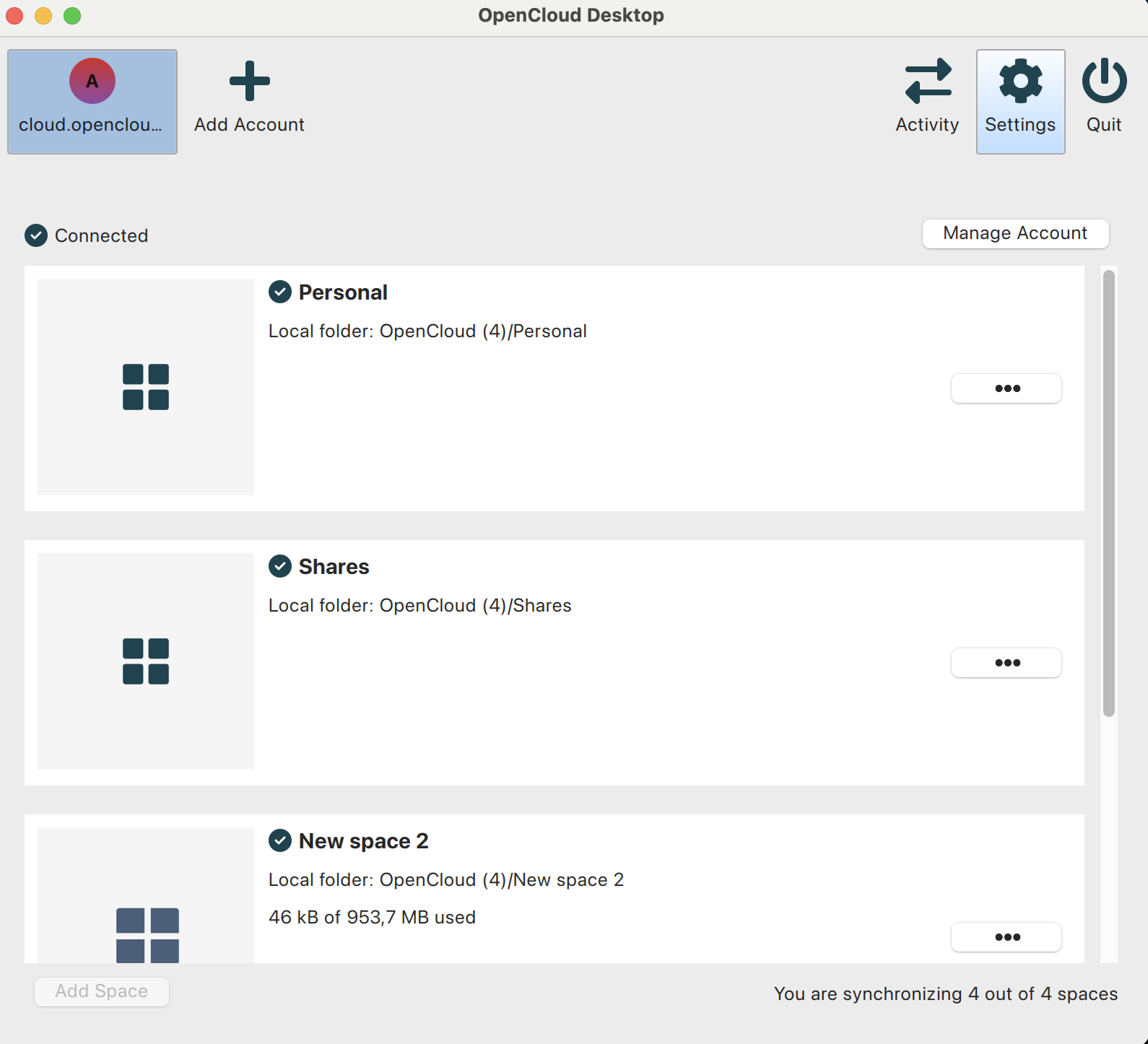
You can synchronize all files or select specific folders, change the local storage directory and manage each Space from the account view. Its menu provides immediate synchronization, pause and resume controls, and access to the Space in Finder. Multiple accounts from different OpenCloud servers can be added to the same client, with separate local folders.
This is a client for an existing OpenCloud service, not a standalone cloud-storage service. Files excluded from synchronization are not available locally. The linked 4.0.0 PKG targets Apple Silicon; the publisher offers a separate Intel package. Release 4.0.0 removes support for macOS 12.
What it offers
- Automatically synchronize files between an OpenCloud instance and local Mac folders.
- Choose all files or selected folders for local synchronization and offline access.
- Force synchronization or pause and resume a Space from the account view.
- Open a synchronized Space in Finder and choose its local storage directory.
- Manage multiple OpenCloud accounts with separate local folders.
Good to know
- Requires access to an OpenCloud instance and an authorized account; it does not provide a cloud-storage service on its own.
- Files and folders not selected for synchronization are unavailable locally.
- Version 4.0.0 no longer supports macOS 12. The linked ARM64 package is for Apple Silicon, not Intel Macs.
Product images
Sources
References used for this listing. Retrieval dates do not indicate hands-on testing.
- OpenCloud Desktop for Mac - Download — observed discovery page ↗Retrieved
- OpenCloud Desktop — authoritative repository README ↗Retrieved
- OpenCloud Desktop 4.0.0 release notes ↗Retrieved
- OpenCloud Desktop 4.0.0 — publisher release assets ↗Retrieved
- OpenCloud Desktop — publisher application metadata and screenshot references ↗Retrieved
- Setting Up Your OpenCloud Desktop — macOS ↗Retrieved
- macOS: Synchronization Settings ↗Retrieved
- Using Multiple Accounts in OpenCloud Desktop ↗Retrieved
- Installation on macOS (.pkg file) ↗Retrieved
More in utilities
View category ↗
1.1.1.1 with WARP 2026.8.2115.0
Encrypt traffic from your Mac to Cloudflare’s network with WARP, or use DNS-only mode for encrypted DNS queries to the 1.1.1.1 resolver.
1.1.1.1 with WARP 2026.8.2115.0
Encrypt traffic between your Windows PC and Cloudflare, or use encrypted DNS only, with the free 1.1.1.1 with WARP app.

3uTools 9.12.005
Manage iPhone and iPad photos, music, apps and backups from Windows with 3uTools, a free utility that also includes device checks and firmware flashing tools.