

Utilities macOS
Pacifist for macOS
Inspect macOS installer packages, disk images and archives, then extract individual files with Pacifist for Mac.
- Operating system
- macOS 12.0 or later
- Architecture
- Apple Silicon and 64-bit Intel
- Download package
- ZIP archive
Publisher version constants specify macOS 12.0 minimum. The linked ZIP redirects to Pacifist_4.1.5.zip; its contents were not downloaded or executed.
Link checked · Download guidance
What is Pacifist?
Pacifist opens macOS installer packages, disk images and supported archives so you can inspect their contents before deciding what to extract. It is useful when you need one file or folder from a package rather than the entire installation. You can also examine installation scripts and other package resources, or analyze installation records to investigate which installer placed a file on your Mac.
CharlesSoft lists support for .pkg packages, .dmg disk images, asset catalogs, older Installer Tome files, and archive formats including ZIP, TAR and XAR. Alongside the graphical interface, Pacifist offers a command-line interface and Finder QuickLook integration. Supported remote archives can be inspected without first downloading the whole archive.
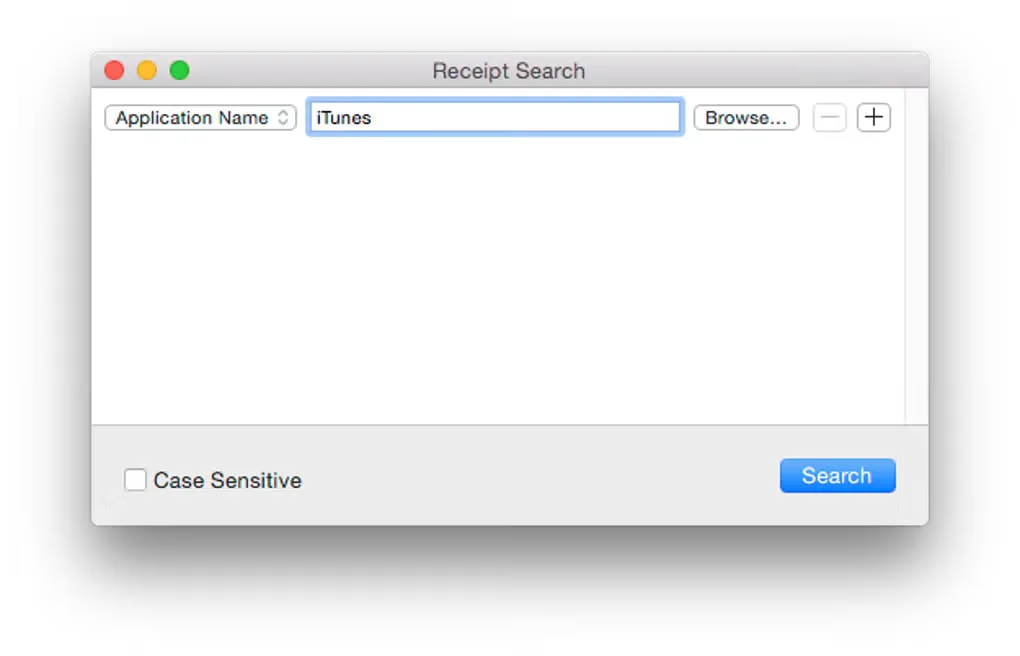
Version 4.1.5 requires macOS 12.0 or later and supports Apple Silicon and 64-bit Intel Macs. Pacifist is commercial software; the publisher notes that version 4 is a paid upgrade from earlier releases. The gallery image shows an older Mac Receipt Search interface, not a verified capture of version 4.1.5.
What it offers
- Inspect .pkg installers, .dmg disk images and supported file archives.
- Extract selected files and folders rather than an entire package.
- Examine installation scripts and other package resources.
- Analyze existing installations to investigate the origin of installed files.
- Use a graphical interface, command-line tools or Finder QuickLook integration.
Good to know
- The current version requires macOS 12.0 or later.
- Version 4 is a paid upgrade from earlier releases; the publisher documents a complimentary-upgrade exception for some version 3 purchases.
Product images
Sources
References used for this listing. Retrieval dates do not indicate hands-on testing.
More in utilities
View category ↗
1.1.1.1 with WARP 2026.8.2115.0
Encrypt traffic from your Mac to Cloudflare’s network with WARP, or use DNS-only mode for encrypted DNS queries to the 1.1.1.1 resolver.
1.1.1.1 with WARP 2026.8.2115.0
Encrypt traffic between your Windows PC and Cloudflare, or use encrypted DNS only, with the free 1.1.1.1 with WARP app.

3uTools 9.12.005
Manage iPhone and iPad photos, music, apps and backups from Windows with 3uTools, a free utility that also includes device checks and firmware flashing tools.