

Development macOS
Nova for macOS
Edit code, manage Git changes and work with remote files in Nova, Panic's native Mac editor with an integrated terminal, debugging tools and a 30-day trial.
Version 14.1 · Direct publisher file
Link checked · Download guidance
What is Nova?
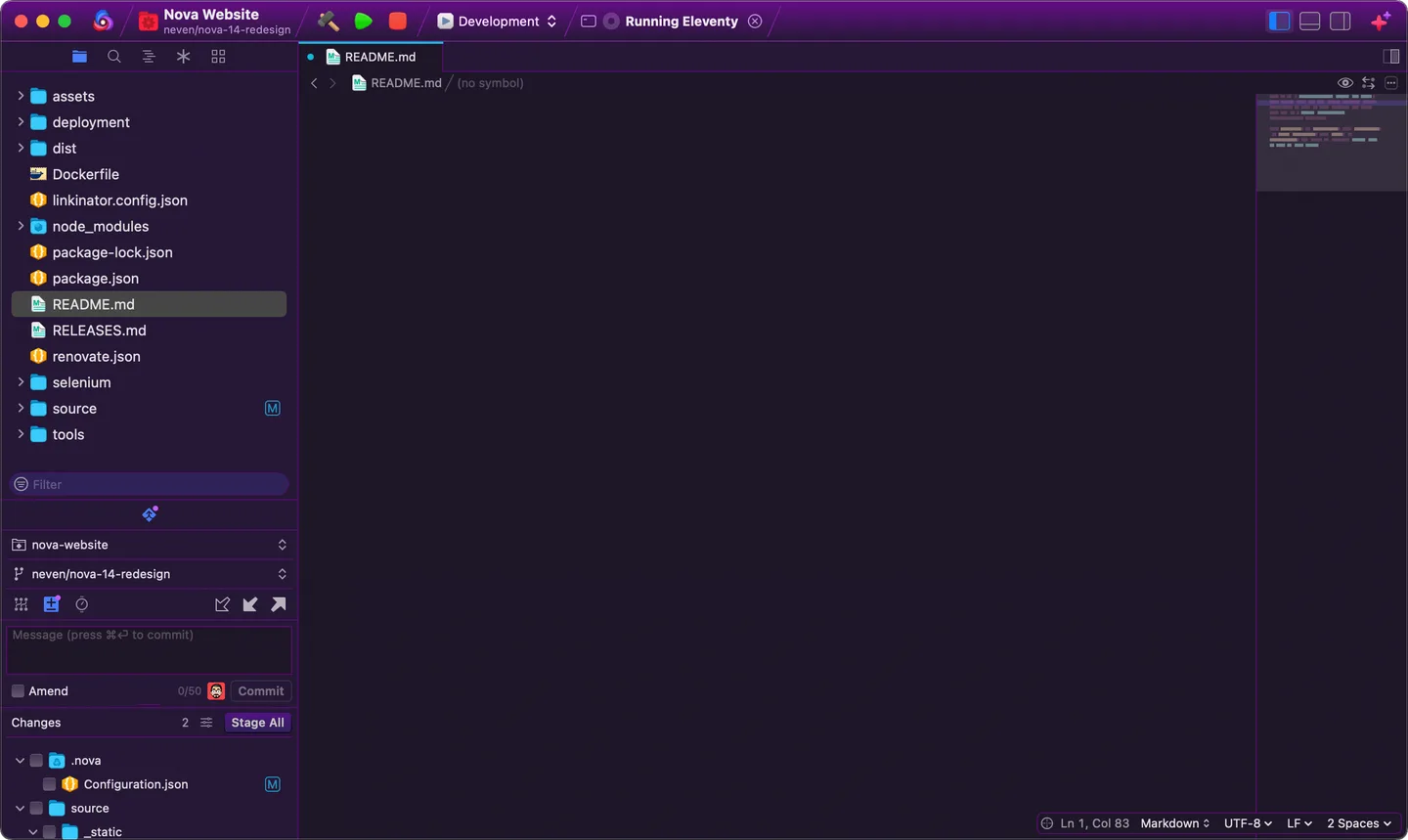
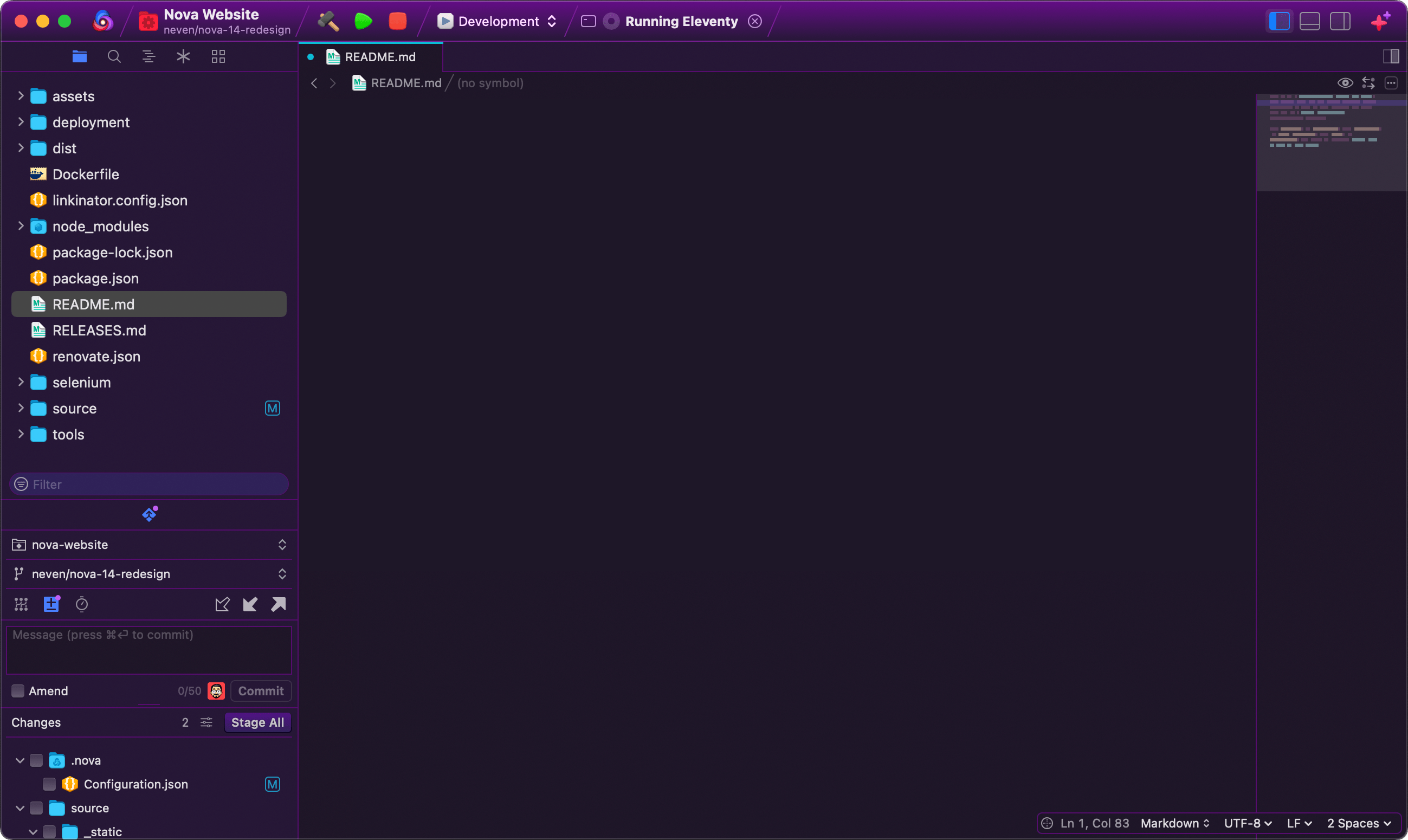
Nova is Panic's native code editor for Mac. It brings a project file browser, code editor, terminal and Git tools into one workspace, with remote file management for projects hosted on a server. Multiple cursors, a minimap, custom build and run tasks, and live previews support editing and checking a project without treating the editor as a separate step from the rest of the workflow.
Nova 14 adds integrated language-server management and built-in language and debugging support for C, C++, C#, Swift and Rust. You can configure editor settings per language and extend Nova with additional language support, themes and other JavaScript-based extensions.
The publisher offers a full-featured trial for up to 30 days from first launch; continued use requires a purchase. The current publisher download requires macOS 15.6 or later and is distributed as a ZIP archive. This entry links to Panic's rolling download URL, which resolved to Nova 14.1 when its headers were checked. The application was not installed or run for this entry.
What it offers
- Use a project workspace with a file browser, integrated terminal and Git controls.
- Edit with multiple cursors and a minimap, and configure display, indentation and line wrapping per language.
- Detect, install and manage supported language servers; Nova 14 includes language and debugging support for C, C++, C#, Swift and Rust.
- Browse, edit, manage and publish files on remote servers from the editor.
- Configure build, run and clean tasks, use debugging tools and preview web pages while editing.
- Add language support, themes and other capabilities through Nova extensions.
Good to know
- The full-featured trial lasts up to 30 days from first launch; continued use requires a purchase.
- The current publisher download requires macOS 15.6 or later; the older macOS requirement listed on Softonic does not describe this package.
Product images
Sources
References used for this listing. Retrieval dates do not indicate hands-on testing.
More in development
View category ↗
010 Editor 17.0
Inspect and edit binary files on Mac with 010 Editor, a paid text and hex editor with Binary Templates, file comparison and a 30-day trial.
010 Editor 17.0
Inspect and edit binary files with 010 Editor for Windows, a text and hex editor with Binary Templates, file comparison and scripting. Includes a 30-day trial.
10x Editor
Edit and navigate C++ projects on Windows with a built-in parser, workspace search and Visual Studio project support. A paid license is required after the 30-day trial.