
Development Windows
PCB Artist
Create circuit schematics and printed circuit board layouts with PCB Artist, AdvancedPCB’s free Windows design software with component libraries, routing and design rule checks.
- Operating system
- Windows 7–10 listed on the product page
- Architecture
- Not specified by the publisher for this download
- Download package
- ZIP archive (PCBArtist_4.zip)
The linked FAQ lists Windows Vista–11, unlike the product page. CPU architecture and exact package version are unconfirmed. Publisher lists at least 1.26 GB installed disk space.
Link checked · Download guidance
What is PCB Artist?
PCB Artist brings schematic capture and PCB layout into one Windows application. Use it to draw multi-sheet circuits, place components on a board and route their connections. Its component libraries and symbol-creation tools support building a design from existing parts or custom footprints. Design rule checks help identify clearance and routing problems before fabrication.
The software is offered without licensing fees and connects to AdvancedPCB’s manufacturing workflow. Manual and automated routing, copper pours and BOM/position CSV exports support the move from a circuit diagram to a board order.
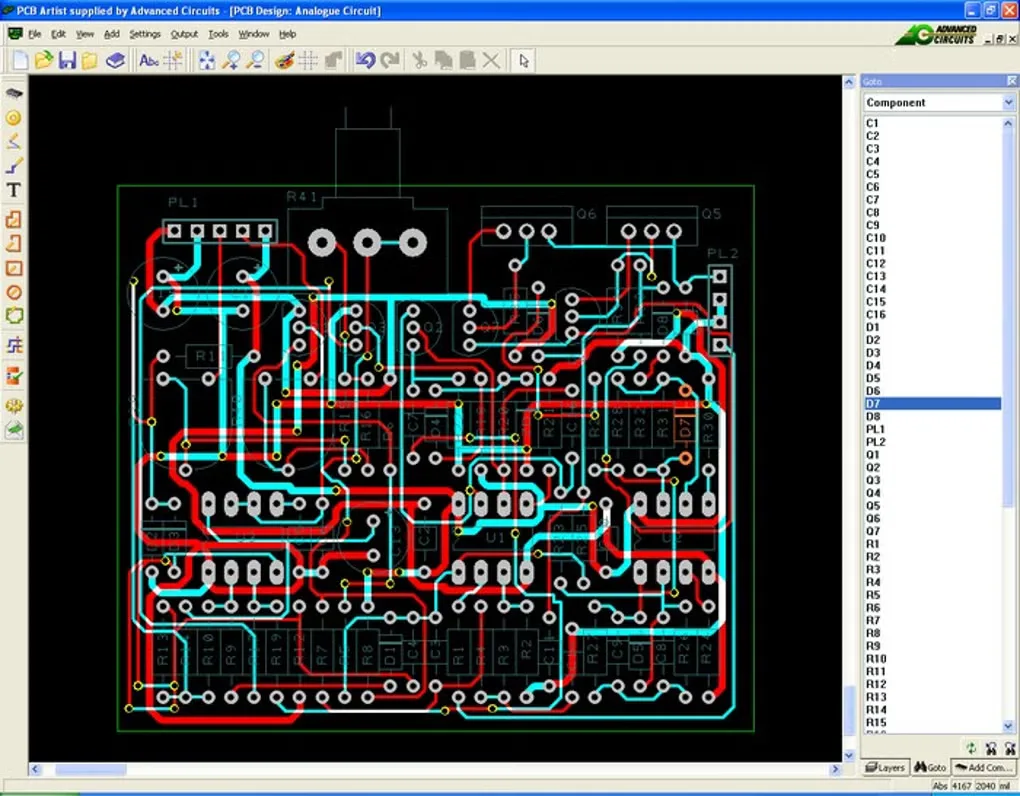
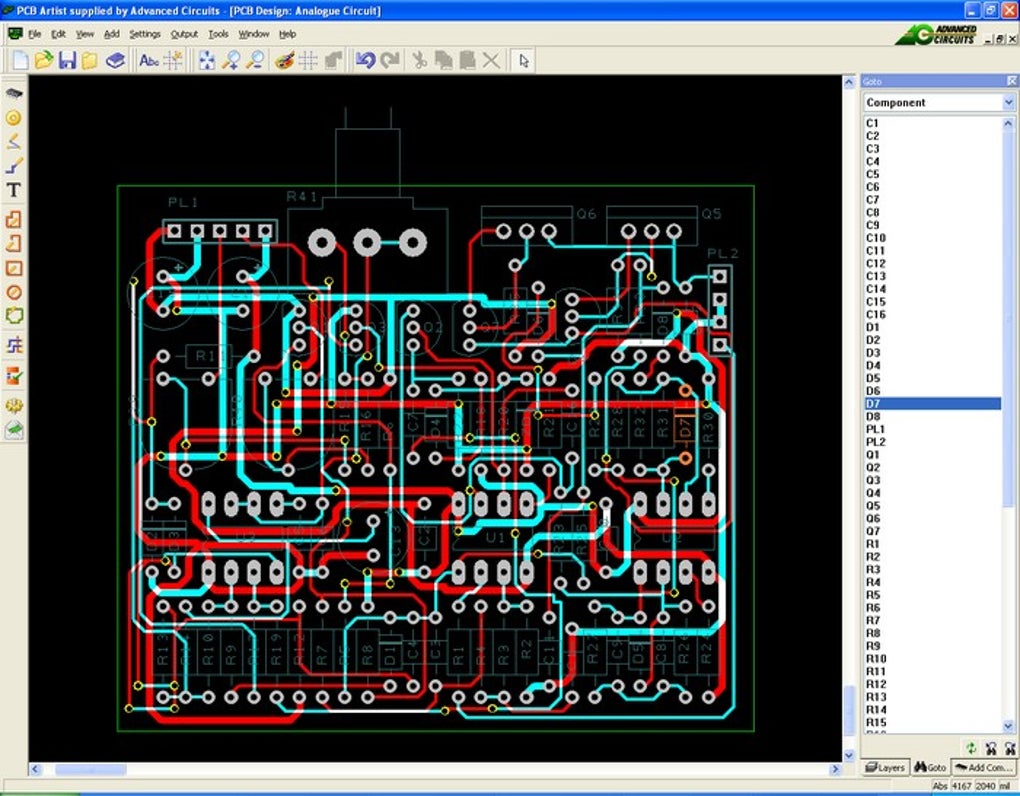
Do not assume that free software means unrestricted, immediate Gerber export for another manufacturer. The publisher’s product page promotes Gerber generation, but its comparison footnote conditions free Gerber files on a first order for each part number. Its linked FAQ says Gerber files are supplied on request for boards ordered and processed by AdvancedPCB’s CAM department. Confirm those terms before choosing the tool for an independent fabrication workflow. The gallery image shows an older PCB Artist interface; it does not establish the appearance or version of the linked package.
What it offers
- Create multi-sheet schematics and synchronized PCB layouts in one application.
- Place components and route single-sided, double-sided or multilayer boards with manual and automated tools.
- Use component libraries and symbol, footprint and part-creation wizards.
- Check design rules and work with copper pours and power planes.
- Export component, bill-of-materials and position data as CSV.
Good to know
- Free Gerber files are conditional: the product page specifies a first order for each part number, and the FAQ describes files supplied on request after AdvancedPCB order processing.
- Published Windows requirements differ between the product page and FAQ; Windows 11 compatibility has not been independently verified. Native macOS and Linux support is not listed.
Product images
Sources
References used for this listing. Retrieval dates do not indicate hands-on testing.
More in development
View category ↗
010 Editor 17.0
Inspect and edit binary files on Mac with 010 Editor, a paid text and hex editor with Binary Templates, file comparison and a 30-day trial.
010 Editor 17.0
Inspect and edit binary files with 010 Editor for Windows, a text and hex editor with Binary Templates, file comparison and scripting. Includes a 30-day trial.
10x Editor
Edit and navigate C++ projects on Windows with a built-in parser, workspace search and Visual Studio project support. A paid license is required after the 30-day trial.