
Utilities Windows
PDF Anti-Copy for Windows
Reprocess selected PDF pages to restrict text copying and conversion with PDF Anti-Copy for Windows. A paid Pro upgrade adds watermark-free output and commercial use.
- Operating system
- Windows 11, 10, 8, 7, Vista and XP
- Architecture
- 32-bit and 64-bit Windows listed by publisher
- Download package
- EXE installer
Publisher-stated compatibility, not independently tested. The selected installer has no separately identified architecture; a portable ZIP is offered separately.
Link checked · Download guidance
What is PDF Anti-Copy?
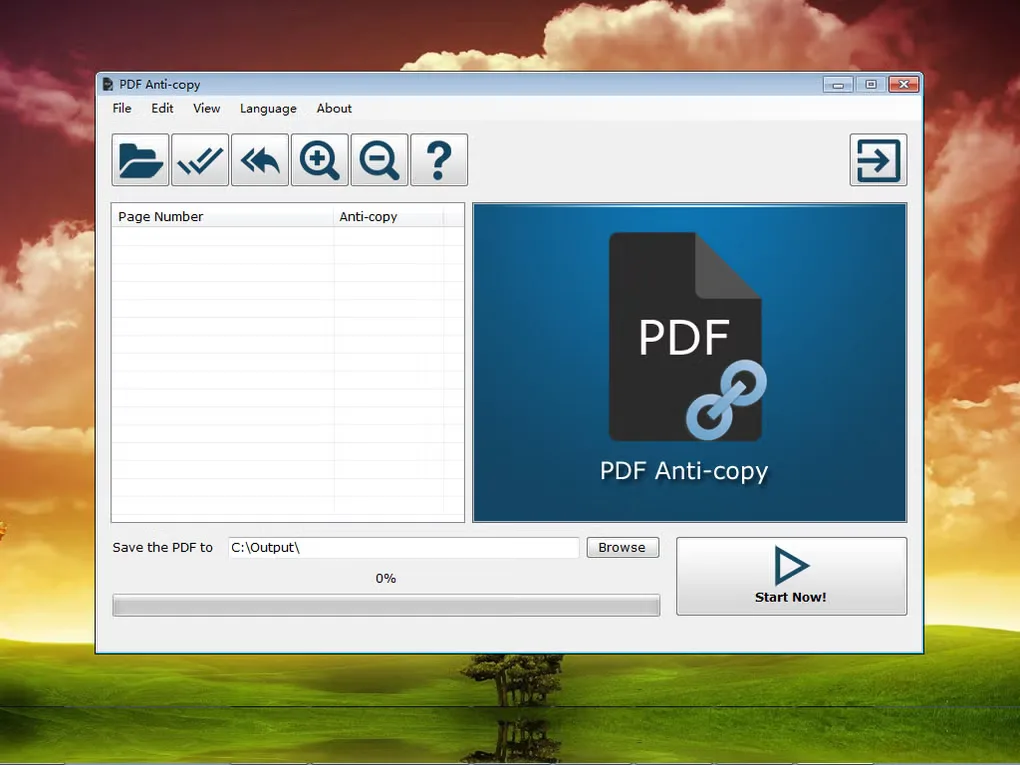
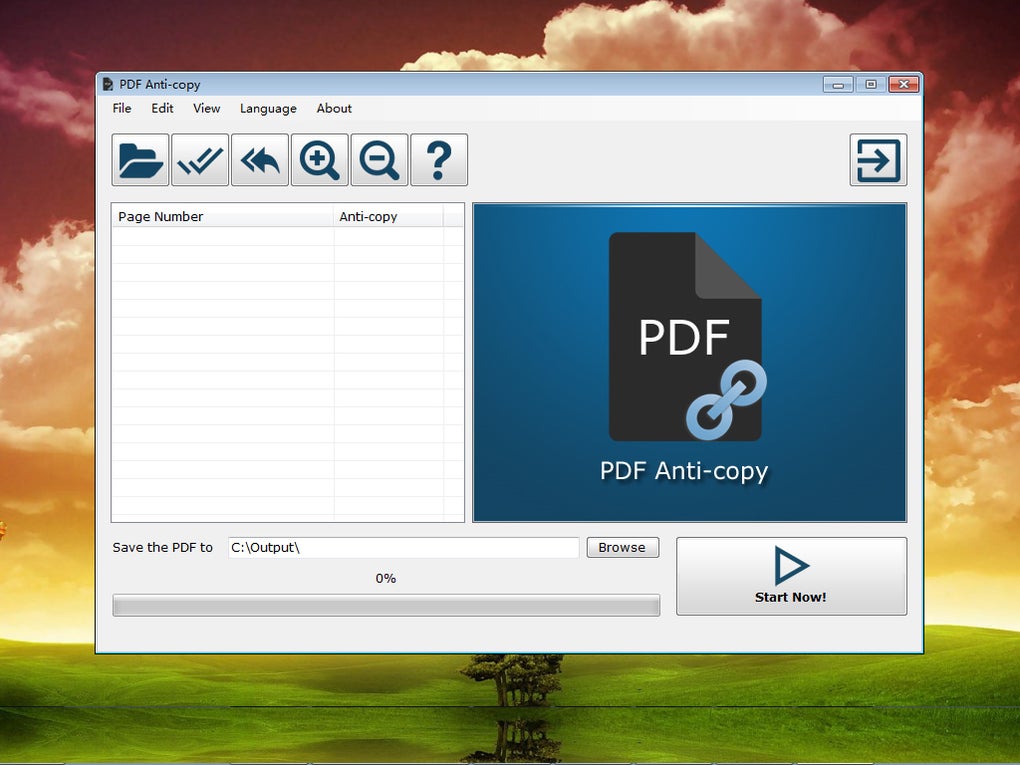
PDF Anti-Copy is a Windows utility for preparing PDFs whose text should remain viewable without being readily copied into editable documents. The publisher describes a process that reworks words and graphics on selected pages rather than relying only on ordinary PDF permission restrictions. You open a PDF, choose the pages to protect, select an output folder and start processing. The application also offers a printing restriction option.
That protection has practical trade-offs. Softonic reports that processed PDFs lose text search and become larger, so this is not a good fit when readers need searchable text. The publisher lists commercial use and removal of the output watermark as Pro benefits; the free edition should not be presented as an unrestricted commercial license. The publisher currently labels its Windows installer V2.6, while Softonic lists the older 2.2.4.0. The download here uses the publisher's installer, not a separate portable package.
What it offers
- Select individual PDF pages for anti-copy processing.
- Reprocess page text and graphics to restrict copying and conversion to editable formats.
- Apply a PDF printing restriction.
- Choose an output folder for processed documents.
Good to know
- Softonic reports that protected PDFs lose text search and have significantly larger file sizes.
- The publisher lists watermark-free output and commercial use as paid Pro benefits.
Product images
Sources
References used for this listing. Retrieval dates do not indicate hands-on testing.
More in utilities
View category ↗
1.1.1.1 with WARP 2026.8.2115.0
Encrypt traffic from your Mac to Cloudflare’s network with WARP, or use DNS-only mode for encrypted DNS queries to the 1.1.1.1 resolver.
1.1.1.1 with WARP 2026.8.2115.0
Encrypt traffic between your Windows PC and Cloudflare, or use encrypted DNS only, with the free 1.1.1.1 with WARP app.

3uTools 9.12.005
Manage iPhone and iPad photos, music, apps and backups from Windows with 3uTools, a free utility that also includes device checks and firmware flashing tools.