

Utilities Windows
PeaZip for Windows
Create ZIP and 7Z archives, extract RAR files and split large archives with PeaZip, a free, open-source archive manager for Windows.
- Operating system
- 64-bit Windows with Win32 x86-64 application support
- Architecture
- x64 (x86-64 / AMD64)
- Download package
- EXE installer
This is the installed x64 edition, not the portable ZIP or MSIX package. The publisher offers a separate 32-bit edition.
Link checked · Download guidance
What is PeaZip?
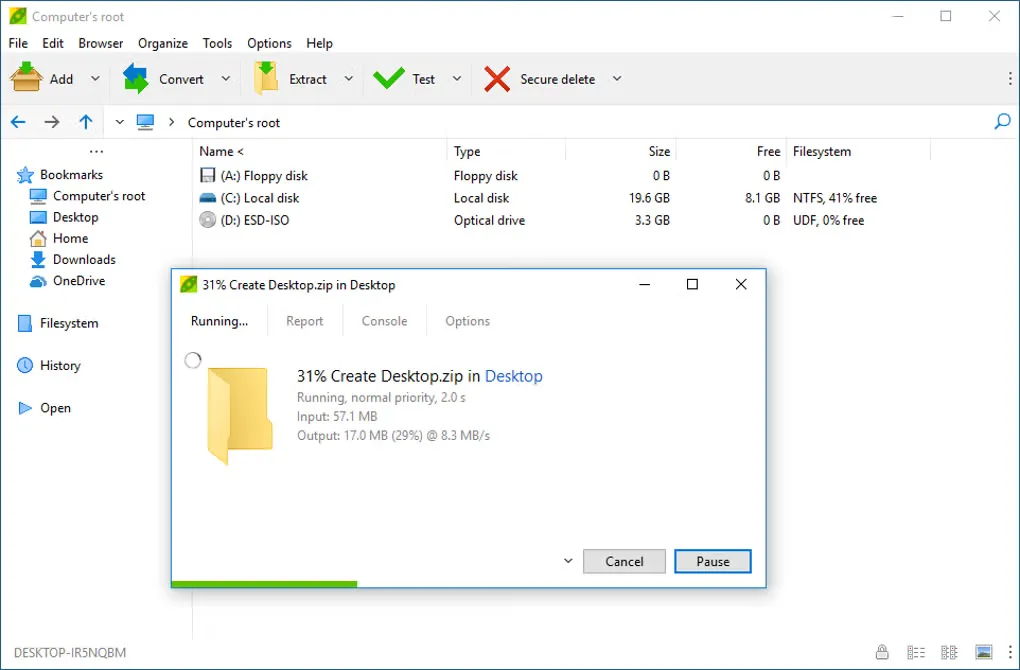
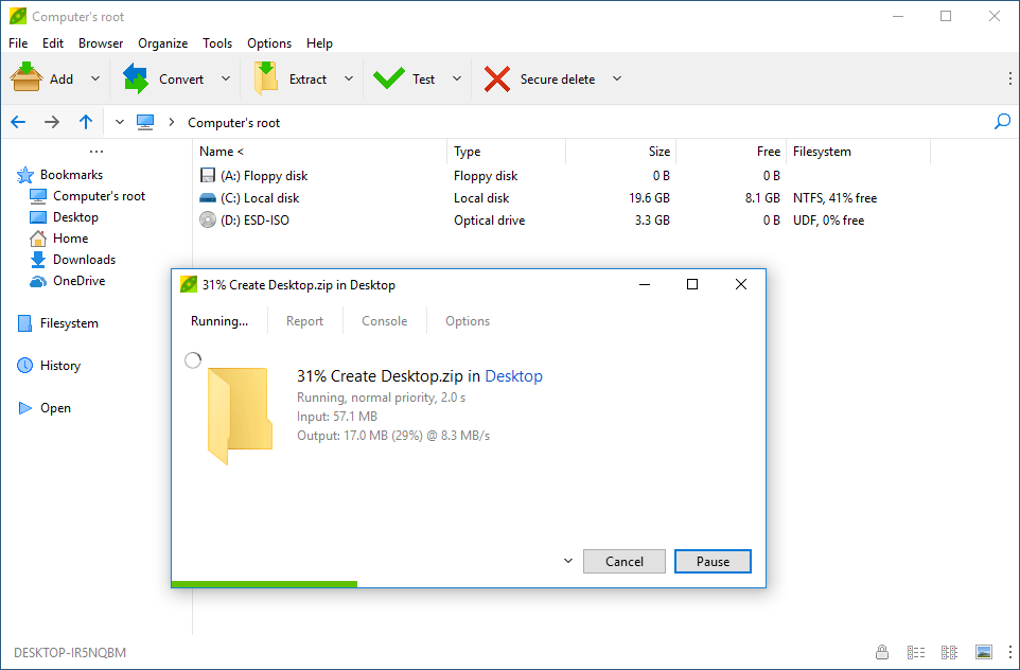
PeaZip packs files into archives and opens compressed files you receive. Its file-manager interface supports drag-and-drop archiving and extraction, while Windows right-click menu entries provide access from a folder. It can create ZIP, 7Z and TAR archives, encrypt supported formats, split files and calculate checksums. Tasks can also be exported as command-line scripts for reuse.
The download here is the Windows x64 EXE installer, not the separate portable ZIP or MSIX package. RAR and RAR5 extraction works without an extra tool, but creating RAR archives requires a separately installed WinRAR backend and its own license terms. Use ZIP or 7Z if you want to create archives with PeaZip alone.
What it offers
- Create ZIP, 7Z, TAR and other supported archive formats; extract RAR and RAR5 files.
- Use drag-and-drop or Windows context-menu entries for archiving and extraction.
- Encrypt supported archives and create multi-volume archives or split and join files.
- Calculate file hashes and checksums, and export tasks as command-line scripts.
Good to know
- RAR creation is not built in: it requires a separately installed WinRAR backend, subject to WinRAR's license terms. RAR extraction does not require it.
Product images
Sources
References used for this listing. Retrieval dates do not indicate hands-on testing.
More in utilities
View category ↗
1.1.1.1 with WARP 2026.8.2115.0
Encrypt traffic from your Mac to Cloudflare’s network with WARP, or use DNS-only mode for encrypted DNS queries to the 1.1.1.1 resolver.
1.1.1.1 with WARP 2026.8.2115.0
Encrypt traffic between your Windows PC and Cloudflare, or use encrypted DNS only, with the free 1.1.1.1 with WARP app.

3uTools 9.12.005
Manage iPhone and iPad photos, music, apps and backups from Windows with 3uTools, a free utility that also includes device checks and firmware flashing tools.