

Development Windows
pgAdmin 4 for Windows
Manage PostgreSQL databases, write SQL and inspect query plans with pgAdmin 4, an open-source administration tool available as a Windows desktop application.
- Operating system
- Windows 10 / Windows Server 2016 and above, per publisher
- Architecture
- x64 (64-bit)
- Download package
- EXE installer
Includes the desktop runtime and web application. Publisher states that Windows installers are signed; signature and installation were not independently checked.
Link checked · Download guidance
What is pgAdmin 4?
pgAdmin 4 gives PostgreSQL administrators and developers a graphical workspace for database objects, SQL queries and routine maintenance. Browse tables, roles and schemas, inspect their SQL definitions, or use the Query Tool to write statements with syntax highlighting and review results in a data grid. Graphical query plans help you examine how PostgreSQL executes a query.
The Windows package includes the desktop runtime and web application. Desktop mode provides a local application, while server mode supports access by multiple users through a browser. Tools include a monitoring dashboard, backup and restore, schema comparison and an ERD tool for designing or documenting schemas.
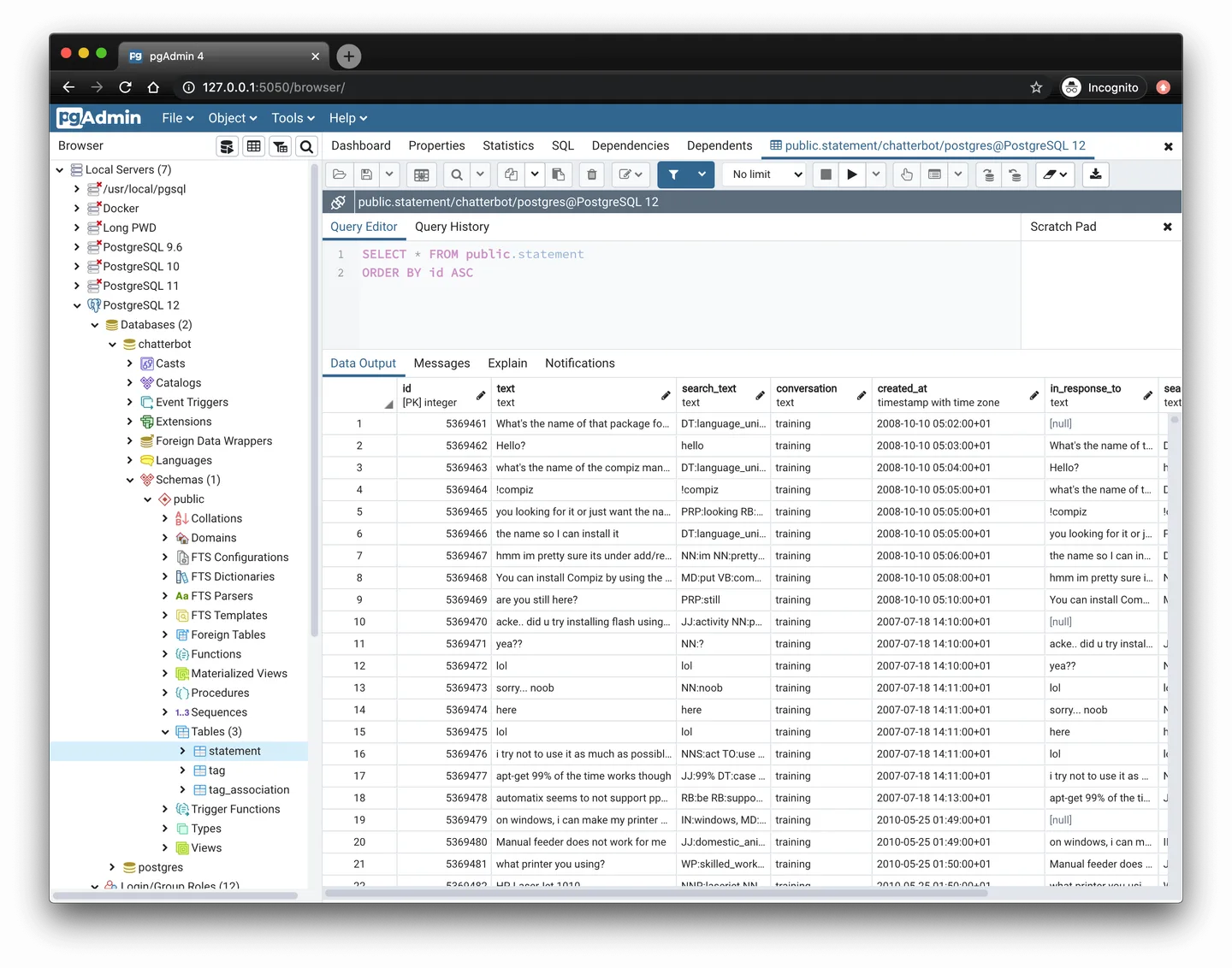
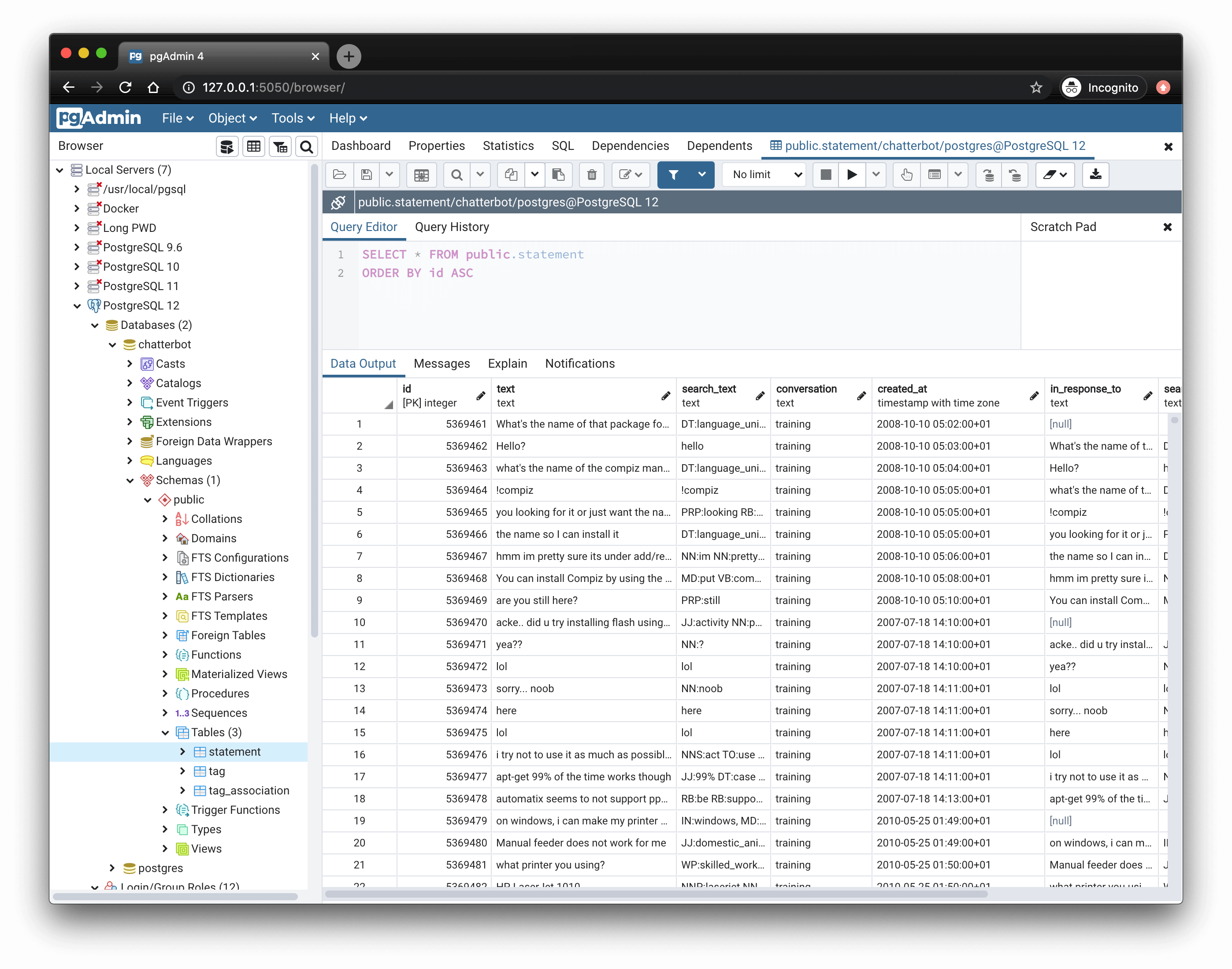
Before managing a database, register a PostgreSQL server connection and authenticate with an appropriate database role. The server must allow connections from your client; installing the management interface does not bypass its access controls. The linked EXE is the Windows x64 package for version 9.18. The publisher screenshot illustrates the shared browser-based interface on macOS, not a verified Windows 9.18 installation.
What it offers
- Browse, create and edit common PostgreSQL objects, with SQL definitions and dependency information.
- Write SQL with syntax highlighting, auto-completion and query history, and inspect graphical EXPLAIN plans.
- View and edit query results in a data grid.
- Use monitoring, backup and restore, schema comparison and ERD tools.
- Choose desktop mode or a server deployment accessed through a browser.
Good to know
- Database management requires a registered server connection and authentication; the PostgreSQL server must permit connections from the client host.
- This download requires 64-bit Windows. The publisher lists Windows 10 or Windows Server 2016 and above for version 7.0 onward; current packages are not for 32-bit Windows.
Product images
Sources
References used for this listing. Retrieval dates do not indicate hands-on testing.
- pgAdmin 4 - Download — normal browser observation ↗Retrieved
- pgAdmin - PostgreSQL Tools ↗Retrieved
- pgAdmin 4 (Windows) — publisher download requirements ↗Retrieved
- PostgreSQL File Browser — pgAdmin 4 v9.18 Windows ↗Retrieved
- Everything PostgreSQL, in one place — features and screenshots ↗Retrieved
- pgAdmin Licence ↗Retrieved
- Connecting To A Server — pgAdmin 4 9.18 documentation ↗Retrieved
- Server Dialog — pgAdmin 4 9.18 documentation ↗Retrieved
More in development
View category ↗
010 Editor 17.0
Inspect and edit binary files on Mac with 010 Editor, a paid text and hex editor with Binary Templates, file comparison and a 30-day trial.
010 Editor 17.0
Inspect and edit binary files with 010 Editor for Windows, a text and hex editor with Binary Templates, file comparison and scripting. Includes a 30-day trial.
10x Editor
Edit and navigate C++ projects on Windows with a built-in parser, workspace search and Visual Studio project support. A paid license is required after the 30-day trial.