
Development Windows
Pharo Launcher
Download, organize and launch Pharo development images on Windows, with automatic retrieval of the virtual machines they need.
- Operating system
- Windows; supported Windows release numbers are not specified in the cited installation guide
- Architecture
- 64-bit default distribution
- Download package
- MSI installer
Write privileges are required at the installation location. Images and their virtual machines are managed separately from the launcher installer.
Link checked · Download guidance
What is Pharo Launcher?
Pharo Launcher manages separate Pharo development environments from one application. You can create an image from a template, keep multiple images organized, and launch the one you want to work in. Here, an image means a saved Pharo object space and its libraries, not a disk image or photograph.
The launcher can obtain stable, development and older Pharo image templates, then find and download the appropriate virtual machine to run an image. Existing images can be renamed, copied or deleted. This makes it useful when maintaining projects in different Pharo environments rather than using one shared installation.
The Windows download is an MSI installer; the installation documentation identifies the default distribution as 64-bit. Install in a location where your account has write privileges. Images and missing virtual machines may require additional downloads, so the launcher package alone is not proof that every development environment is available offline. The publisher also reports that Windows antivirus software can block virtual-machine downloads.
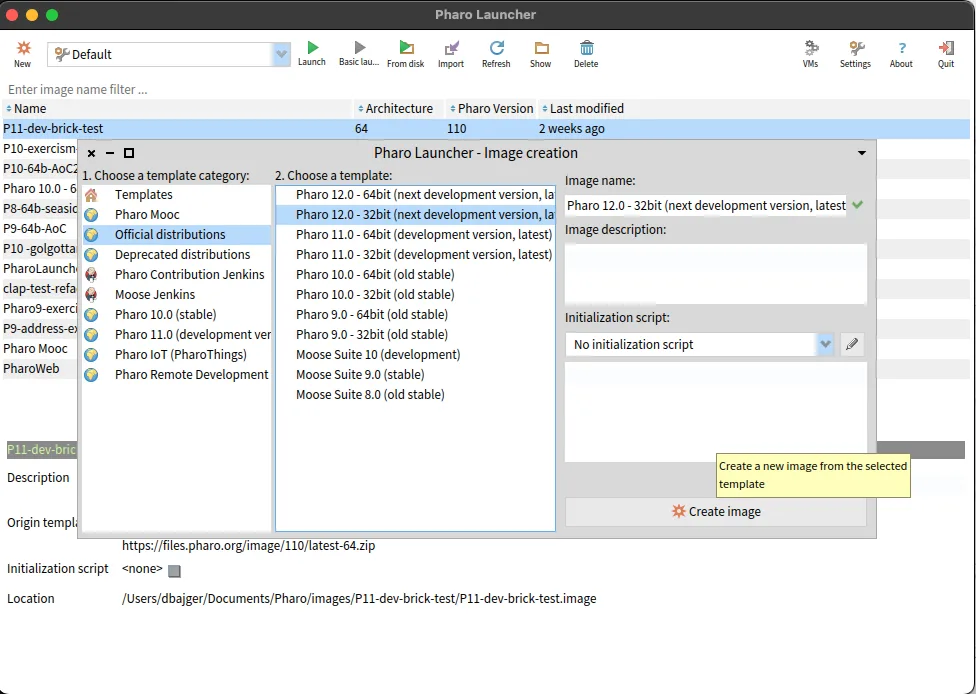
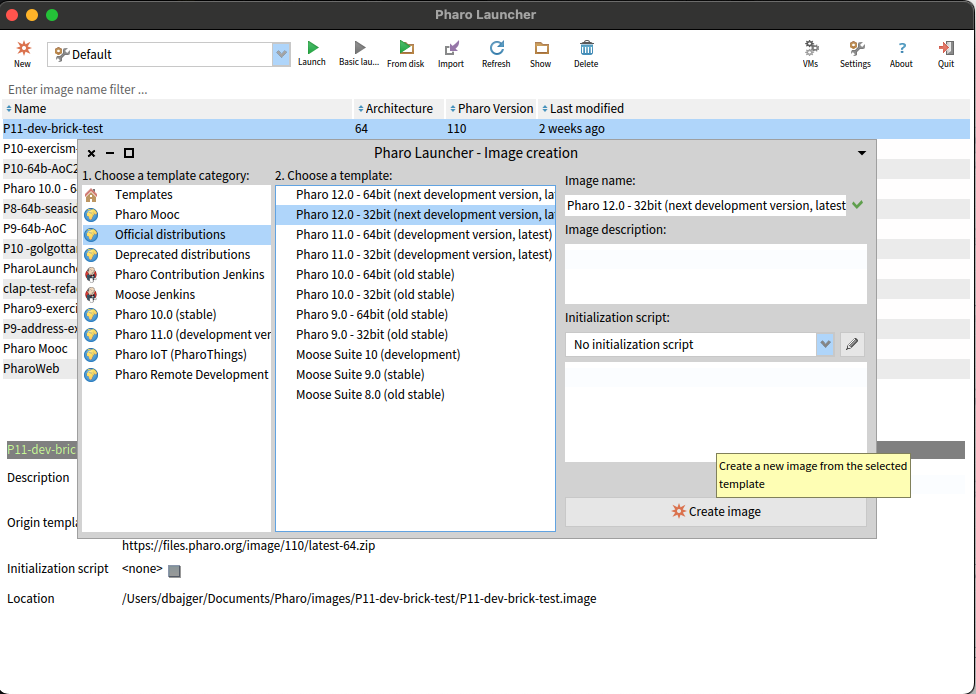
The screenshot is the publisher's cross-platform interface illustration, with macOS window chrome and an image-creation dialog. It illustrates the launcher workflow, not a verified capture of this Windows installer or its current template catalog.
What it offers
- Create separate Pharo images from downloadable templates.
- Launch, rename, copy and delete existing Pharo images.
- Browse image templates from sources including files.pharo.org, Jenkins and a local cache.
- Find and download the appropriate virtual machine for an image.
Good to know
- Creating environments from online templates and obtaining missing virtual machines requires additional downloads.
- Windows antivirus software may prevent virtual-machine downloads, according to the publisher's documentation.
- The Windows installation location must allow your account to write files.
Product images
Sources
References used for this listing. Retrieval dates do not indicate hands-on testing.
- Pharo - Download ↗Retrieved
- Installation - Pharo Launcher documentation ↗Retrieved
- Pharo Launcher - publisher repository README ↗Retrieved
- Pharo Launcher - MIT License ↗Retrieved
More in development
View category ↗
010 Editor 17.0
Inspect and edit binary files on Mac with 010 Editor, a paid text and hex editor with Binary Templates, file comparison and a 30-day trial.
010 Editor 17.0
Inspect and edit binary files with 010 Editor for Windows, a text and hex editor with Binary Templates, file comparison and scripting. Includes a 30-day trial.
10x Editor
Edit and navigate C++ projects on Windows with a built-in parser, workspace search and Visual Studio project support. A paid license is required after the 30-day trial.