

Development Windows
PhpStorm for Windows
Edit PHP projects, navigate framework code, debug with Xdebug and work with databases in JetBrains PhpStorm. This Windows download is a subscription-based IDE with a free 30-day trial.
- Operating system
- Windows 10 and 11
- Architecture
- x64 (x86_64)
- Download package
- EXE installer
Publisher requirements: 4-core CPU, 8 GB total RAM with 3 GB available for IDE processes, 10 GB disk and 1280 × 720 display. JetBrains Runtime is bundled. A separate Windows ARM64 package is available.
Link checked · Download guidance
What is PhpStorm?
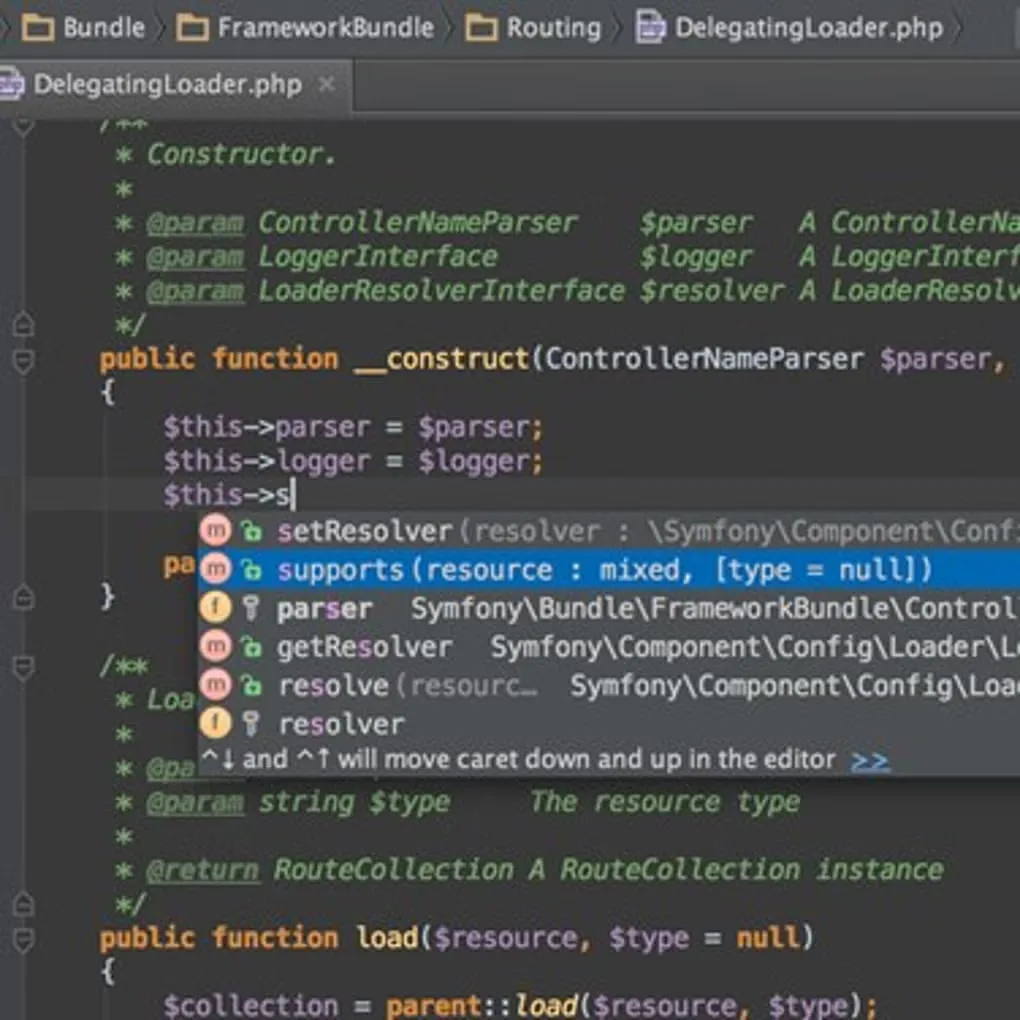
PhpStorm brings PHP editing and web-development tools into one IDE. Code completion, type inference, inspections and refactorings help you work through existing projects, while codebase navigation helps you move between related files and symbols. Framework assistance covers Laravel, Symfony and WordPress; JavaScript and TypeScript support covers the frontend side of a web application.
For investigating application behavior, PhpStorm provides a debugger interface for stepping through code, inspecting output and evaluating expressions, with support for Xdebug configuration. Built-in tools also cover running PHP tests and browsing or querying databases, so those tasks can stay alongside the editor.
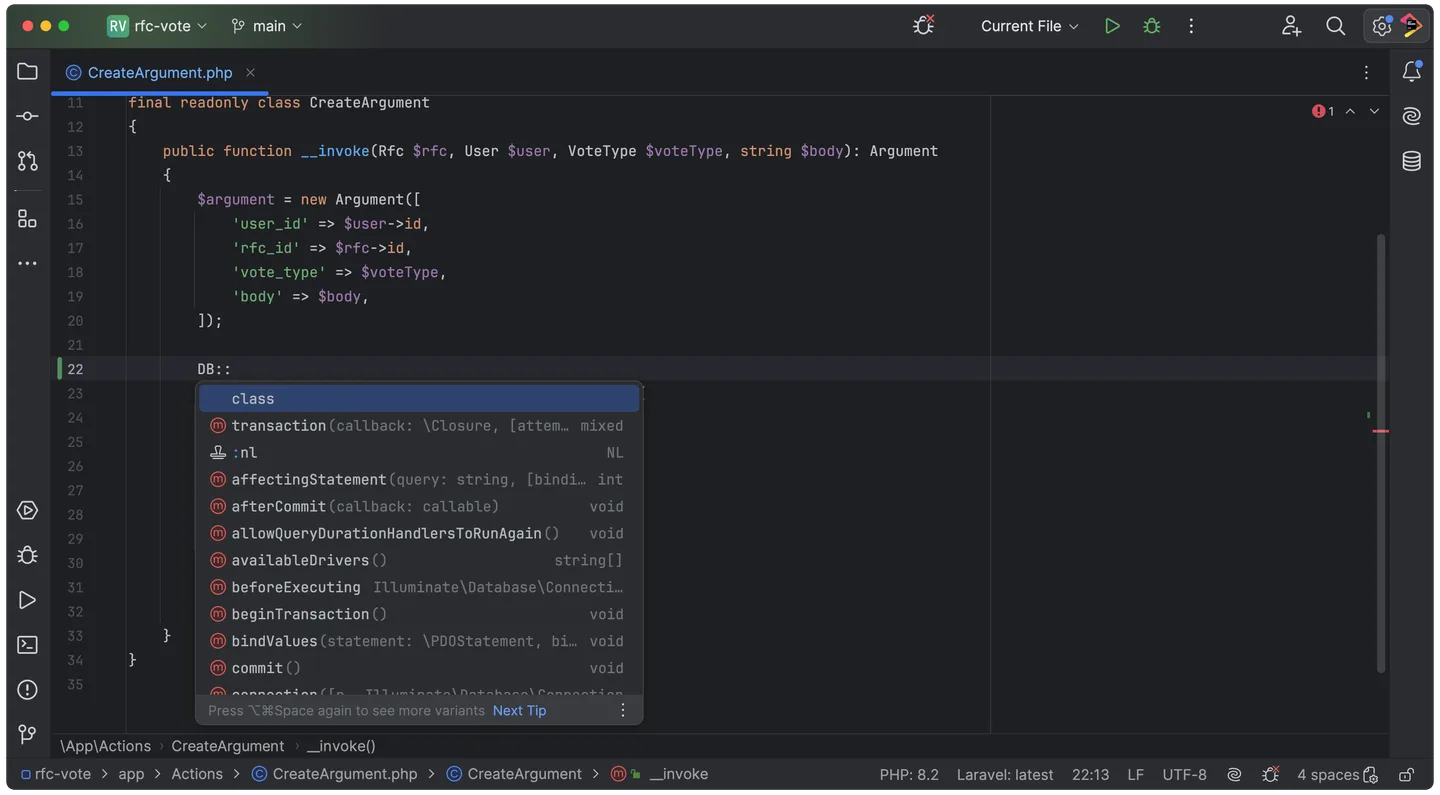
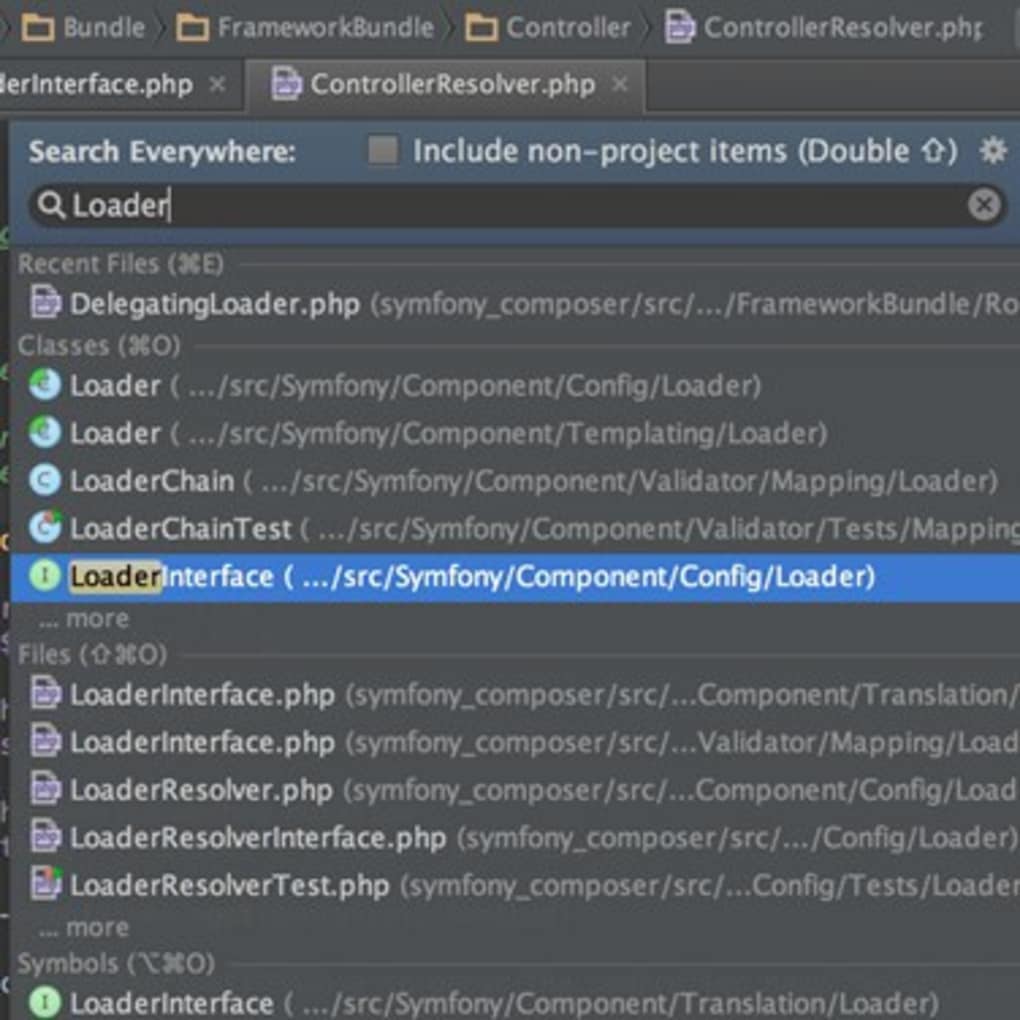
The linked package is the Windows x64 EXE installer for version 2026.2.3, not the separate ARM64 package. PhpStorm is subscription-based, with a free 30-day evaluation rather than unrestricted free use. The publisher lists Windows 10 and 11, 8 GB of total RAM and 10 GB of disk space among its requirements. Screenshots illustrate editor workflows; the publisher's full-window image uses macOS window controls and is not a capture of the Windows installer or proof of the exact downloaded build.
What it offers
- PHP code completion, type inference, error detection, refactorings and codebase navigation.
- Framework assistance for Laravel, Symfony and WordPress, plus JavaScript and TypeScript editing.
- Debugger controls for stepping through code and evaluating expressions, with Xdebug setup support.
- Integrated support for PHPUnit, Pest and other PHP testing tools.
- Database querying and schema browsing for systems including MySQL, PostgreSQL, MongoDB and SQLite.
Good to know
- The standard license is subscription-based; the free evaluation lasts 30 days. Educational and qualifying open-source licenses have separate eligibility rules.
- The publisher lists 8 GB total RAM, 3 GB available for IDE processes and 10 GB disk space; check these requirements before choosing it for a constrained PC.
- This download is the Windows x64 installer. Windows ARM64 requires the separate publisher package.
Product images
Sources
References used for this listing. Retrieval dates do not indicate hands-on testing.
- PhpStorm - Download — normal browser observation ↗Retrieved
- PhpStorm: For PHP That Holds Up — publisher licensing FAQ ↗Retrieved
- PhpStorm Features - JetBrains PHP IDE ↗Retrieved
- Download PhpStorm: The PHP IDE ↗Retrieved
- JetBrains release API — PhpStorm Windows package ↗Retrieved
- Install PhpStorm | PhpStorm 2026.2 Help ↗Retrieved
More in development
View category ↗

010 Editor 17.0
Inspect and edit binary files on Mac with 010 Editor, a paid text and hex editor with Binary Templates, file comparison and a 30-day trial.
010 Editor 17.0
Inspect and edit binary files with 010 Editor for Windows, a text and hex editor with Binary Templates, file comparison and scripting. Includes a 30-day trial.
10x Editor
Edit and navigate C++ projects on Windows with a built-in parser, workspace search and Visual Studio project support. A paid license is required after the 30-day trial.