
Development Windows
Playdate SDK
Build Playdate games on Windows with Panic's Lua and C APIs, compiler, documentation and desktop Simulator for local development.
Version 3.1.2 · Direct publisher file
Link checked · Download guidance
What is Playdate SDK?
Playdate SDK provides the tools for programming games for Panic's Playdate handheld. It includes Lua and C APIs, the pdc command-line compiler, libraries, sample code, assets and documentation. The desktop Simulator runs Playdate projects locally and emulates controls such as the crank and accelerometer; profiling tools help investigate game performance.
This Windows download is the programming SDK, not Pulp, Panic's separate browser-based game editor. The Simulator is useful for development, but Panic warns that games run considerably faster there than on the handheld, so device performance still needs checking on Playdate hardware. The SDK's proprietary license permits development for Playdate and restricts redistribution of the SDK itself.
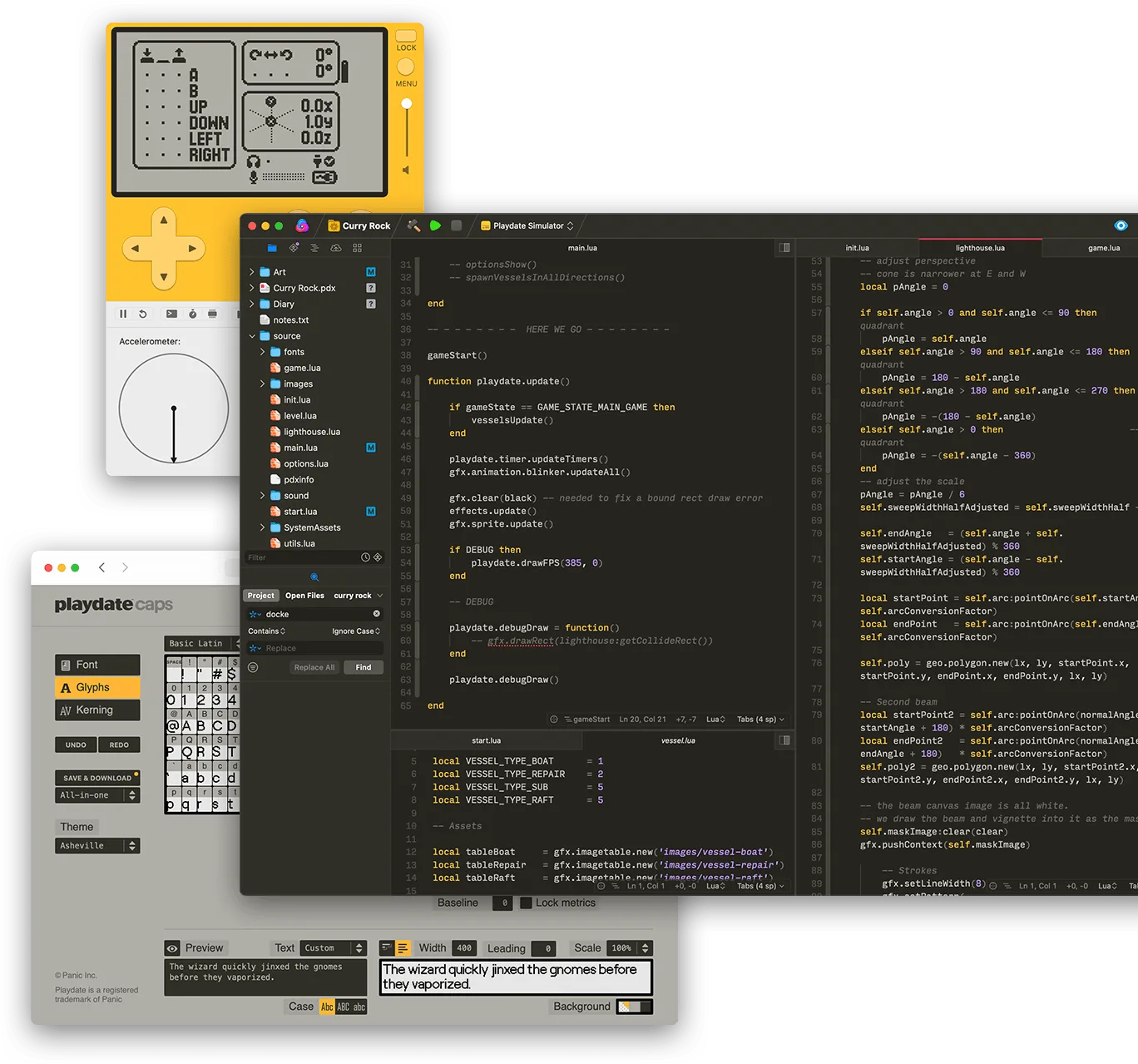
The publisher illustration shows the Playdate Simulator alongside a macOS code editor and a browser font tool. It illustrates the development workflow, not the appearance of the Windows installer or a verified Windows installation.
What it offers
- Write Playdate games using Lua, C or a combination of the two languages.
- Compile game projects with the pdc command-line tool.
- Run projects in the desktop Simulator with emulated crank and accelerometer controls.
- Use profiling tools, API references, libraries and example code during development.
Good to know
- Simulator performance is considerably faster than Playdate hardware; check performance on the handheld as well.
- The proprietary SDK license restricts redistribution and development for other platforms without Panic's written permission.
Product images
Sources
References used for this listing. Retrieval dates do not indicate hands-on testing.
More in development
View category ↗

010 Editor 17.0
Inspect and edit binary files on Mac with 010 Editor, a paid text and hex editor with Binary Templates, file comparison and a 30-day trial.
010 Editor 17.0
Inspect and edit binary files with 010 Editor for Windows, a text and hex editor with Binary Templates, file comparison and scripting. Includes a 30-day trial.
10x Editor
Edit and navigate C++ projects on Windows with a built-in parser, workspace search and Visual Studio project support. A paid license is required after the 30-day trial.