

Utilities Windows
PowerGREP for Windows
Search files and folders with regular expressions, preview batch replacements and extract log data with PowerGREP for Windows. The publisher offers a restricted 15-day-use trial.
- Operating system
- Windows XP, Vista, 7, 8, 8.1, 10 and 11, as listed by the publisher for version 5.4.1
- Architecture
- 32-bit and 64-bit Windows, as listed by the publisher
- Download package
- EXE evaluation installer (SetupPowerGREPDemo.exe)
OS and bitness are publisher declarations from the licensed-version selector, not independent installer inspection. This link supplies the evaluation version.
Link checked · Download guidance
What is PowerGREP?
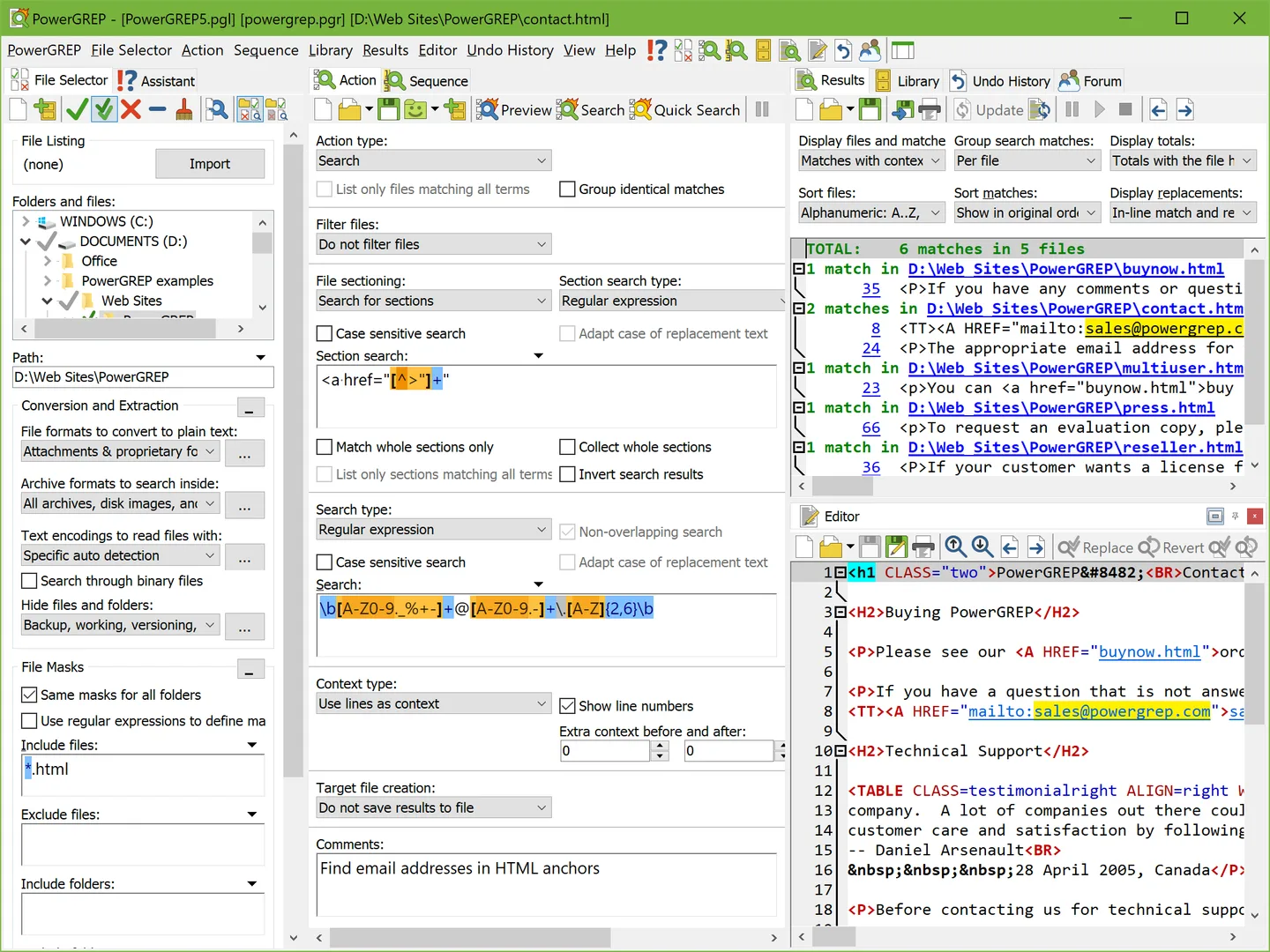
PowerGREP searches across files on a Windows PC or network using literal text or regular expressions. It is useful for finding patterns in source code, locating information in documents and collecting data from logs. The publisher lists support for text and binary files, compressed archives, Word documents, Excel spreadsheets, PDFs and OpenOffice files. A built-in text and hexadecimal editor lets you inspect matching content.
For batch editing, PowerGREP can preview replacements before applying them. Its results view lets you make or revert individual replacements or changes within a particular file. Multiple search terms and regular expressions can be used in the same action, rather than repeating a separate search for each pattern.
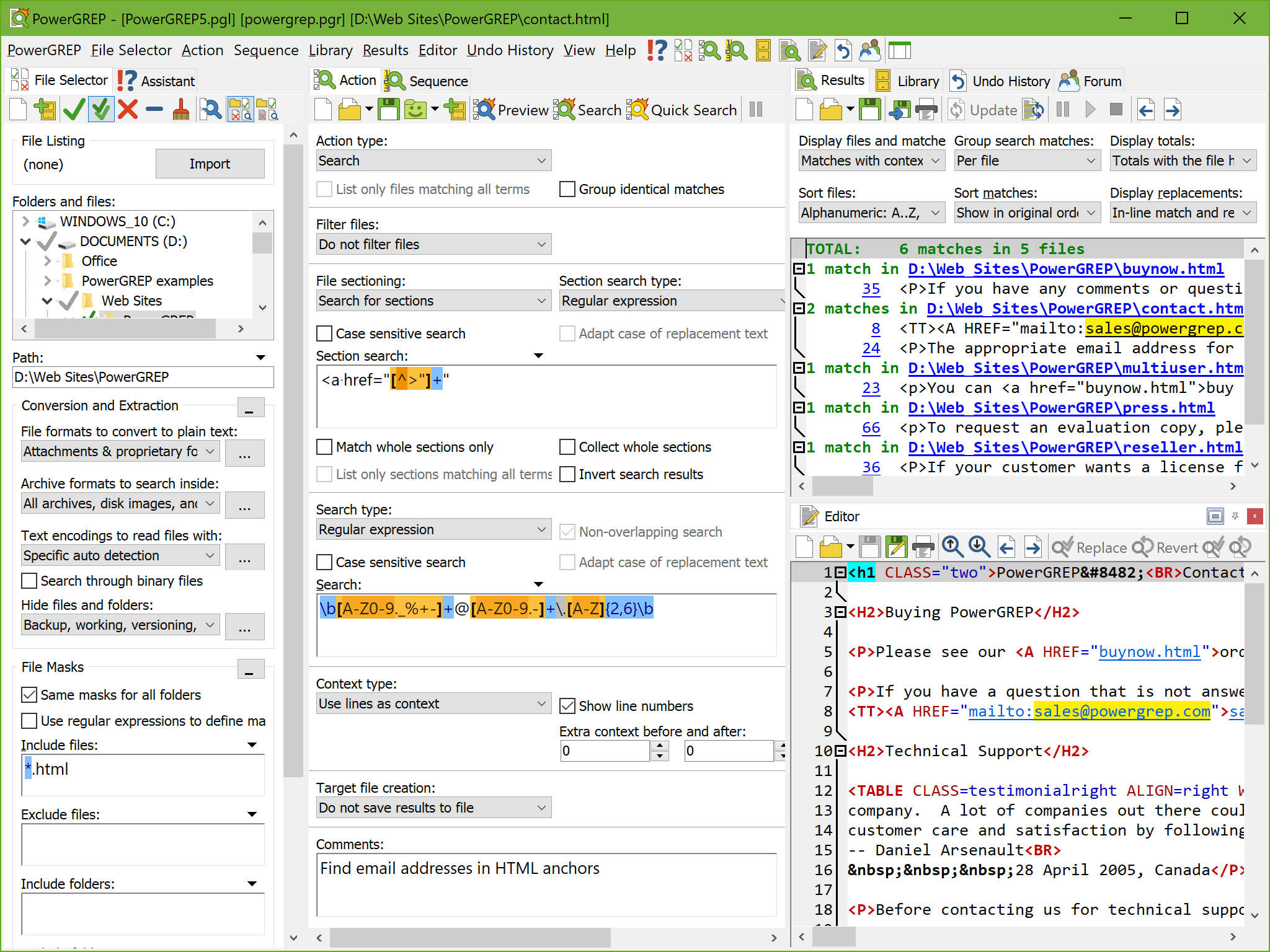
The linked EXE is the publisher's evaluation download, not an unrestricted free edition. It allows 15 days of actual use but cannot save results or libraries, and it does not provide access to the PowerGREP forum. Action definitions can still be saved. The screenshot is a publisher-provided illustration of the search interface, not evidence of an installation or test by SoftGalaxy.
What it offers
- Search local and network files with literal text or regular expressions, including multiple terms in one action.
- Search supported documents, compressed archives, text files and binary files.
- Preview batch replacements and make or revert individual replacements from the results view.
- Extract information and statistics from log files and inspect content in a built-in text and hexadecimal editor.
Good to know
- The evaluation version is limited to 15 days of actual use; it is not an unrestricted free edition.
- The trial cannot save results or libraries and cannot access the PowerGREP forum, though it can save action definitions.
Product images
Sources
References used for this listing. Retrieval dates do not indicate hands-on testing.
More in utilities
View category ↗
1.1.1.1 with WARP 2026.8.2115.0
Encrypt traffic from your Mac to Cloudflare’s network with WARP, or use DNS-only mode for encrypted DNS queries to the 1.1.1.1 resolver.
1.1.1.1 with WARP 2026.8.2115.0
Encrypt traffic between your Windows PC and Cloudflare, or use encrypted DNS only, with the free 1.1.1.1 with WARP app.

3uTools 9.12.005
Manage iPhone and iPad photos, music, apps and backups from Windows with 3uTools, a free utility that also includes device checks and firmware flashing tools.