
Utilities Windows
PowerISO
Create, edit, extract and mount disc images, burn CDs, DVDs and Blu-ray discs, or make bootable USB drives with PowerISO for Windows. The free trial limits image creation and editing to 300 MB.
- Operating system
- Windows 10 and Windows 11; publisher also lists older Windows versions
- Architecture
- 32-bit and 64-bit edition
- Download package
- EXE installer
This link is the publisher's combined 64-bit and 32-bit edition. A separate ARM64 edition is available. Compatibility is publisher-stated, not independently tested.
Link checked · Download guidance
What is PowerISO?
PowerISO brings disc-image editing, virtual drives and disc burning into one Windows application. Use it to create or extract ISO images, change the files inside an image, or mount an image as a virtual drive to browse its contents without extracting everything first. It also copies optical discs to image files and creates bootable USB drives from ISO files.
The publisher offers PowerISO as commercial software with a free, unregistered trial. That trial displays a registration prompt and cannot create or edit image files larger than 300 MB. Registration removes those restrictions; a free download is not an unrestricted free license. The linked EXE is the publisher's combined 64-bit and 32-bit edition, with an ARM64 edition offered separately.
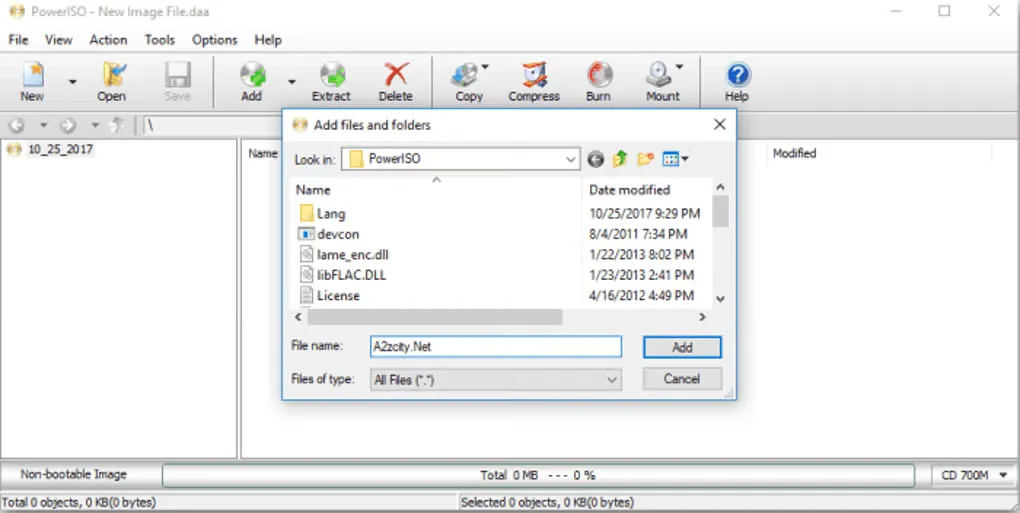
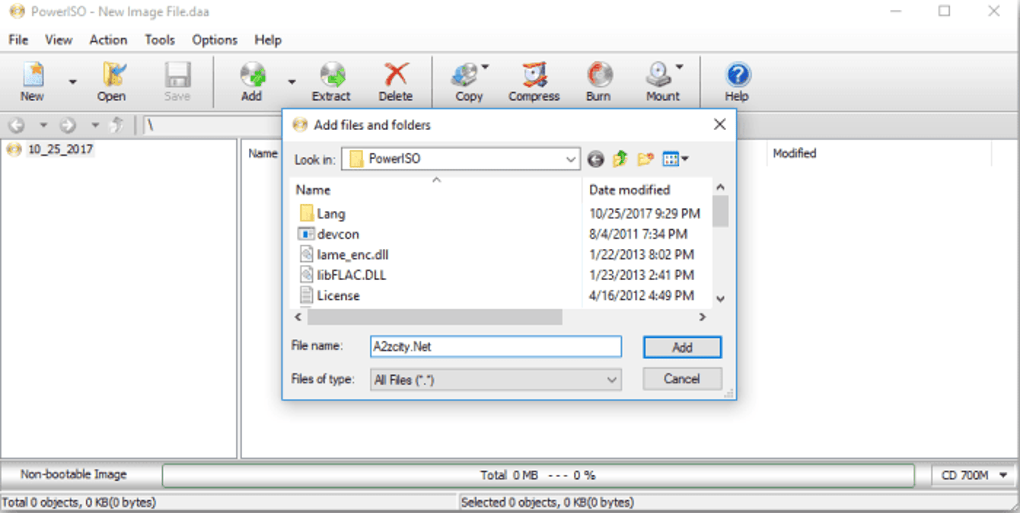
Softonic displays a "Possible issues" warning for its older 9.4.0.0 listing. Its June 23, 2026 scan notice says the listed file was flagged as potentially harmful or containing unwanted bundled software. That report does not establish the safety of the publisher's 9.5 download linked here. This entry verifies the download link by HEAD only; no installer was downloaded, scanned or run. The screenshot illustrates the interface from Softonic's gallery, not a verified capture of version 9.5.
What it offers
- Create, edit, extract and convert disc image files, including ISO images.
- Mount disc images as virtual drives to browse their contents without extracting them first.
- Burn CDs, DVDs and Blu-ray discs, or copy discs to image files.
- Create bootable USB drives from ISO files.
Good to know
- The unregistered trial displays a registration prompt and cannot create or edit image files larger than 300 MB.
- Softonic's older 9.4.0.0 listing carries a potential-harm or unwanted-bundled-software warning; the linked publisher 9.5 installer has not been downloaded or assessed for safety here.
Product images
Sources
References used for this listing. Retrieval dates do not indicate hands-on testing.
- PowerISO — publisher product overview ↗Retrieved
- PowerISO Download ↗Retrieved
- PowerISO System Requirement ↗Retrieved
- PowerISO End User License Agreement ↗Retrieved
- PowerISO - Download — normally observed Windows listing, gallery and safety scan ↗Retrieved
- Buy PowerISO ↗Retrieved
More in utilities
View category ↗
1.1.1.1 with WARP 2026.8.2115.0
Encrypt traffic from your Mac to Cloudflare’s network with WARP, or use DNS-only mode for encrypted DNS queries to the 1.1.1.1 resolver.
1.1.1.1 with WARP 2026.8.2115.0
Encrypt traffic between your Windows PC and Cloudflare, or use encrypted DNS only, with the free 1.1.1.1 with WARP app.

3uTools 9.12.005
Manage iPhone and iPad photos, music, apps and backups from Windows with 3uTools, a free utility that also includes device checks and firmware flashing tools.