

Utilities Windows
Prime95 for Windows
Stress-test your Windows CPU and processor caches with Prime95, or contribute spare processing time to the GIMPS search for Mersenne primes.
- Operating system
- Windows (publisher-listed 64-bit package)
- Architecture
- x64
- Download package
- ZIP archive
Extract before running. A separate Windows 32-bit package is listed; this link is not the GUI-less Windows service package.
Link checked · Download guidance
What is Prime95?
Prime95 puts a sustained computational load on a processor to help check system stability. Its torture-testing mode uses integer and floating-point calculations and exercises the CPU and its L1, L2 and L3 caches. The publisher describes it as a tool for overclockers and system builders, with support for loading multiple CPU cores. Choose Just Stress Testing when starting the program if you want this mode rather than distributed research.
The same application can participate in the Great Internet Mersenne Prime Search, or GIMPS. PrimeNet coordinates work assignments and receives results, while Prime95 carries out the calculations on your computer. Resource controls let you adjust the program's usage.
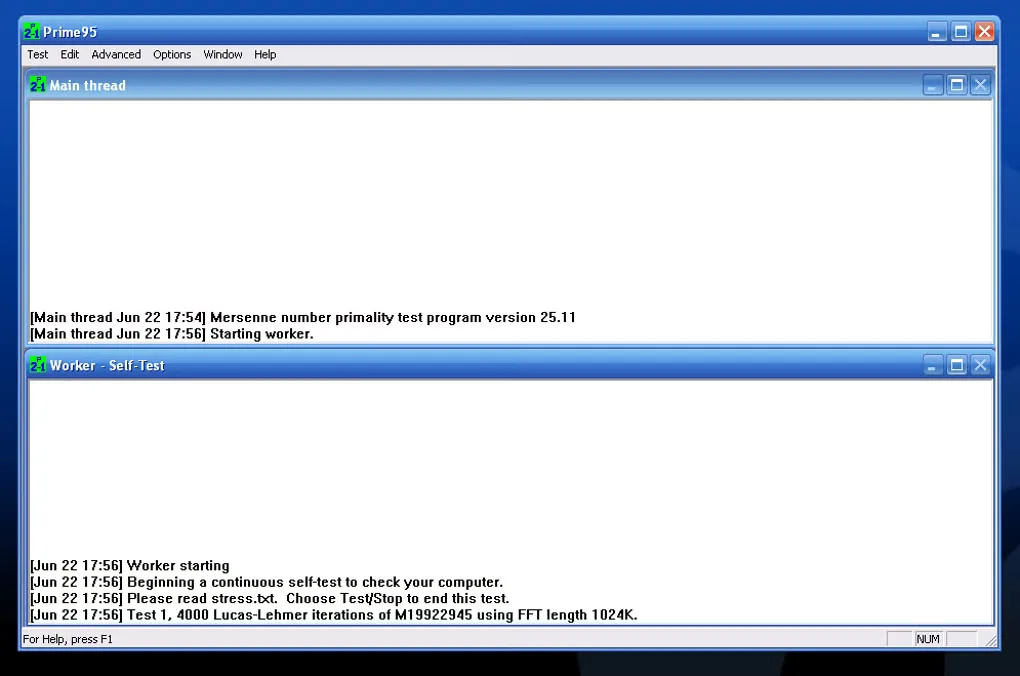
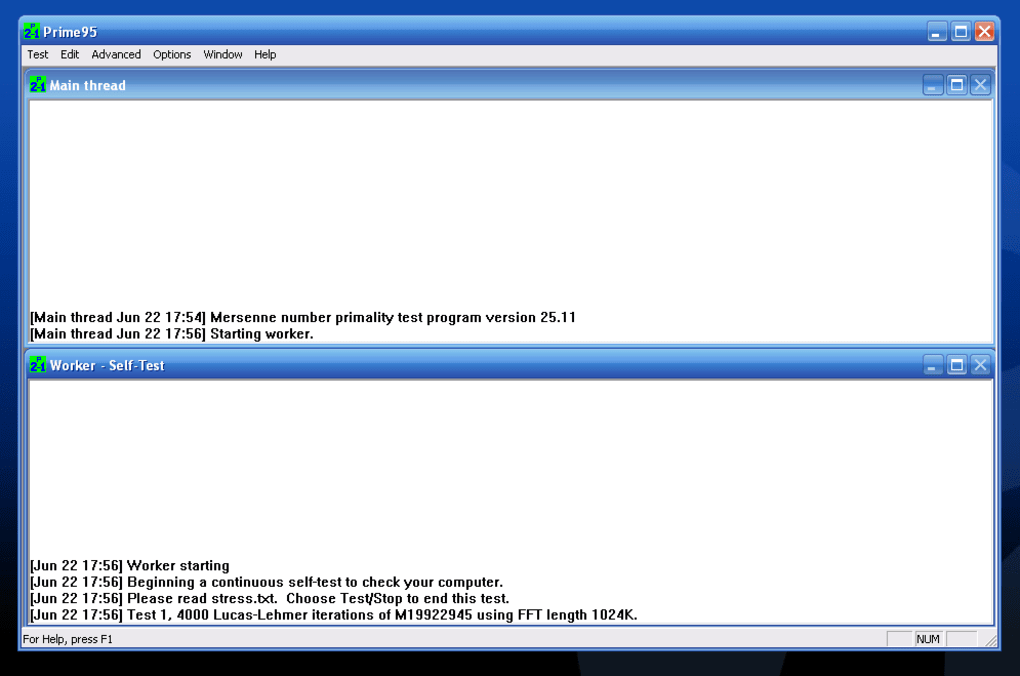
This download is the publisher-listed Windows 64-bit ZIP package for version 30.19 build 20; a separate 32-bit package is available. Extract the archive to a directory before starting the application. The gallery image shows the older version 25.11 interface, not the selected release.
Stress testing is deliberately demanding. The publisher warns that CPU, memory or cooling problems can lead to incorrect calculations or crashes under load. Existing GIMPS participants should also check the upgrade notes: updating during P-1 or ECM stage 2 can restart that stage, and the publisher recommends backing up prime.txt and local.txt before upgrading.
What it offers
- Run CPU torture tests with a consistent, verifiable integer and floating-point workload.
- Exercise processor caches and multiple CPU cores under high load.
- Contribute calculations to the GIMPS Mersenne-prime search through PrimeNet work assignments and result reporting.
- Adjust resource usage through the Resource Limits dialog.
Good to know
- Stress testing places a heavy load on the computer; CPU, memory or cooling faults can cause incorrect calculations or system crashes.
- Upgrading during P-1 or ECM stage 2 can restart that stage; configuration files also change, so consult the publisher's upgrade notes.
Product images
Sources
References used for this listing. Retrieval dates do not indicate hands-on testing.
- Prime95 - Download ↗Retrieved
- GIMPS - Free Prime95 software downloads - PrimeNet ↗Retrieved
- GIMPS Legalese - PrimeNet ↗Retrieved
More in utilities
View category ↗
1.1.1.1 with WARP 2026.8.2115.0
Encrypt traffic from your Mac to Cloudflare’s network with WARP, or use DNS-only mode for encrypted DNS queries to the 1.1.1.1 resolver.
1.1.1.1 with WARP 2026.8.2115.0
Encrypt traffic between your Windows PC and Cloudflare, or use encrypted DNS only, with the free 1.1.1.1 with WARP app.

3uTools 9.12.005
Manage iPhone and iPad photos, music, apps and backups from Windows with 3uTools, a free utility that also includes device checks and firmware flashing tools.