

Utilities Windows
Process Monitor for Windows
Trace file system, Registry and process activity on Windows with Process Monitor, Microsoft's free Sysinternals troubleshooting utility.
- Operating system
- Windows 11 and later; Windows Server 2019 and later
- Architecture
- Not specified on the publisher download page
- Download package
- ZIP archive
Links to the publisher's Windows archive. Its contents and executable architectures were not inspected; Procmon for Linux is a separate download.
Link checked · Download guidance
What is Process Monitor?
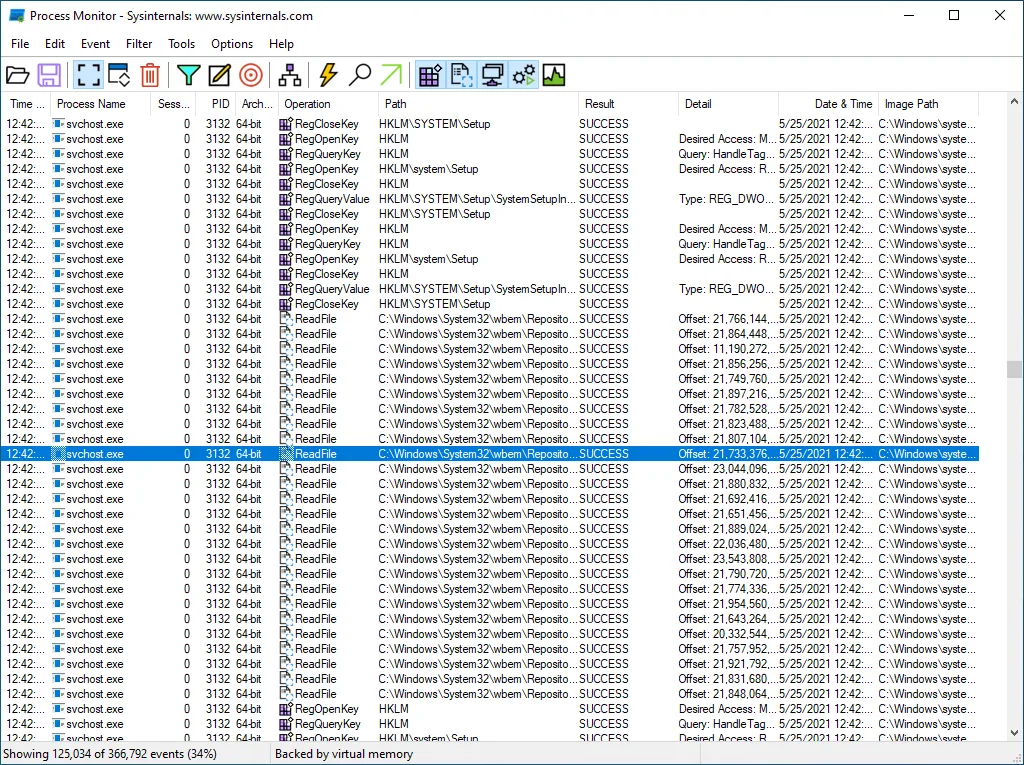
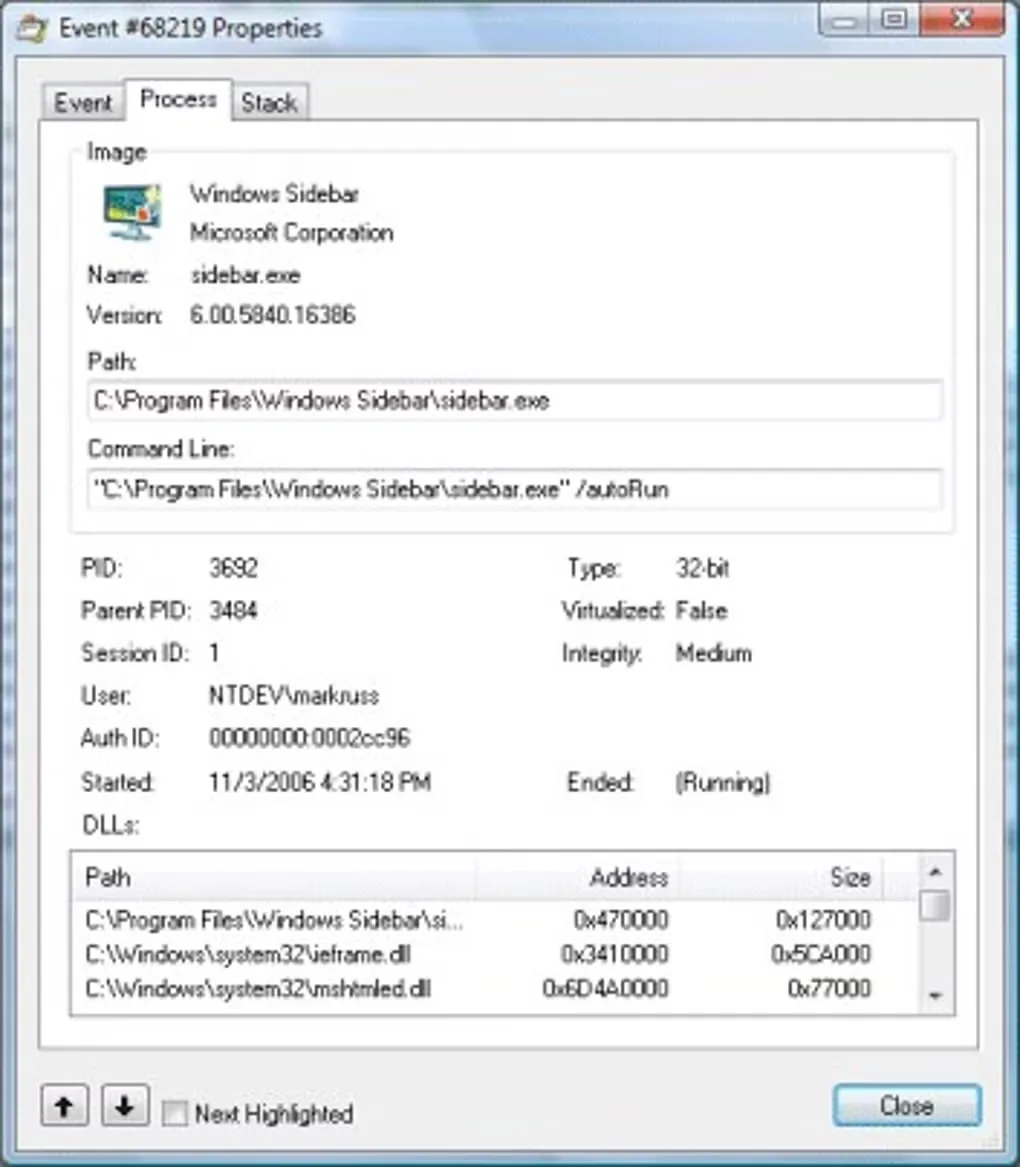
Process Monitor records real-time file system, Registry and process/thread activity so you can investigate what an application is doing. Each trace brings operations together with process details such as image paths, command lines, user names and session IDs. Non-destructive filters let you narrow the view without discarding captured data, while per-operation thread stacks with symbol support provide more context for technical troubleshooting.
Use the process tree to examine relationships between processes referenced in a trace, or save a native log to reopen in another Process Monitor instance. Boot-time logging also captures operations during startup. The publisher lists Windows 11 or later and Windows Server 2019 or later for this Windows download.
Saved traces can contain sensitive information, including user names and file or Registry paths; inspect logs before sharing them. Microsoft offers Sysinternals utilities as-is without official technical support. The screenshots are publisher/source illustrations, not evidence of a local installation or a capture of version 4.12.
What it offers
- Capture real-time file system, Registry and process/thread operations.
- Filter on event data fields without losing captured data.
- Inspect process details and per-operation thread stacks with integrated symbol support.
- View process relationships in a trace and preserve captured data in native logs.
- Record operations during system startup with boot-time logging.
Good to know
- The publisher's current Windows requirements are Windows 11 or later, or Windows Server 2019 or later.
- Saved traces may contain sensitive information such as user names and file or Registry paths; review them before sharing.
- Sysinternals tools are supplied as-is without official Microsoft technical support.
Product images
Sources
References used for this listing. Retrieval dates do not indicate hands-on testing.
More in utilities
View category ↗
1.1.1.1 with WARP 2026.8.2115.0
Encrypt traffic from your Mac to Cloudflare’s network with WARP, or use DNS-only mode for encrypted DNS queries to the 1.1.1.1 resolver.
1.1.1.1 with WARP 2026.8.2115.0
Encrypt traffic between your Windows PC and Cloudflare, or use encrypted DNS only, with the free 1.1.1.1 with WARP app.

3uTools 9.12.005
Manage iPhone and iPad photos, music, apps and backups from Windows with 3uTools, a free utility that also includes device checks and firmware flashing tools.