

Utilities macOS
ProjectLibre for macOS
Plan individual projects on your Mac with ProjectLibre Desktop, a free, open-source scheduler with Gantt charts, critical path and resource cost tracking.
- Operating system
- macOS; minimum version not established by the cited sources
- Architecture
- Not specified by the cited DMG listing
- Download package
- DMG disk image
Selected file: ProjectLibre-1.9.8.dmg. Native Apple silicon support has not been verified. The release README directs 32-bit Mac users to version 1.7 or the listed Java/archive alternatives.
Link checked · Download guidance
What is ProjectLibre?
ProjectLibre Desktop helps an individual project manager build and maintain a schedule locally on a Mac. Use dependencies, milestones and calendars to organize tasks, inspect the critical path, and compare progress against a saved baseline. Resource assignments, rates, costs and earned value tools keep the schedule connected to the work and budget behind it.
The desktop application can open Microsoft Project files, making it an option for continuing work on an existing schedule without rebuilding it from scratch. The publisher also lists work breakdown structure and network diagram views alongside Gantt charts.
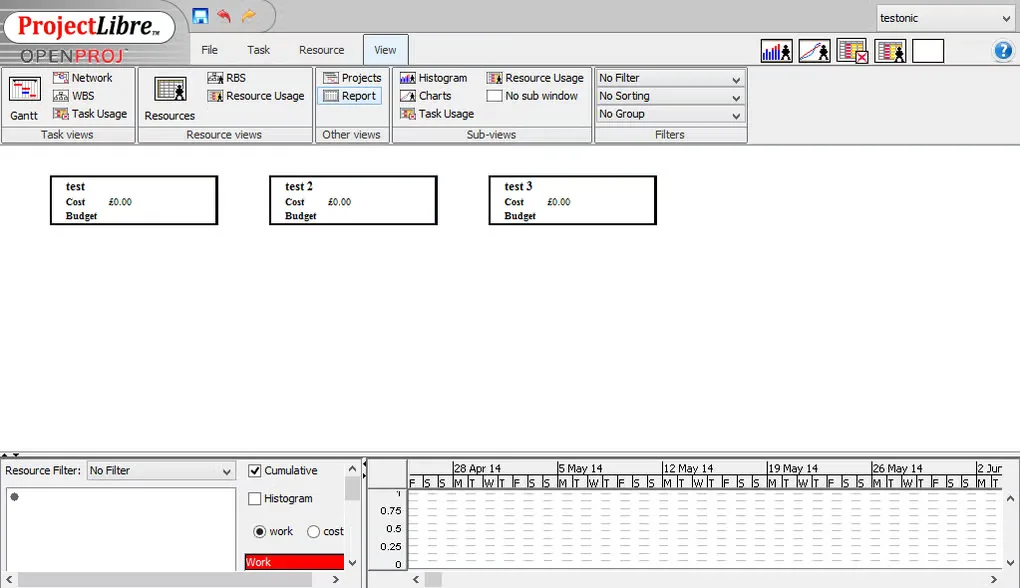
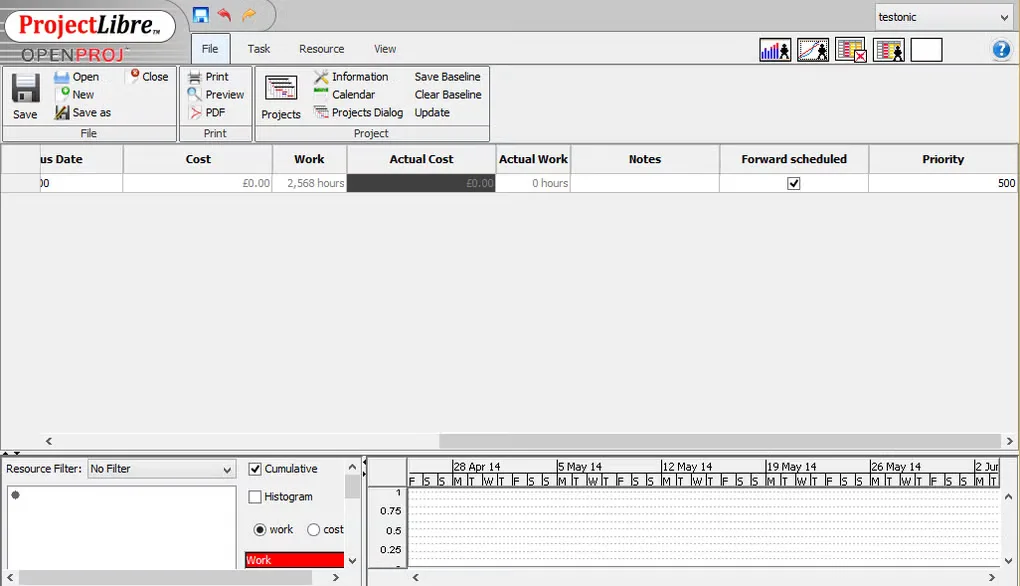
This entry links to the ProjectLibre 1.9.8 DMG in the publisher-linked SourceForge project. Desktop is intended for single-user, individual project files; real-time collaboration, shared enterprise resource pools and portfolio management belong to the separate ProjectLibre Cloud product. The gallery image is an older source-provided interface illustration, not a verified capture of version 1.9.8 running on a current Mac.
What it offers
- Build schedules with task dependencies, constraints, calendars and milestones.
- Review Gantt charts, work breakdown structures, network diagrams and the critical path.
- Save baselines and track resources, assignments, rates, costs and earned value within an individual project.
- Open Microsoft Project files to continue working on existing schedules.
- Work with individual project files locally, without a Desktop subscription.
Good to know
- Desktop is a single-user, individual-project application. Real-time collaboration, shared enterprise resource pools and portfolio management are offered in the separate Cloud product.
- The cited DMG listing does not establish a minimum macOS version or native Apple silicon support; those compatibility details remain unverified.
Product images
Sources
References used for this listing. Retrieval dates do not indicate hands-on testing.
More in utilities
View category ↗
1.1.1.1 with WARP 2026.8.2115.0
Encrypt traffic from your Mac to Cloudflare’s network with WARP, or use DNS-only mode for encrypted DNS queries to the 1.1.1.1 resolver.
1.1.1.1 with WARP 2026.8.2115.0
Encrypt traffic between your Windows PC and Cloudflare, or use encrypted DNS only, with the free 1.1.1.1 with WARP app.

3uTools 9.12.005
Manage iPhone and iPad photos, music, apps and backups from Windows with 3uTools, a free utility that also includes device checks and firmware flashing tools.