

Development Windows
Publii for Windows
Build a static website from your Windows desktop with Publii, a free, open-source CMS with block, WYSIWYG and Markdown editors and publishing tools for supported hosts.
- Operating system
- 64-bit Windows 10 or later
- Architecture
- 64-bit; publisher does not specify the Windows processor architecture on the download page
- Download package
- EXE installer
Selected publisher Windows package: 0.48.1, build 17565. Separate macOS and Linux packages are not linked as this Windows download.
Link checked · Download guidance
What is Publii?
Publii lets you write and manage a website locally, then generate static files for publication. It suits blogs, portfolios, documentation and other content-focused sites. Choose a block, WYSIWYG or Markdown editor, organize posts and media, and preview your site before sending changes to a hosting destination. The published site does not need a Publii database, PHP or a public Publii admin panel.
Publishing options include GitHub Pages, GitLab Pages, Netlify, Amazon S3, Google Cloud, FTP and SFTP, alongside manual deployment. Built-in metadata, XML sitemaps and responsive image tools support preparing the generated pages for publication.
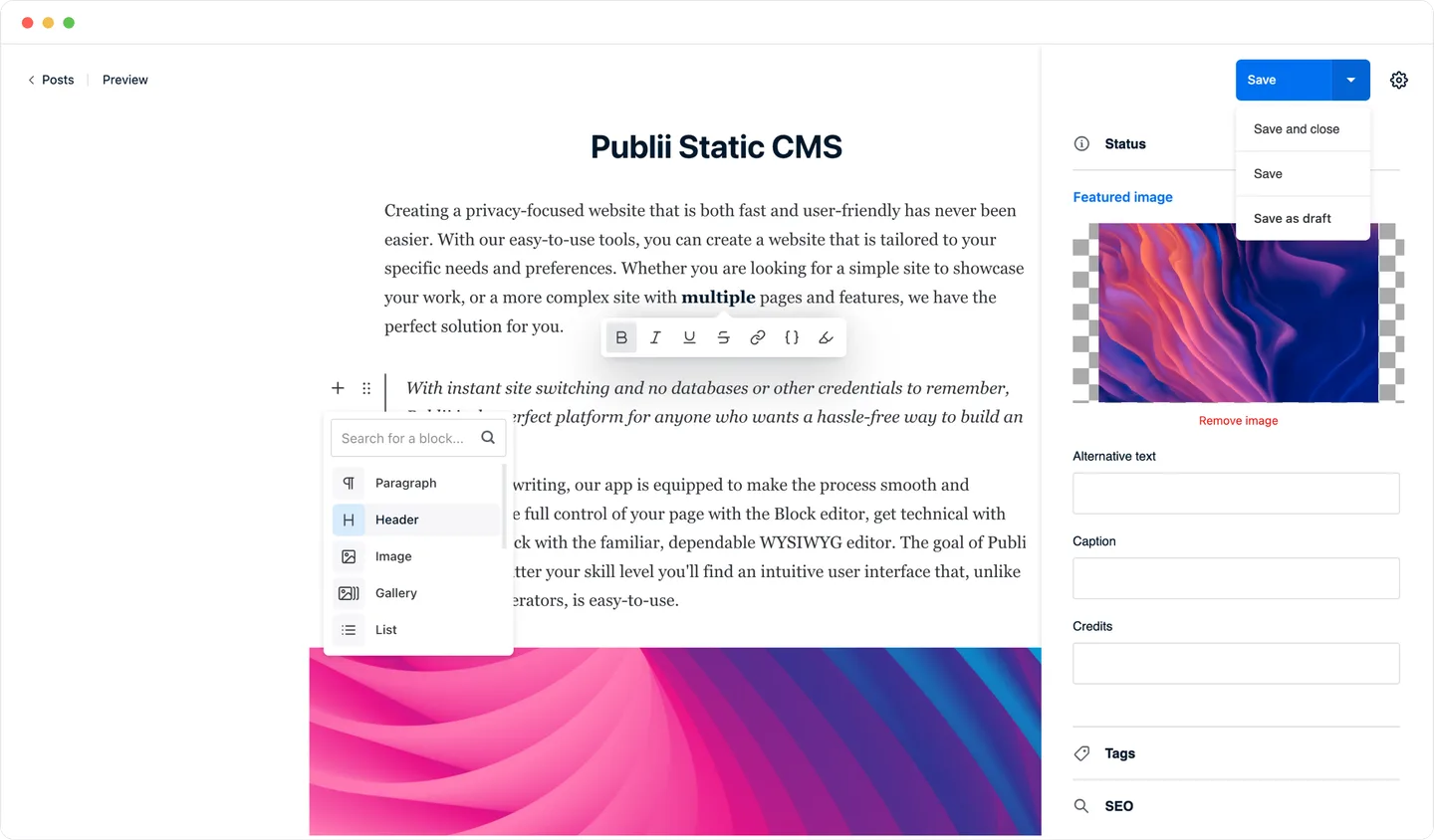
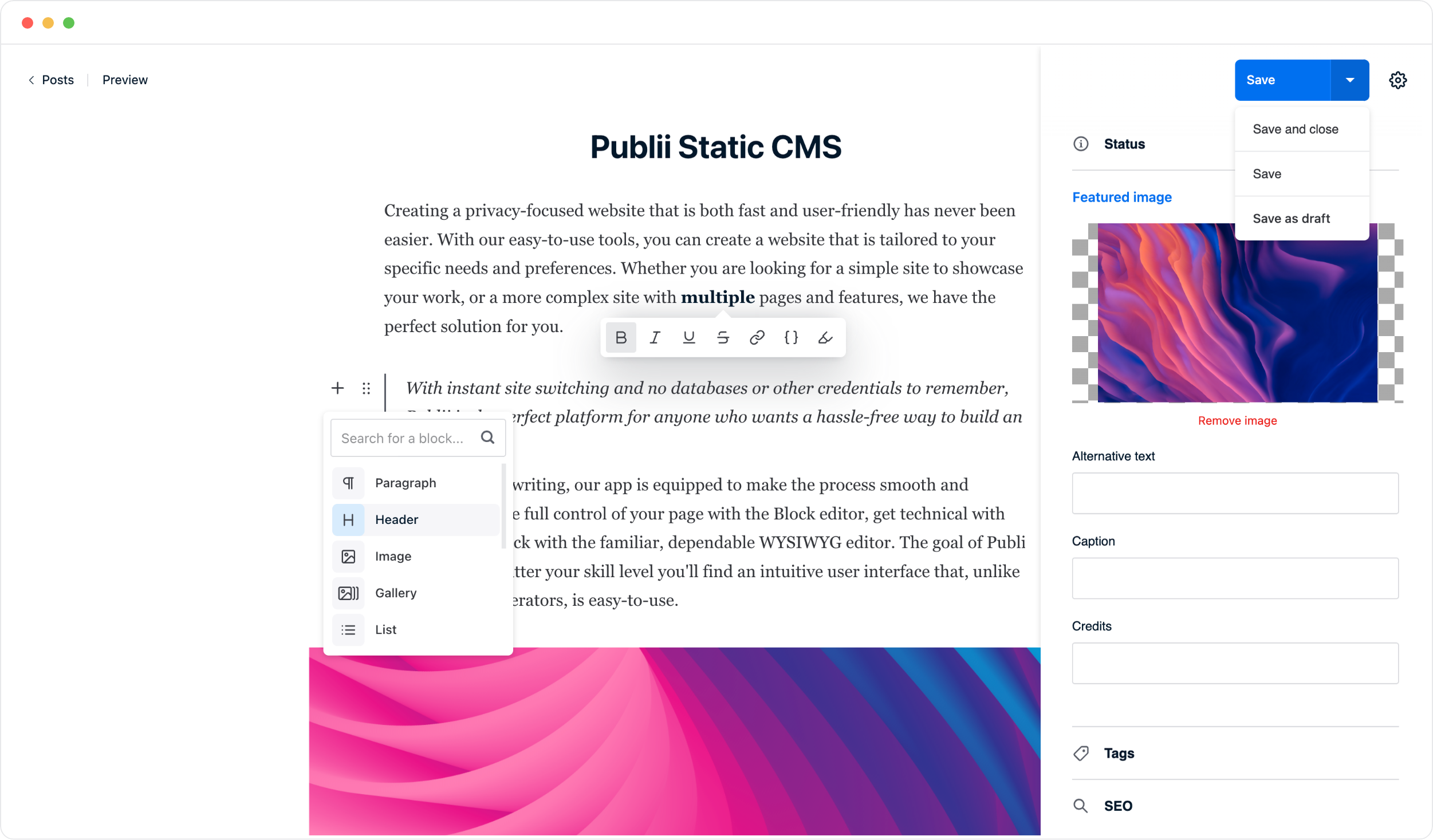
Local editing and preview work offline, but publishing and connected online services require an internet connection. This is a desktop-managed static-site workflow, not a browser-based CMS administration service. The linked Windows EXE is version 0.48.1 (build 17565) and requires 64-bit Windows 10 or later. The publisher's illustrative editor screenshot uses macOS-style window controls; it is not a capture of this Windows package.
What it offers
- Write posts with block, WYSIWYG or Markdown editors and manage authors, tags and media.
- Generate static website files locally and preview the site before publishing.
- Publish to supported hosting services or use FTP, SFTP or manual deployment.
- Configure metadata, structured data and social previews, with automatic XML sitemap generation.
- Generate responsive images with lazy loading and WebP conversion.
Good to know
- Publishing and connected online services need an internet connection, even though editing and local preview can work offline.
- Content is managed in the desktop app rather than through a public browser-based Publii admin panel.
Product images
Sources
References used for this listing. Retrieval dates do not indicate hands-on testing.
- Download Publii - Free Open-Source Static CMS ↗Retrieved
- Publii: Free Open-Source Static CMS for Fast, Secure Websites ↗Retrieved
- Static vs dynamic websites: key differences explained ↗Retrieved
- License - Publii GPL-3.0 Open-Source Terms ↗Retrieved
- Press Kit & Brand Assets - Publii Logos, Icons, Screenshots ↗Retrieved
More in development
View category ↗
010 Editor 17.0
Inspect and edit binary files on Mac with 010 Editor, a paid text and hex editor with Binary Templates, file comparison and a 30-day trial.
010 Editor 17.0
Inspect and edit binary files with 010 Editor for Windows, a text and hex editor with Binary Templates, file comparison and scripting. Includes a 30-day trial.
10x Editor
Edit and navigate C++ projects on Windows with a built-in parser, workspace search and Visual Studio project support. A paid license is required after the 30-day trial.