

Development macOS
PyCharm for macOS
Write, debug and test Python projects on macOS with PyCharm. Core tools remain free; advanced web, database and remote-development features require Pro after the trial.
Version 2026.2.3 · Direct publisher file
Link checked · Download guidance
What is PyCharm?
PyCharm brings Python editing, debugging, testing and Git tools into one project workspace. It suits working on scripts and larger Python projects when you want code navigation, environment-aware analysis and a terminal alongside the editor. Basic Jupyter notebook support is included in the free core.
JetBrains now distributes PyCharm as one unified product rather than separate Community and Professional downloads. Installation includes a 30-day Pro trial. When it ends, you can continue using the core tools for free or subscribe to retain advanced Django, Flask and FastAPI support, full notebook tooling, database tools and remote development.
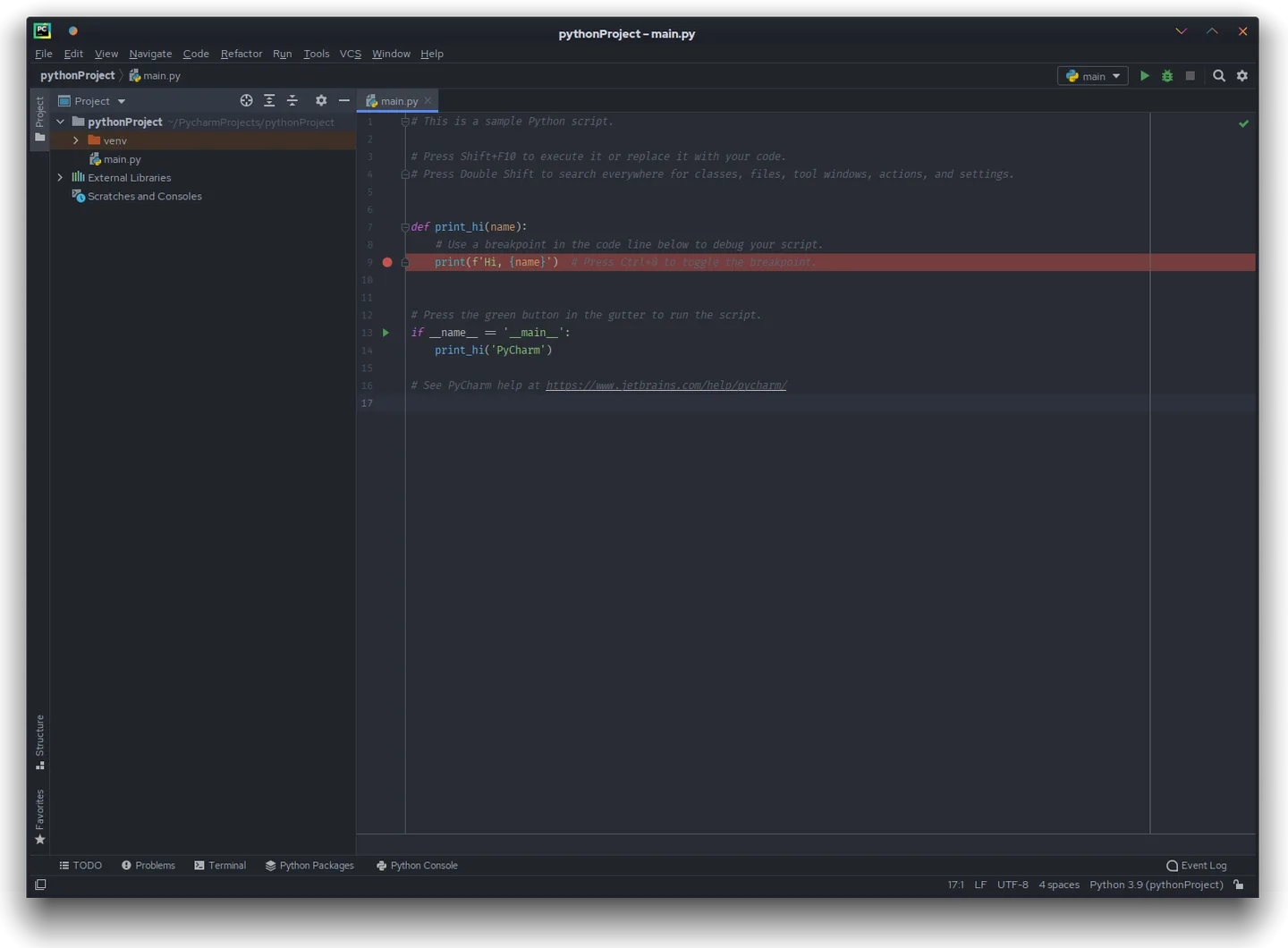
This entry links to the publisher's macOS download endpoint. During the recorded HEAD check it resolved to the PyCharm 2026.2.3 DMG. JetBrains lists macOS 15 and 26 for the 2026.2 release family. The gallery is a clearly labeled historical Community Edition screenshot on Linux, not a preview of the current macOS interface.
What it offers
- Edit Python with project-wide code analysis and navigation.
- Debug Python programs and work with testing frameworks inside the IDE.
- Use integrated Git support and a terminal in the project workspace.
- Run and debug Jupyter notebooks with the free core's basic notebook support.
Good to know
- After the 30-day trial, advanced framework support, full notebook tooling, database tools and remote development require a Pro subscription.
- The 2026.2 system requirements list macOS 15 and 26, 8 GB total RAM and 10 GB disk space; older Macs may not meet these requirements.
- The gallery shows historical Community Edition 2021.1 on Linux; its layout is not evidence of the current macOS interface.
Product images
Sources
References used for this listing. Retrieval dates do not indicate hands-on testing.
- PyCharm: The Python IDE for you and your agents ↗Retrieved
- Unified PyCharm overview | PyCharm Documentation ↗Retrieved
- Install PyCharm | PyCharm Documentation ↗Retrieved
- Download PyCharm — static macOS publisher link ↗Retrieved
- PyCharm 2021.1 Community Edition screenshot — Wikimedia Commons ↗Retrieved
More in development
View category ↗


010 Editor 17.0
Inspect and edit binary files on Mac with 010 Editor, a paid text and hex editor with Binary Templates, file comparison and a 30-day trial.
010 Editor 17.0
Inspect and edit binary files with 010 Editor for Windows, a text and hex editor with Binary Templates, file comparison and scripting. Includes a 30-day trial.
10x Editor
Edit and navigate C++ projects on Windows with a built-in parser, workspace search and Visual Studio project support. A paid license is required after the 30-day trial.