

Development Windows
PyCharm for Windows
Write, run and debug Python projects with PyCharm for Windows, including free core tools and Jupyter notebooks alongside optional Pro features.
- Operating system
- Windows 10 and 11
- Architecture
- x64 (x86_64)
- Download package
- Standalone EXE installer
Separate ARM64 installer available. Requires Python and a configured interpreter. Free core remains after the 30-day Pro trial; advanced features require Pro.
Link checked · Download guidance
What is PyCharm?
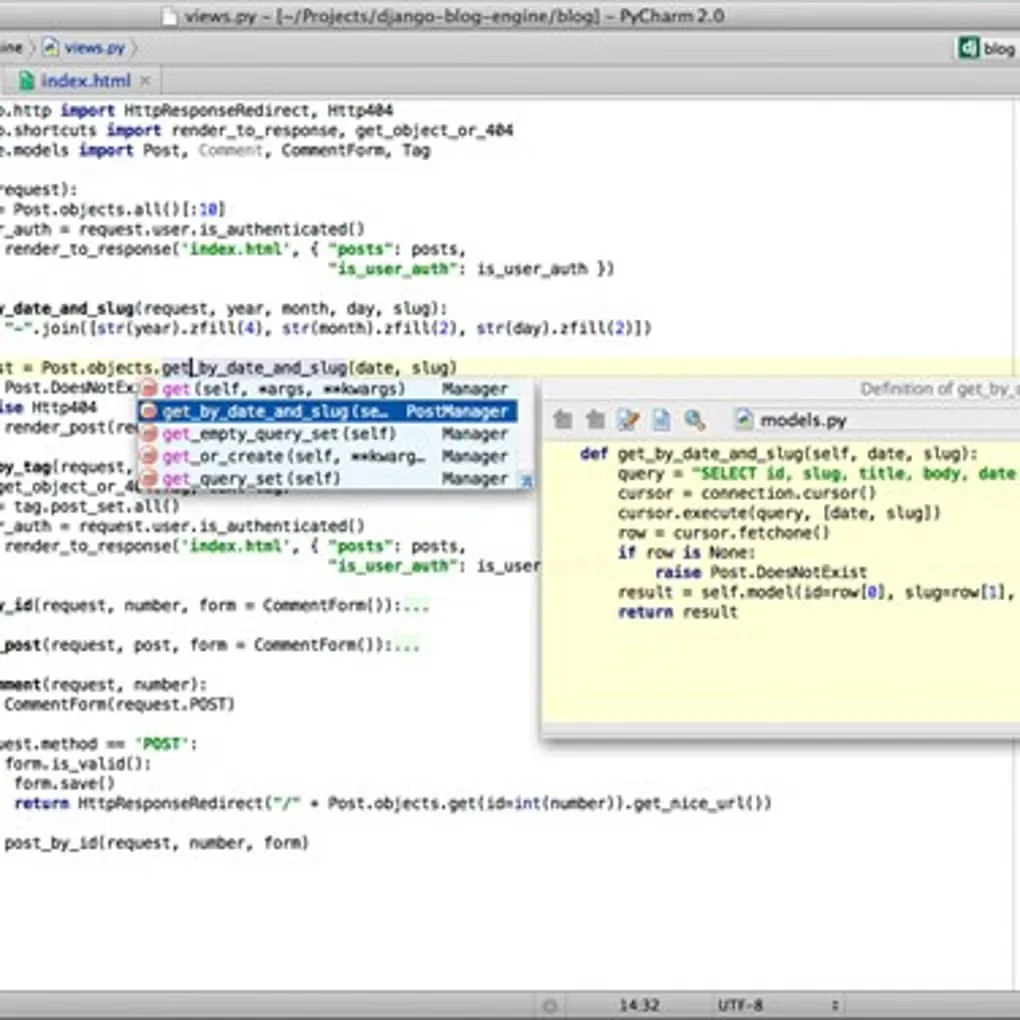
PyCharm brings Python editing, project navigation and debugging into one IDE. Code completion and inspections help while you write, and the debugger lets you pause at breakpoints and inspect variables. It suits work that spans multiple Python files or needs a dedicated project environment rather than a standalone text editor.
The unified PyCharm replaces the separate Community and Professional downloads. Core features, including Jupyter Notebook support, remain free after the included 30-day Pro trial. Remote interpreters over SSH, Docker or WSL require Pro; do not assume every trial feature stays available for free.
This download is the standalone Windows x64 EXE installer, not JetBrains Toolbox or the separate ARM64 package. Windows 10 or 11 is required. Install Python and configure a project interpreter before running Python code; the bundled JetBrains Runtime runs the IDE, not your Python programs.
What it offers
- Use Python code completion, inspections and suggested quick-fixes while editing.
- Navigate to declarations and find symbol usages across a project.
- Run Python programs and debug them with breakpoints, variable inspection and watches.
- Work with Jupyter notebooks in the free core and configure isolated Python project environments.
Good to know
- The 30-day Pro trial expires; remote interpreters over SSH, Docker and WSL require Pro rather than the free core.
- Python must be installed and a project interpreter configured separately; the IDE's bundled runtime is not a Python interpreter.
- Publisher requirements include 8 GB total RAM, 3 GB available for IDE processes and 10 GB disk space. This installer is x64, not the separate ARM64 build.
Product images
Sources
References used for this listing. Retrieval dates do not indicate hands-on testing.
- Download PyCharm — JetBrains ↗Retrieved
- JetBrains PyCharm release metadata ↗Retrieved
- Install PyCharm — system requirements and standalone installation ↗Retrieved
- Unified PyCharm overview — free core and Pro ↗Retrieved
- Configure a Python interpreter — local environments and Pro remote interpreters ↗Retrieved
- PyCharm quick start guide — Python editing, navigation, running and debugging ↗Retrieved
- PyCharm - Download — historical Windows screenshot gallery ↗Retrieved
More in development
View category ↗
010 Editor 17.0
Inspect and edit binary files on Mac with 010 Editor, a paid text and hex editor with Binary Templates, file comparison and a 30-day trial.
010 Editor 17.0
Inspect and edit binary files with 010 Editor for Windows, a text and hex editor with Binary Templates, file comparison and scripting. Includes a 30-day trial.
10x Editor
Edit and navigate C++ projects on Windows with a built-in parser, workspace search and Visual Studio project support. A paid license is required after the 30-day trial.