
Development Windows
Python for Windows
Write and run Python scripts on Windows with the open-source interpreter, standard library and optional IDLE editor. This download is the Python 3.15.2 x64 installer.
- Operating system
- Windows 10 and newer
- Architecture
- x64 (AMD64)
- Download package
- EXE installer
Traditional full installer; separate 32-bit, ARM64 and embeddable packages are listed by the publisher. The Python install manager is the recommended modern route.
Link checked · Download guidance
What is Python?
Python is a general-purpose programming language for writing scripts and building applications. Its standard library and third-party modules support tasks such as web development, database access and scientific computing. On Windows, you can run code from a terminal or use IDLE, the optional editor and interactive shell, to explore expressions and work on Python files.
IDLE provides syntax coloring, smart indentation, completion and a debugger with breakpoints and stepping. For projects with additional dependencies, the official Windows guide recommends a separate virtual environment for each project rather than sharing one package setup across unrelated work.
The linked download is the traditional Python 3.15.2 Windows x64 EXE installer, not the embeddable ZIP or the separate Python install manager. Python 3.15 requires Windows 10 or newer. The publisher now recommends the install manager; the traditional full installer is deprecated and is not planned for Python 3.16 or later.
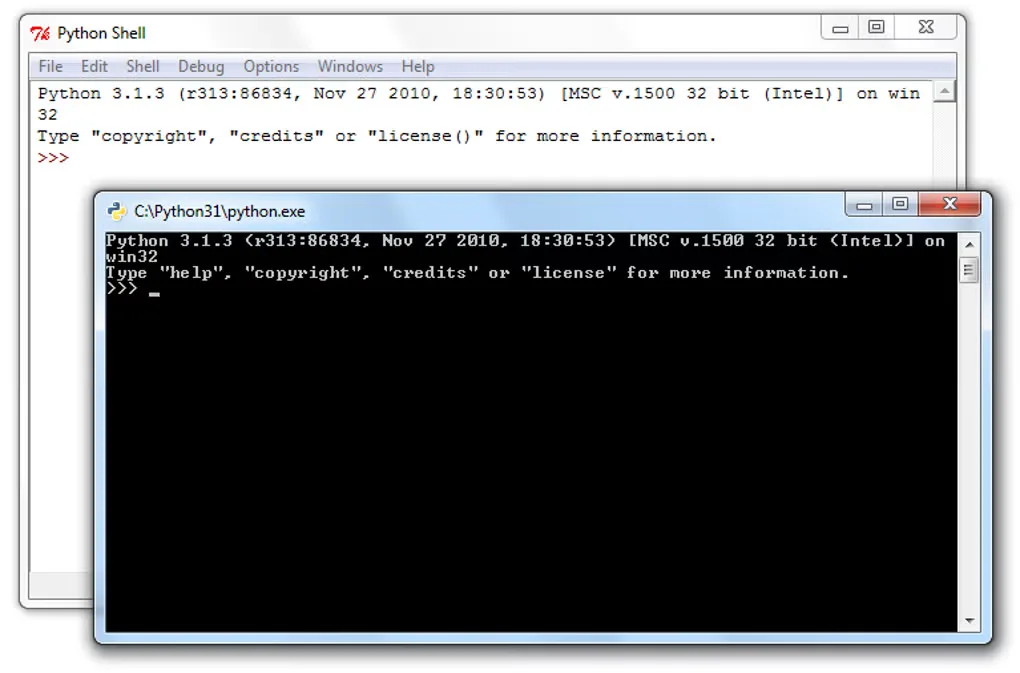
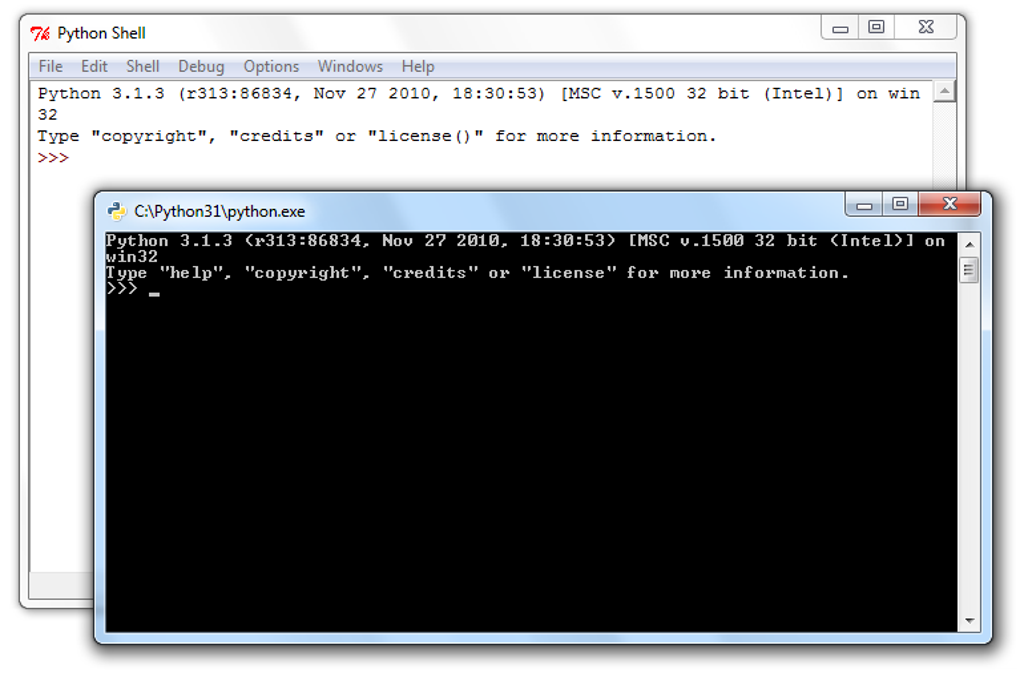
The screenshot is a historical Windows capture of Python 3.1.3, showing IDLE and the command-line interpreter. It illustrates the two interfaces, not the appearance or version of the linked 3.15.2 release.
What it offers
- Run Python programs and evaluate expressions in an interactive interpreter.
- Use the standard library and third-party modules for application development and scripting.
- Edit Python files in optional IDLE with syntax coloring, smart indentation and completion.
- Debug in IDLE with breakpoints, stepping and inspection of global and local namespaces.
- Create per-project virtual environments to isolate dependencies.
Good to know
- Python 3.15 supports Windows 10 and newer, not Windows 7 or Windows 8.1.
- The linked traditional full installer is deprecated; the publisher recommends the Python install manager and says full installers will not be produced for Python 3.16 or later.
- IDLE is optional and may be absent if its installation component is omitted.
Product images
Sources
References used for this listing. Retrieval dates do not indicate hands-on testing.
- Python Releases for Windows | Python.org ↗Retrieved
- Python Release Python 3.15.2 | Python.org ↗Retrieved
- About Python | Python.org ↗Retrieved
- Using Python on Windows — Python 3.15.2 documentation ↗Retrieved
- IDLE — Python editor and shell — Python 3.15.2 documentation ↗Retrieved
- Python - Download ↗Retrieved
More in development
View category ↗
010 Editor 17.0
Inspect and edit binary files on Mac with 010 Editor, a paid text and hex editor with Binary Templates, file comparison and a 30-day trial.
010 Editor 17.0
Inspect and edit binary files with 010 Editor for Windows, a text and hex editor with Binary Templates, file comparison and scripting. Includes a 30-day trial.
10x Editor
Edit and navigate C++ projects on Windows with a built-in parser, workspace search and Visual Studio project support. A paid license is required after the 30-day trial.