

Utilities Windows
qBittorrent for Windows
Manage torrents and magnet links with qBittorrent, an open-source Windows BitTorrent client with file priorities, RSS filters and scheduled bandwidth limits.
- Operating system
- Windows 10 or later
- Architecture
- x64 (64-bit)
- Download package
- EXE installer — qbittorrent_5.3.0_x64_setup.exe
Selected build uses Qt6 and libtorrent 2.1.x. A separate lt12 build uses libtorrent 1.2.x; the publisher recommends considering it for heavy seeding.
Link checked · Download guidance
What is qBittorrent?
qBittorrent is a BitTorrent client for downloading and sharing files through torrents and magnet links. Its queue and file-priority controls help you choose what to transfer first, while a bandwidth scheduler lets you limit transfers at chosen times. RSS download filters and a remote-control Web UI support more involved workflows. The client is a transfer tool, not a supplied collection of torrent content; permission to share files depends on the content and its rights.
This entry links to the Windows x64 EXE installer for version 5.3.0, using Qt6 and libtorrent 2.1.x. The publisher warns that this backend has worse read performance than its 1.2.x alternative for heavy seeders, affecting upload speed. Users with that workload should compare the separate lt12 build on the publisher's download page before choosing a package.
What it offers
- Open magnet links and manage torrent transfers with DHT and peer exchange support.
- Queue torrents and select or prioritize individual files within a torrent.
- Schedule bandwidth limits for different transfer periods.
- Filter RSS feeds for automatic downloads, including regular-expression rules.
- Control the client remotely through its Web UI.
Good to know
- The selected libtorrent 2.1.x build has worse read performance than the publisher's 1.2.x alternative for heavy seeders, which can affect upload speed.
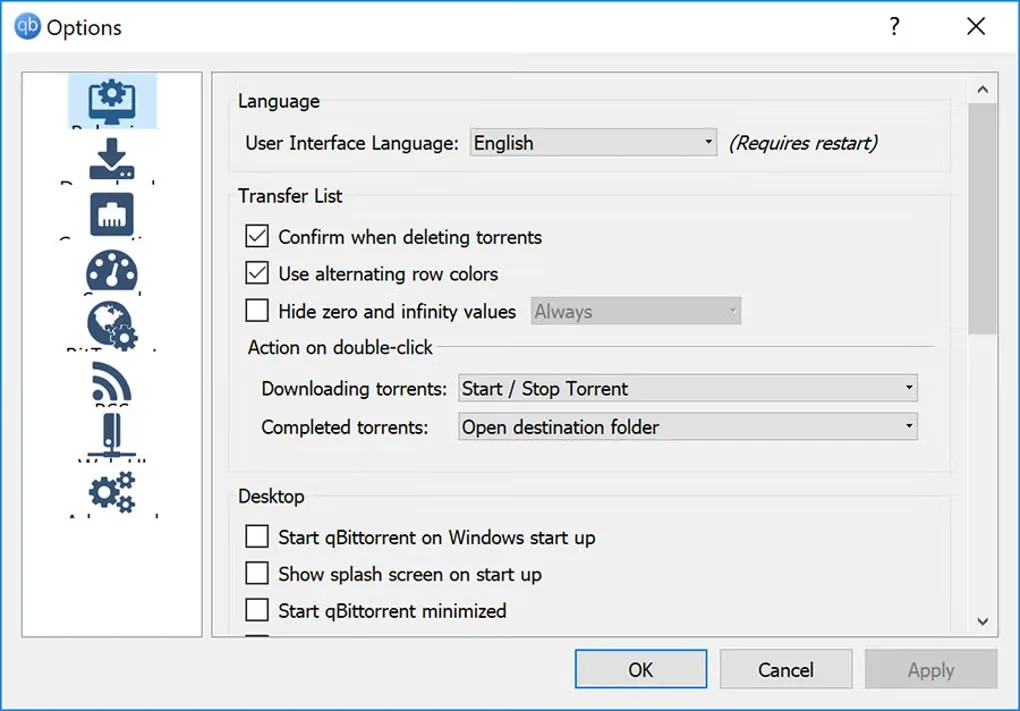
Product images
Sources
References used for this listing. Retrieval dates do not indicate hands-on testing.
- qBittorrent — official project and features ↗Retrieved
- qBittorrent — official Windows downloads ↗Retrieved
- qBittorrent — 5.3.0 release announcement and heavy-seeder notice ↗Retrieved
- qBittorrent — publisher license terms ↗Retrieved
- qBittorrent — publisher repository application icon ↗Retrieved
- qBittorrent for Windows — observed Softonic screenshot gallery ↗Retrieved
More in utilities
View category ↗
1.1.1.1 with WARP 2026.8.2115.0
Encrypt traffic from your Mac to Cloudflare’s network with WARP, or use DNS-only mode for encrypted DNS queries to the 1.1.1.1 resolver.
1.1.1.1 with WARP 2026.8.2115.0
Encrypt traffic between your Windows PC and Cloudflare, or use encrypted DNS only, with the free 1.1.1.1 with WARP app.


3uTools 9.12.005
Manage iPhone and iPad photos, music, apps and backups from Windows with 3uTools, a free utility that also includes device checks and firmware flashing tools.