

Utilities macOS
QIDI Studio for macOS
Prepare models for QIDI 3D printers on a Mac with slicing presets, model-editing tools and layer-by-layer print previews.
- Operating system
- macOS; minimum version of the packaged release not verified
- Architecture
- Universal (Intel x86_64 and Apple silicon arm64)
- Download package
- DMG disk image
Publisher labels this asset MacOS_universal; the versioned build script combines x86_64 and arm64. The package was not downloaded or run.
Link checked · Download guidance
What is QIDI Studio?
QIDI Studio turns 3D models into printable layers and provides printer and filament profiles for QIDI hardware. On a Mac, it offers a workspace for arranging models, adjusting slicing parameters and inspecting the resulting toolpaths before sending a job to a printer. It is based on Bambu Studio, with upstream roots in PrusaSlicer and Slic3r.
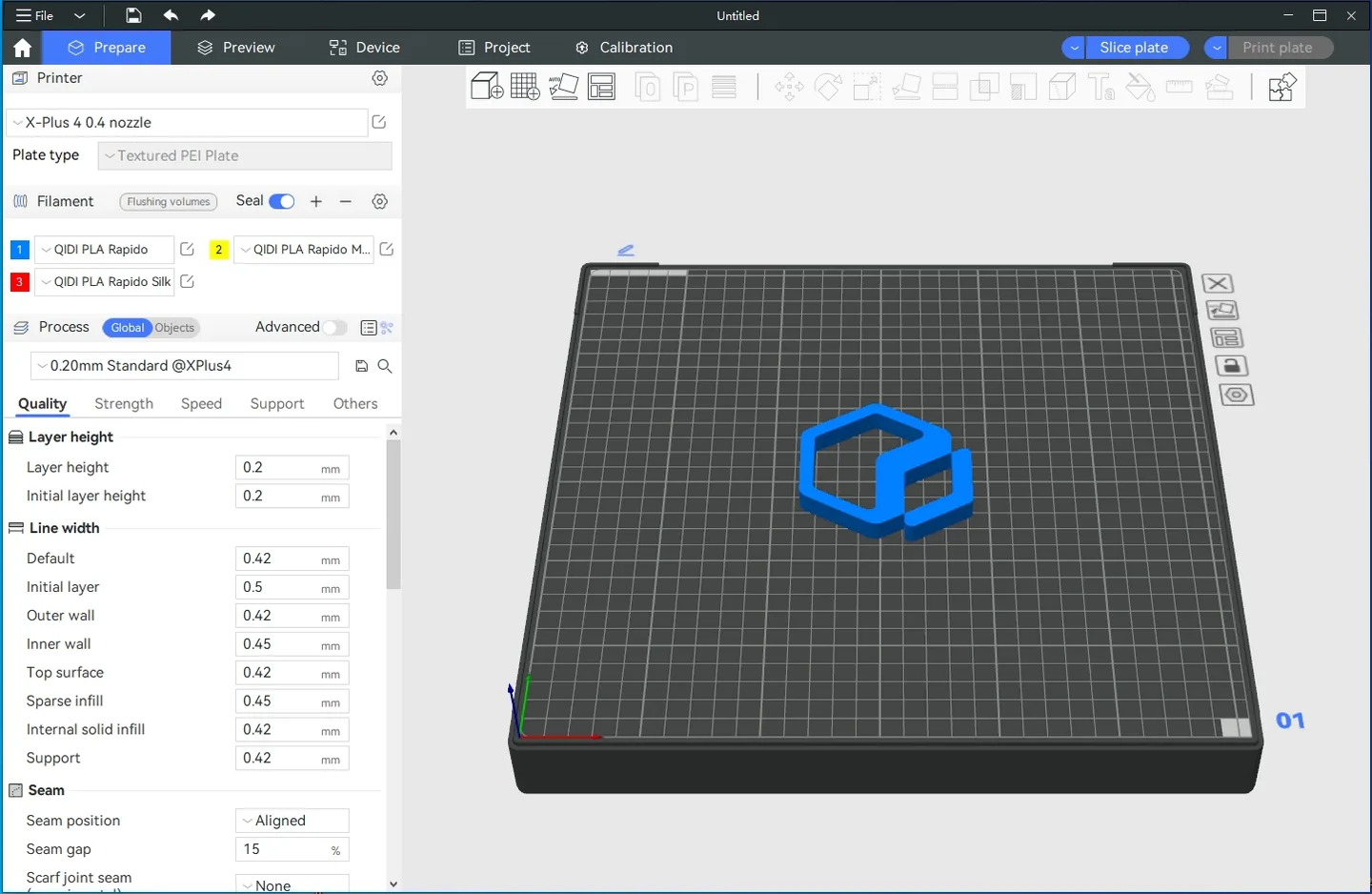
Model tools include moving, scaling, rotating, repairing, combining and splitting objects. The slicing preview can show layer information such as line type, filament, speed and printing path. Device connections can use a printer IP address, while the publisher also documents access to the printer’s Fluidd interface for monitoring status and progress.
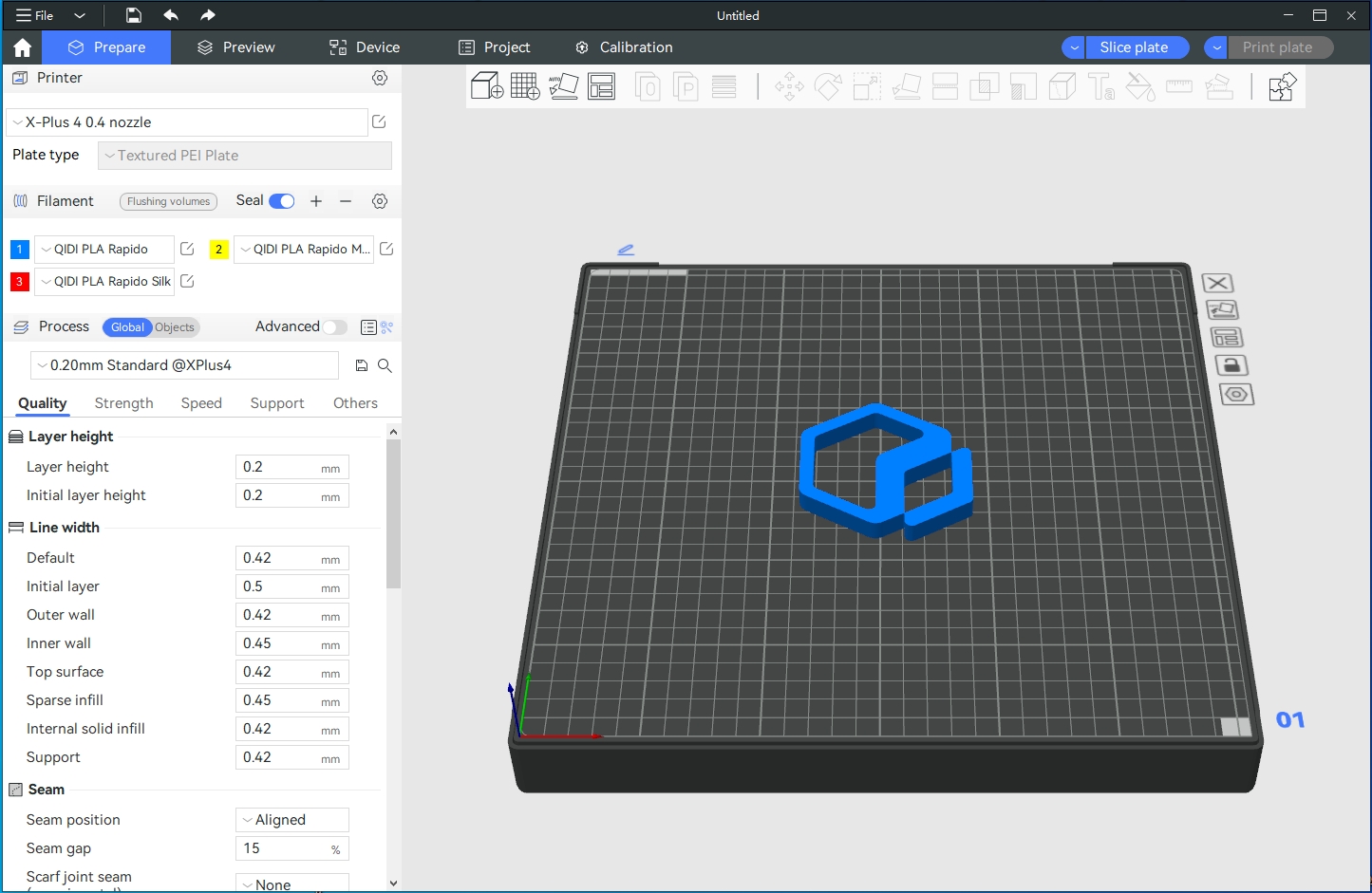
Choose the printer and filament configuration for your actual hardware rather than assuming every profile will work with every machine. Device and filament synchronization depends on matching printer configuration and firmware support. This entry links to the publisher’s universal macOS DMG for version 02.07.02.73; the minimum macOS version of that packaged release was not independently established. The gallery is the publisher repository’s desktop UI reference, not a capture of this Mac release.
What it offers
- Slice models with QIDI printer and filament presets and adjustable print parameters.
- Move, scale, rotate, repair, combine and split models in the preparation workspace.
- Inspect sliced layers by line type, filament, print speed and printing path.
- Connect to a printer by IP and access its Fluidd interface for status and progress monitoring.
- Use calibration functions to tune printing parameters.
Good to know
- Device and filament synchronization requires a matching printer configuration and printer firmware support.
Product images
Sources
References used for this listing. Retrieval dates do not indicate hands-on testing.
- QIDI Studio | Free 3D Slicer & Printer Software – Qidi Tech Online Store ↗Retrieved
- QIDITECH/QIDIStudio — README and license ↗Retrieved
- Publisher release API — QIDIStudio v02.07.02.73 ↗Retrieved
- QIDIStudio v2.07.02.73 — Mac build script ↗Retrieved
- QIDIStudio V02.04.01.11 — configuration synchronization requirements ↗Retrieved
More in utilities
View category ↗
1.1.1.1 with WARP 2026.8.2115.0
Encrypt traffic from your Mac to Cloudflare’s network with WARP, or use DNS-only mode for encrypted DNS queries to the 1.1.1.1 resolver.
1.1.1.1 with WARP 2026.8.2115.0
Encrypt traffic between your Windows PC and Cloudflare, or use encrypted DNS only, with the free 1.1.1.1 with WARP app.

3uTools 9.12.005
Manage iPhone and iPad photos, music, apps and backups from Windows with 3uTools, a free utility that also includes device checks and firmware flashing tools.