
Development Windows
Qt Creator
Write C++ and QML, design Qt interfaces, and build and debug projects with Qt Creator. This download is the standalone open-source Windows x64 IDE, not the Qt framework.
- Operating system
- Windows 10 or later (x86_64)
- Architecture
- x64 (x86_64)
- Download package
- Standalone open-source EXE installer
Qt framework and project toolchain are separate prerequisites. ARM64 has a separate package and requires Windows 11 or later.
Link checked · Download guidance
What is Qt Creator?
Qt Creator brings code editing, project configuration, interface design and debugging into one development environment. It is useful for developers working on Qt desktop, embedded or mobile applications who want to navigate code and switch build configurations without assembling a separate editor workflow. Its C++ and QML support includes semantic highlighting, code completion and refactoring; integrated Qt Widgets Designer supports traditional application interfaces.
Projects use a separate build system such as CMake, qmake or Qbs. Qt Creator groups the relevant tools and target settings into kits, so a project can have different build and run setups. Git integration and debugger integration sit alongside the editor. These capabilities depend on the tools installed and configured for the project; the IDE alone is not a complete Qt development kit.
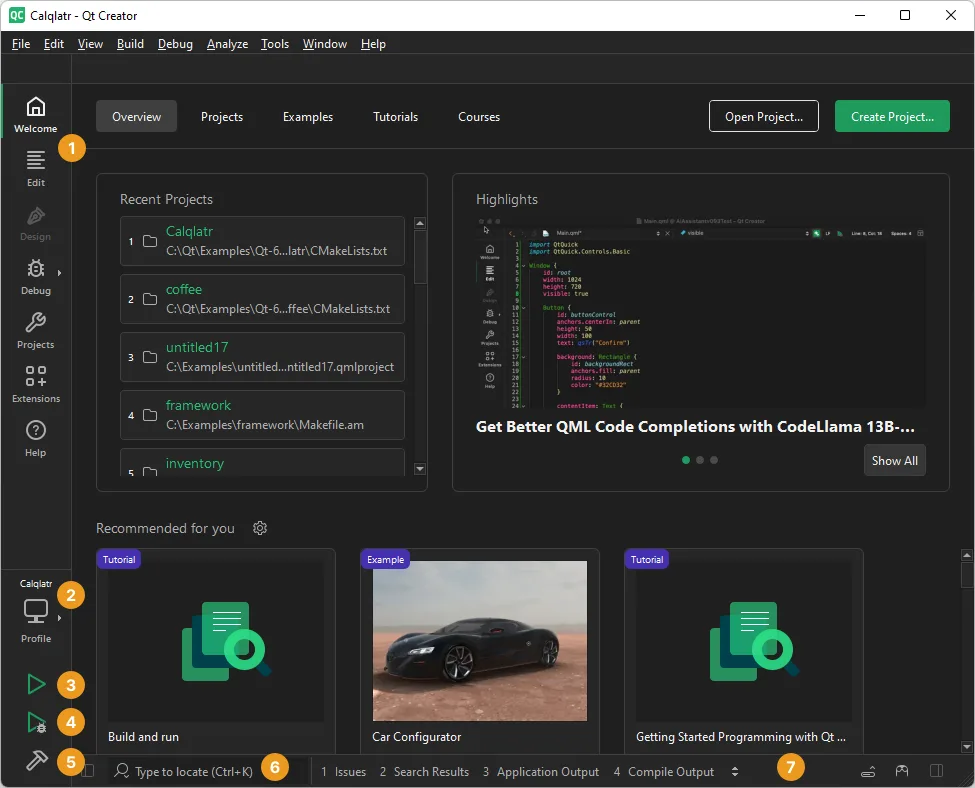
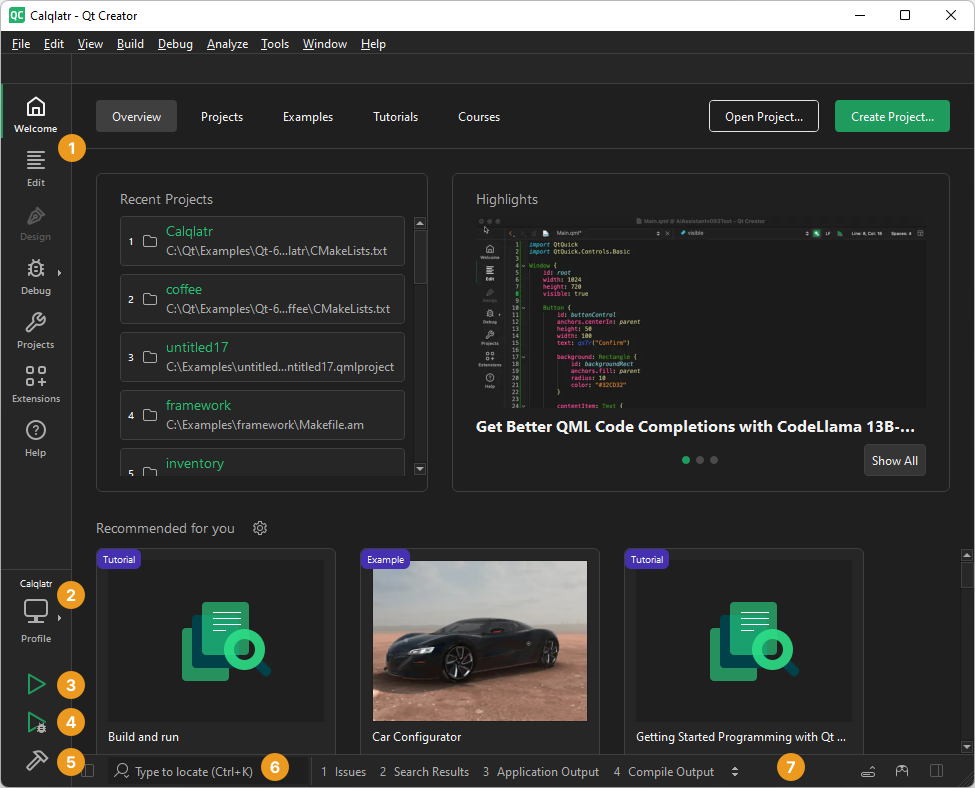
The linked package is Qt Creator 20.0.2 for Windows x86_64 from the official Qt release catalog. Qt documents Windows 10 or later for this architecture. Install a Qt version separately for Qt development and register it in a kit. The publisher screenshot illustrates the Windows Welcome interface; it does not establish the installed version or demonstrate a test performed by SoftGalaxy.
What it offers
- Edit C++ and QML with semantic highlighting, code completion and refactoring tools.
- Manage projects using build systems including CMake, qmake and Qbs.
- Use kits to select Qt versions, compilers, debuggers and target settings for a project.
- Design traditional application interfaces with integrated Qt Widgets Designer.
- Work with integrated debugging and Git tools.
Good to know
- The standalone IDE does not replace the Qt framework: Qt development requires a separately installed Qt version and a configured kit.
- Build systems and toolchains must be available for the intended project; installing the IDE alone does not establish a working build environment.
- This download is the Windows x64 package. The publisher supplies a separate ARM64 package and documents Windows 11 or later for ARM64.
Product images
Sources
References used for this listing. Retrieval dates do not indicate hands-on testing.
- QtCreator - Download ↗Retrieved
- Installation | Qt Creator Documentation ↗Retrieved
- Index of /official_releases/qtcreator/latest ↗Retrieved
- Desktop platforms | Qt Creator Documentation ↗Retrieved
- Overview | Qt Creator Documentation ↗Retrieved
- Licenses and acknowledgments | Qt Creator Documentation ↗Retrieved
- Adapting the UI | Qt Creator Documentation ↗Retrieved
More in development
View category ↗
010 Editor 17.0
Inspect and edit binary files on Mac with 010 Editor, a paid text and hex editor with Binary Templates, file comparison and a 30-day trial.
010 Editor 17.0
Inspect and edit binary files with 010 Editor for Windows, a text and hex editor with Binary Templates, file comparison and scripting. Includes a 30-day trial.
10x Editor
Edit and navigate C++ projects on Windows with a built-in parser, workspace search and Visual Studio project support. A paid license is required after the 30-day trial.