
Utilities Windows
QT TabBar for Windows
Add folder tabs, previews and navigation tools to Windows Explorer with the indiff-maintained QTTabBar fork. Toolbar setup depends on your Windows version.
Version 1.6.4 · Direct publisher file
Link checked · Download guidance
What is QT TabBar?
QT TabBar extends Windows Explorer rather than replacing it with a separate file manager. Its folder tabs and preview tools help you move between directories while keeping file browsing inside Explorer. This entry links to the indiff-maintained fork, which builds on the earlier QTTabBar project; it does not represent every distribution with the QTTabBar name.
The publisher documents tabbed folder browsing, folder previews and plug-ins for file operations, a directory tree and a status bar. The selected download is the publisher's 1.6.4 EXE installer, released on October 19, 2026, rather than the older beta listed by Softonic.
Explorer integration needs configuration. The version-tagged instructions describe enabling QTTabBar and its buttons through Explorer's toolbar options and restarting Explorer or Windows. Windows 11 has a different Explorer interface: current publisher documentation says its enhancements work alongside native Explorer tabs rather than displaying QTTabBar's own tab bar. Do not assume the classic toolbar experience carries over unchanged.
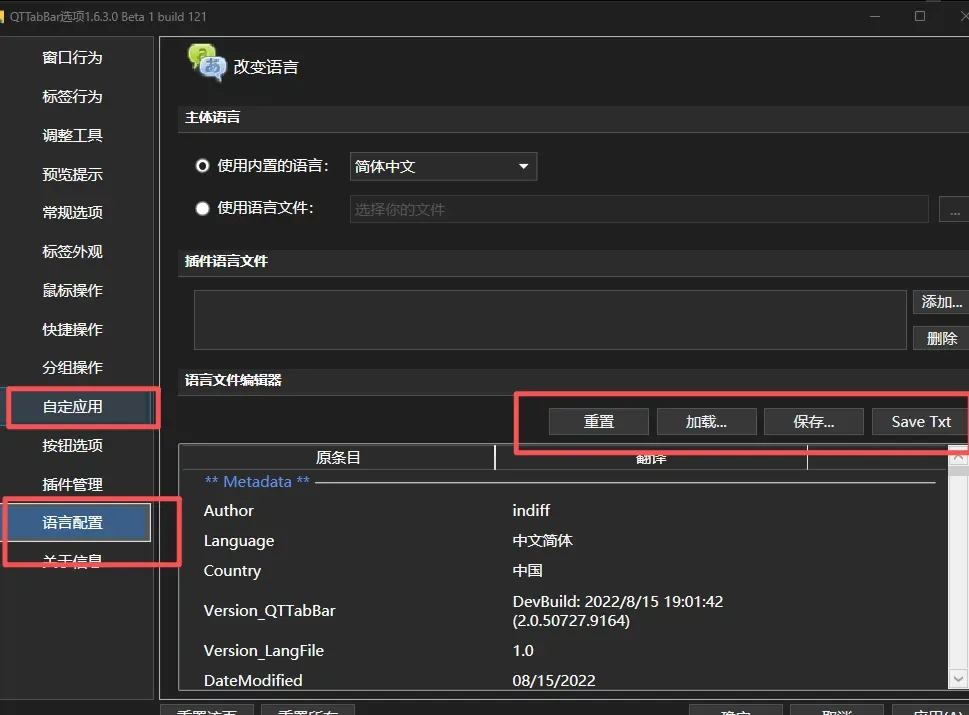
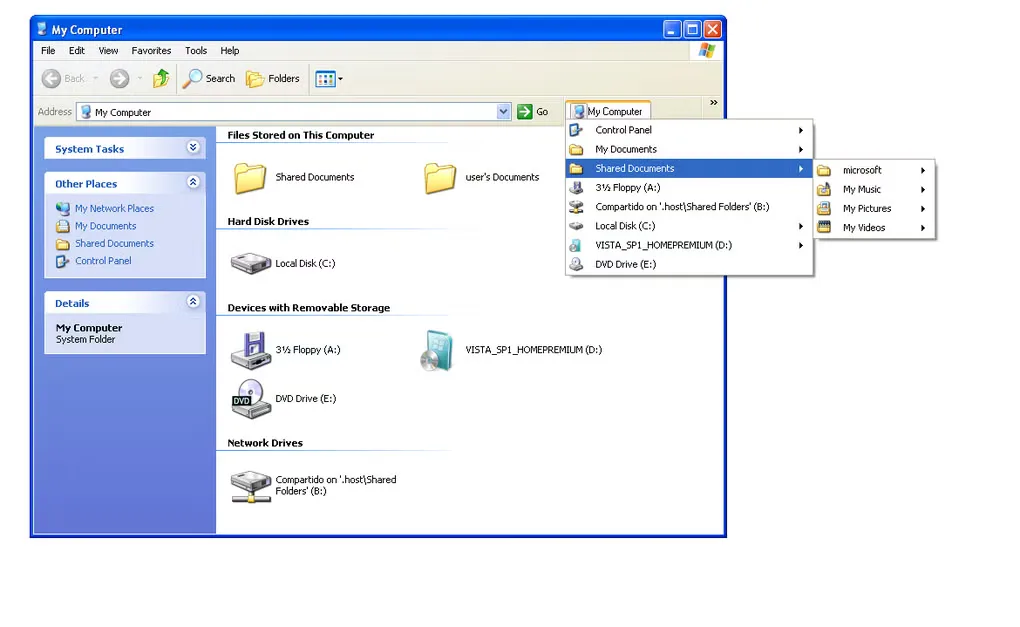
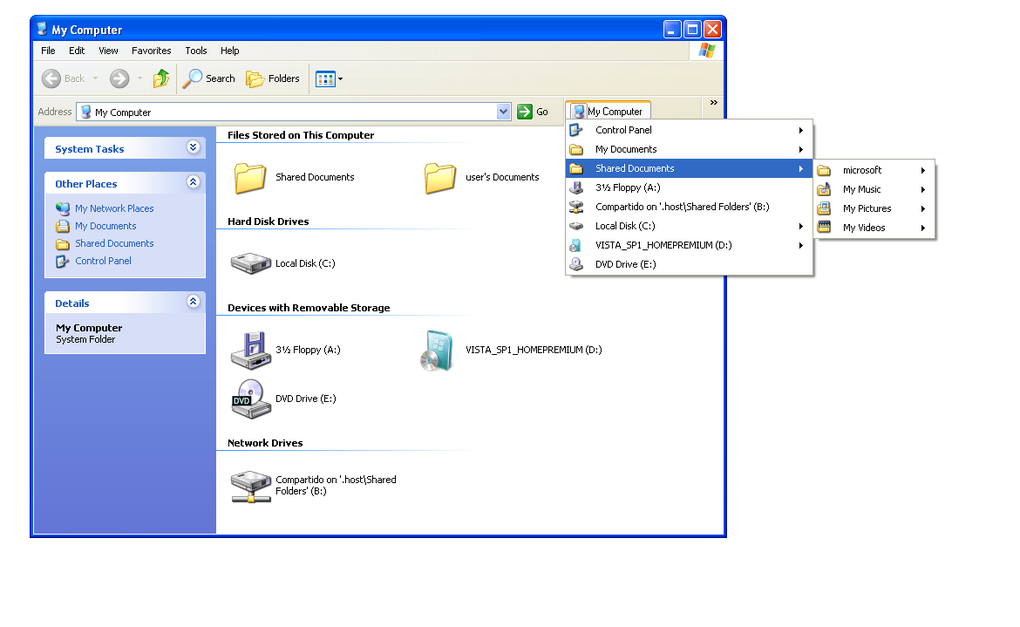
The screenshots are source illustrations, not evidence of a local installation. The publisher release illustration shows a Chinese-language options panel with an older beta title; the Softonic gallery image shows a legacy Windows Explorer interface. Neither establishes the appearance of version 1.6.4 on your Windows build.
What it offers
- Keep folders accessible through tabbed browsing in compatible Windows Explorer interfaces.
- Preview folder contents while navigating Explorer.
- Extend Explorer with plug-ins for file operations, a directory tree and a status bar.
- Configure language settings and tab appearance through QTTabBar options.
Good to know
- Toolbar integration requires manual activation; the publisher's version-tagged instructions also call for restarting Explorer or Windows.
- Windows 11 does not offer the same classic Explorer toolbar experience. Current publisher documentation describes working alongside native tabs rather than showing QTTabBar's own tab bar.
- This download is the indiff fork. Documentation and screenshots for other QTTabBar distributions may not match it.
Product images
Sources
References used for this listing. Retrieval dates do not indicate hands-on testing.
More in utilities
View category ↗
1.1.1.1 with WARP 2026.8.2115.0
Encrypt traffic from your Mac to Cloudflare’s network with WARP, or use DNS-only mode for encrypted DNS queries to the 1.1.1.1 resolver.
1.1.1.1 with WARP 2026.8.2115.0
Encrypt traffic between your Windows PC and Cloudflare, or use encrypted DNS only, with the free 1.1.1.1 with WARP app.

3uTools 9.12.005
Manage iPhone and iPad photos, music, apps and backups from Windows with 3uTools, a free utility that also includes device checks and firmware flashing tools.