

Development Windows
Qucs for Windows
Draw circuit schematics and examine DC, AC, transient and noise simulations with Qucs, a free, GPL-licensed circuit simulator. This Windows download is the legacy 0.0.19 Win32 ZIP package.
- Operating system
- Windows; Softonic lists Windows 10
- Architecture
- 32-bit (Win32)
- Download package
- ZIP archive
Publisher-linked 0.0.19 Win32 archive uploaded 23 January 2017. No installer execution or Windows 10/11 runtime verification was performed.
Link checked · Download guidance
What is Qucs?
Qucs (Quite Universal Circuit Simulator) combines a graphical schematic editor with circuit simulation and result diagrams. Build a circuit from components, configure an analysis and inspect the resulting data on a presentation page or window. It is intended for investigating circuit behaviour rather than simply drawing an electrical diagram.
The publisher documents DC, AC, S-parameter, noise and transient analysis, mathematical equations and parameterised subcircuits. Existing SPICE models can be imported for simulations. The graphical interface works with Qucsator, the project’s command-line simulation backend.
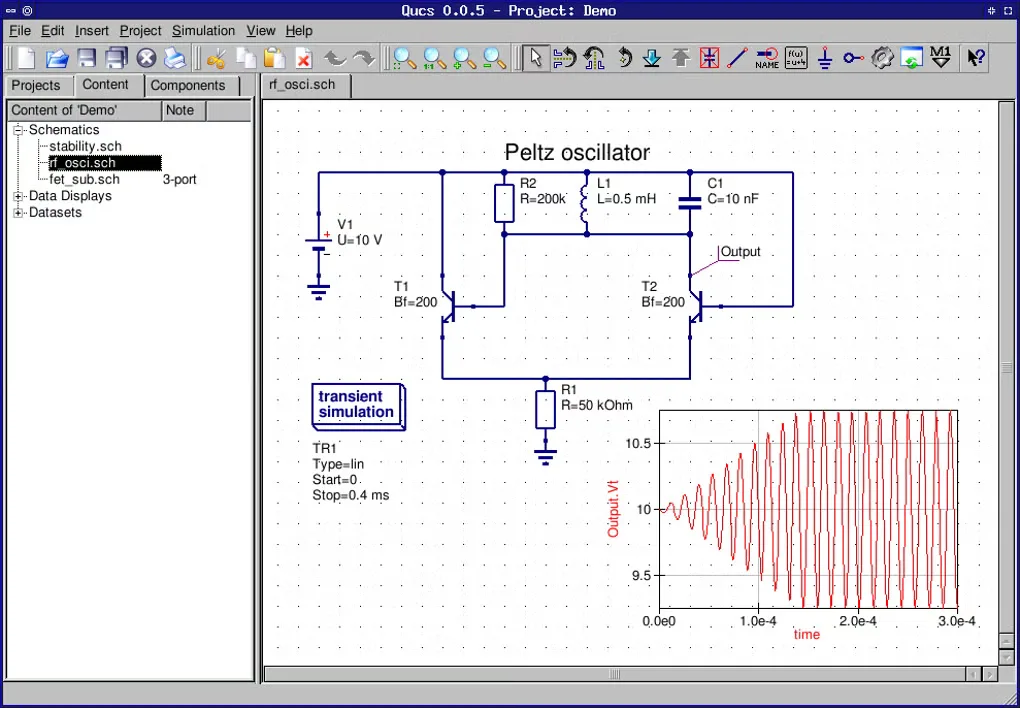
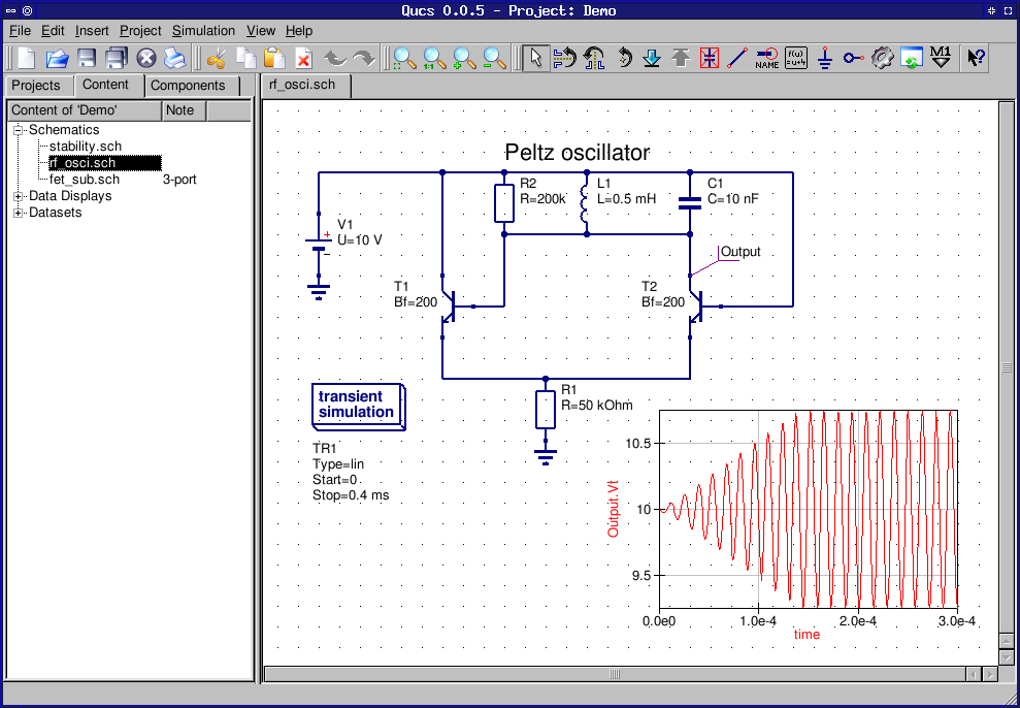
The linked Windows archive is Qucs 0.0.19, the release announced by the project on 22 January 2017; the Windows package was uploaded the following day. It is an older Win32 build, not evidence of current Windows 11 compatibility. Softonic lists Windows 10, but no installation or runtime compatibility was tested here. The gallery image is a historical Qucs 0.0.5 interface example, not a screenshot of this Windows package.
What it offers
- Create circuit schematics through a graphical editor and view simulation results in diagrams.
- Run DC, AC, S-parameter, noise and transient analyses.
- Use mathematical equations and parameterised subcircuits.
- Import existing SPICE models for circuit simulations.
Good to know
- The selected Windows package dates from January 2017; compatibility with current Windows releases has not been verified.
- The publisher describes Qucs as unfinished and welcomes improvements to programming, examples and tutorials.
Product images
Sources
References used for this listing. Retrieval dates do not indicate hands-on testing.
More in development
View category ↗
010 Editor 17.0
Inspect and edit binary files on Mac with 010 Editor, a paid text and hex editor with Binary Templates, file comparison and a 30-day trial.
010 Editor 17.0
Inspect and edit binary files with 010 Editor for Windows, a text and hex editor with Binary Templates, file comparison and scripting. Includes a 30-day trial.
10x Editor
Edit and navigate C++ projects on Windows with a built-in parser, workspace search and Visual Studio project support. A paid license is required after the 30-day trial.