
Utilities Windows
QuPath for Windows
View and analyze whole slide images with QuPath, an open-source application for digital pathology research, tissue annotation and cell measurements.
- Operating system
- 64-bit Windows
- Architecture
- 64-bit; 32-bit Windows unsupported
- Download package
- MSI installer
The publisher also offers a separate portable ZIP. Consult the installation documentation for unsigned-application warnings.
Link checked · Download guidance
What is QuPath?
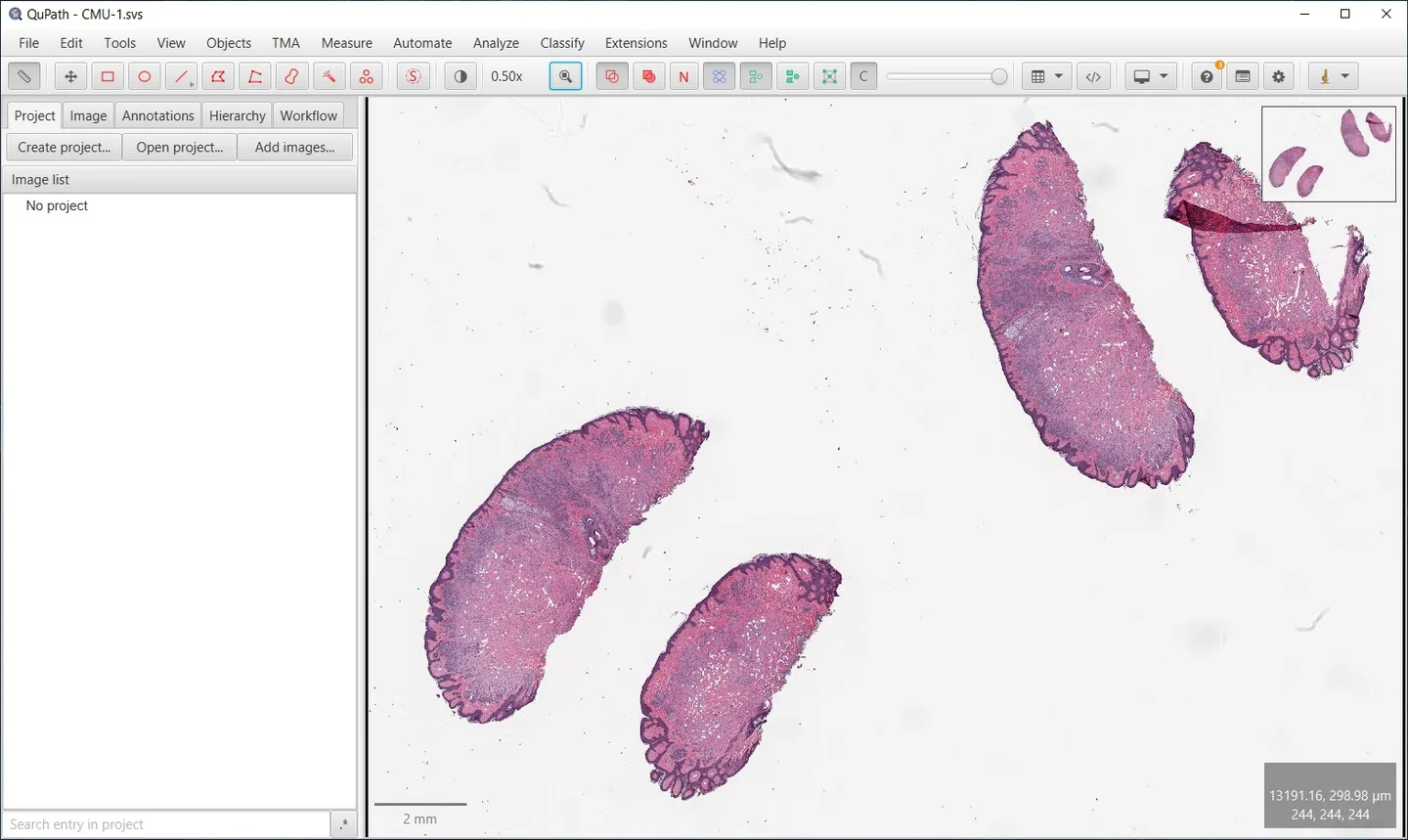
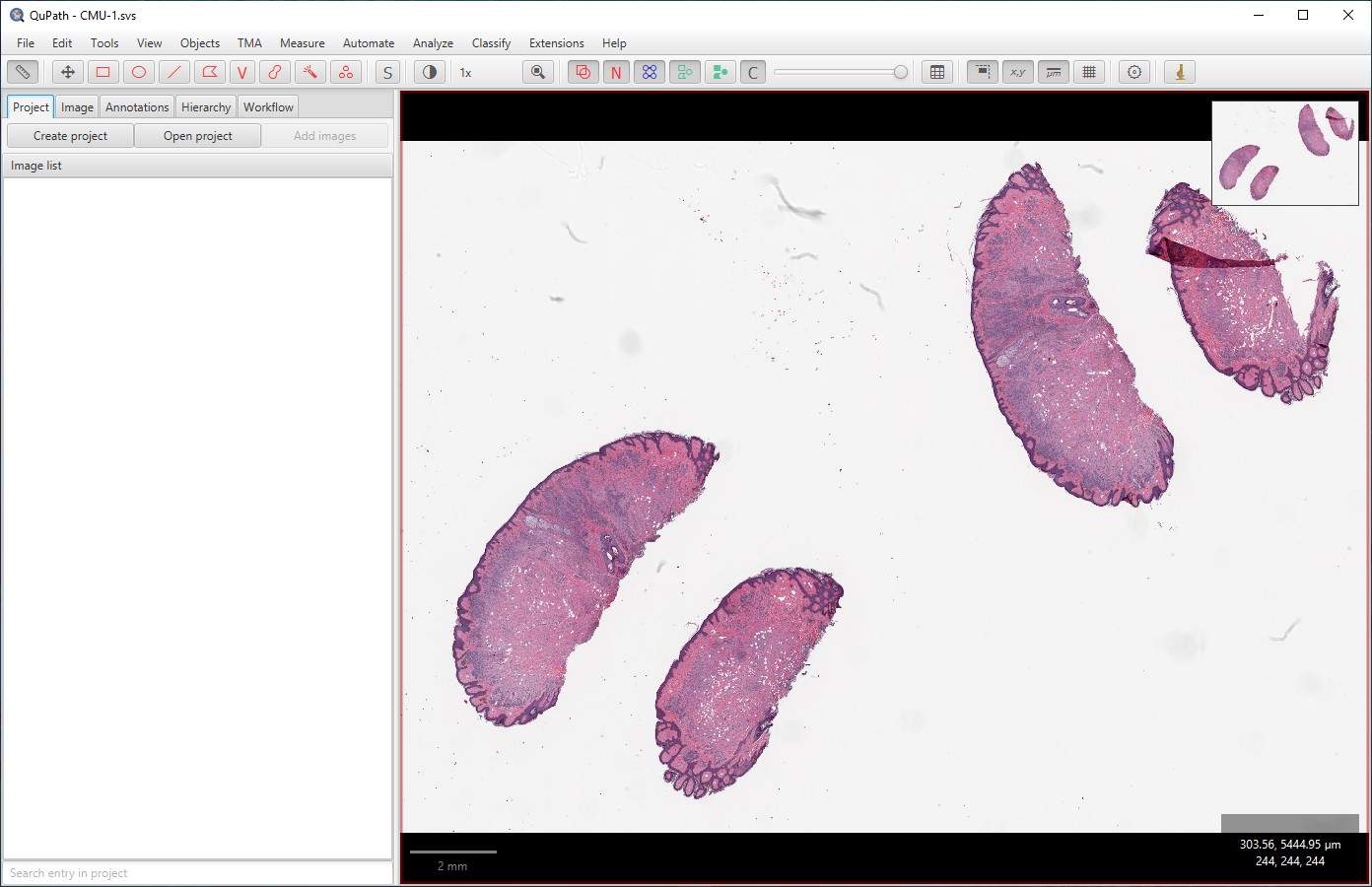
QuPath helps researchers explore tissue slides and turn selected regions into measurable objects. Open a whole slide image, zoom into an area of interest, draw annotations and run cell detection within those regions. The analysis panel connects the image to its objects and measurements, while results tables can be exported as CSV for further analysis. Scripting and an extensible design support workflows beyond manual annotation.
This entry links to the publisher's QuPath 0.7.0 Windows MSI installer. QuPath requires 64-bit Windows; 32-bit Windows is not supported. The publisher also offers a separate portable ZIP package.
QuPath is not intended for clinical, diagnostic or therapeutic use. Its saved .qpdata analysis files reference the original images rather than embedding them, so keep the source images available when saving or moving your work. The documentation also notes that QuPath is unsigned, which can lead to operating-system warnings during installation.
What it offers
- Navigate whole slide images with zoom, pan and an overview inset.
- Draw tissue annotations with rectangle, ellipse, polygon and brush tools.
- Detect cells inside annotated regions and inspect object measurements.
- Export measurement tables as CSV or copy results to another application.
- Extend image-analysis workflows with scripting tools.
Good to know
- Not intended for clinical, diagnostic or therapeutic purposes.
- Requires 64-bit Windows; 32-bit Windows is not supported.
- Saved .qpdata analysis files do not contain the original images; those images must remain accessible.
- The publisher documents QuPath as unsigned, so Windows may show installation warnings.
Product images
Sources
References used for this listing. Retrieval dates do not indicate hands-on testing.
More in utilities
View category ↗
1.1.1.1 with WARP 2026.8.2115.0
Encrypt traffic from your Mac to Cloudflare’s network with WARP, or use DNS-only mode for encrypted DNS queries to the 1.1.1.1 resolver.
1.1.1.1 with WARP 2026.8.2115.0
Encrypt traffic between your Windows PC and Cloudflare, or use encrypted DNS only, with the free 1.1.1.1 with WARP app.

3uTools 9.12.005
Manage iPhone and iPad photos, music, apps and backups from Windows with 3uTools, a free utility that also includes device checks and firmware flashing tools.