

Utilities Windows
Rainlendar for Windows
Keep events and tasks visible on your desktop with Rainlendar, a customizable calendar with alarms and separate to-do lists. This download is the free Lite edition for 64-bit Windows.
- Operating system
- Windows (64-bit)
- Architecture
- 64-bit
- Download package
- EXE installer (Lite edition)
Publisher labels this package for Windows 64-bit. Minimum supported Windows version was not established; no installation or compatibility test was performed.
Link checked · Download guidance
What is Rainlendar?
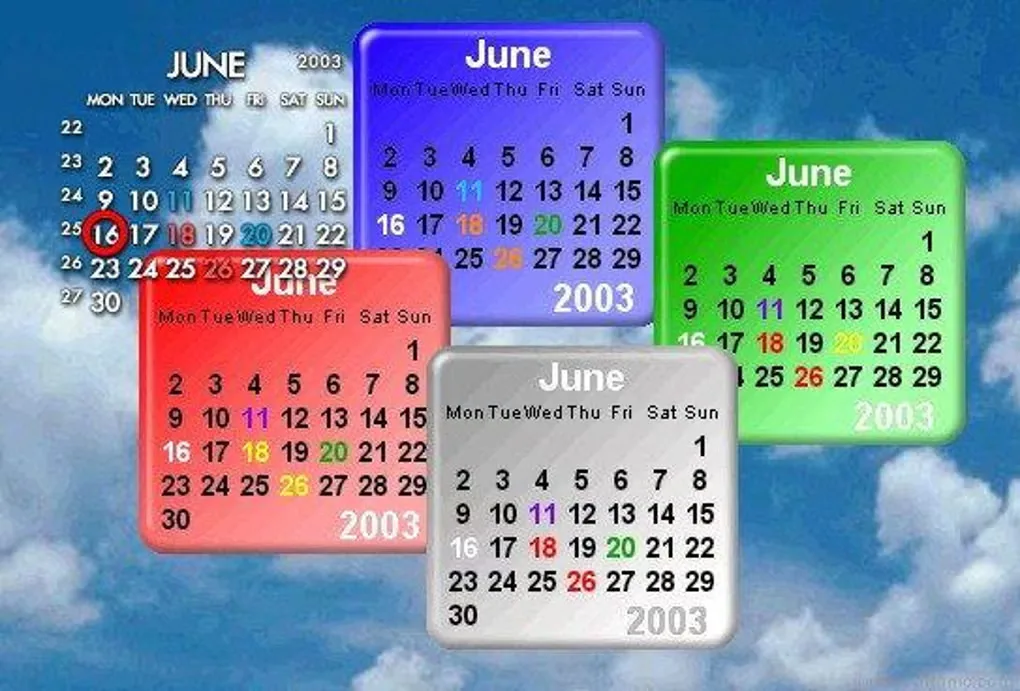
Rainlendar puts calendar windows, upcoming events and tasks on your desktop so you can check your schedule without opening a full calendar view. Events and tasks have separate lists, and alarms can notify you ahead of time or be snoozed for a later reminder. Skins, categories and multiple windows let you change how your calendar looks and which months or lists remain visible.
The application stores calendar data in the standard iCalendar format and supports printing events and tasks as a list or calendar layout. Automatic daily backups cover events and settings, with manual backups available too.
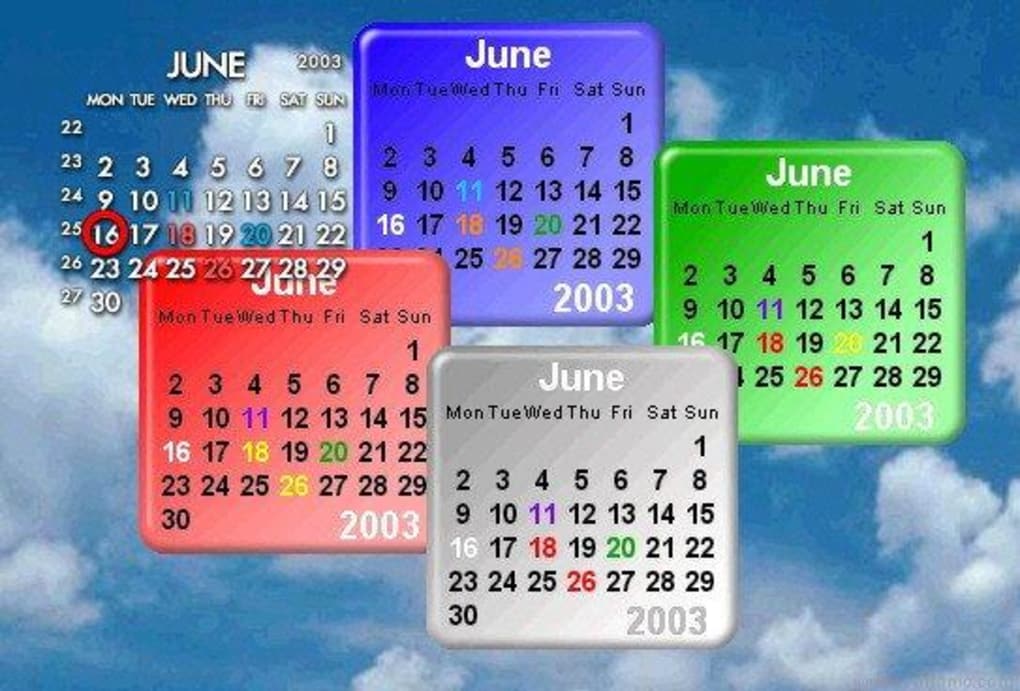
The linked Windows installer is Rainlendar Lite, which is free to download and use. Synchronization with services such as Google Calendar, Office 365 / Outlook.com and CalDAV requires the paid Pro edition; CSV import and export are also Pro features. Choose Lite for a desktop calendar without assuming those online integrations are included. The screenshot is a historical skin example from the Windows source listing, not a capture of version 2.24.3.
What it offers
- Show events and tasks in separate desktop lists and calendar windows.
- Set advance reminders, snooze alarms and attach multiple alarms to an event or task.
- Customize the desktop display with skins, categories and multiple calendar windows.
- Store calendar data in standard iCalendar format and print lists or calendar layouts.
- Use automatic daily backups or create manual backups of events and settings.
Good to know
- The free Lite edition does not include Pro synchronization with Google Calendar, Office 365 / Outlook.com, CalDAV and other supported services.
- CSV import and export require Rainlendar Pro.
Product images
Sources
References used for this listing. Retrieval dates do not indicate hands-on testing.
More in utilities
View category ↗
1.1.1.1 with WARP 2026.8.2115.0
Encrypt traffic from your Mac to Cloudflare’s network with WARP, or use DNS-only mode for encrypted DNS queries to the 1.1.1.1 resolver.
1.1.1.1 with WARP 2026.8.2115.0
Encrypt traffic between your Windows PC and Cloudflare, or use encrypted DNS only, with the free 1.1.1.1 with WARP app.

3uTools 9.12.005
Manage iPhone and iPad photos, music, apps and backups from Windows with 3uTools, a free utility that also includes device checks and firmware flashing tools.