
Development macOS
Rancher Desktop
Build and run containers and manage a local Kubernetes environment on your Mac with Rancher Desktop, an open-source application from SUSE.
- Operating system
- macOS 13 (Ventura) or later
- Architecture
- Apple Silicon (aarch64)
- Download package
- DMG disk image
Selected download is Apple Silicon; Intel x86_64 with VT-x has a separate DMG. Persistent internet required. Publisher recommends 8 GB memory and four CPUs; workloads may need more.
Link checked · Download guidance
What is Rancher Desktop?
Rancher Desktop brings container management and Kubernetes to macOS. It combines a graphical interface for images, containers and application settings with command-line tools for development workflows. Use it to build container images, run containers and explore local Kubernetes resources through the cluster dashboard.
Preferences let you select the container engine, choose a Kubernetes version and allocate resources to the virtual machine that runs the Linux container environment on your Mac. Bundled tools include docker, nerdctl, kubectl and Helm, so graphical controls and command-line workflows can work alongside each other.
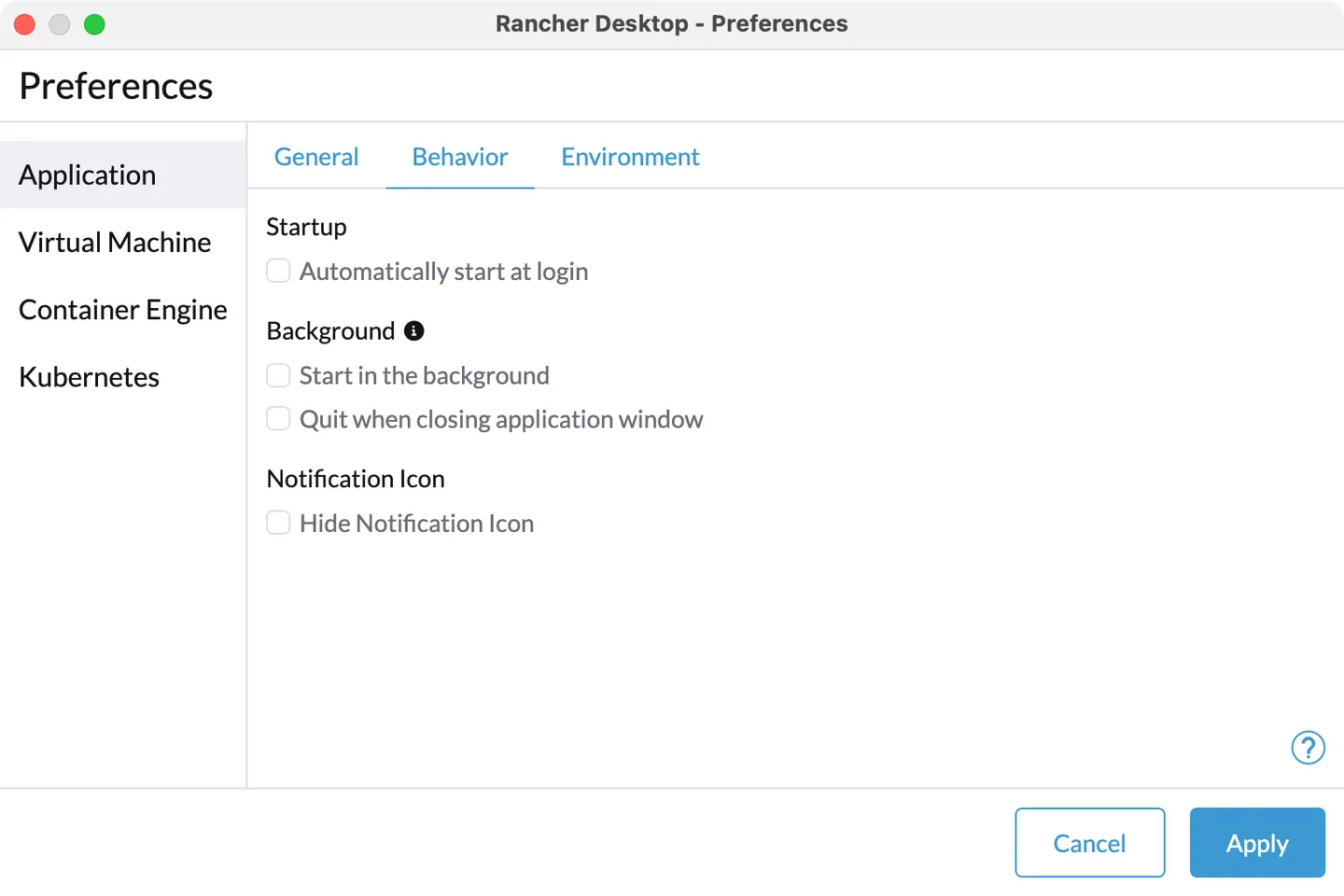
The linked 1.24.0 DMG is for Apple Silicon; the publisher also provides a separate Intel build. The versioned installation guide requires macOS 13 or later and a persistent internet connection. Kubernetes images are downloaded on first use or when changing Kubernetes versions, and workloads can require more resources than the recommended 8 GB of memory and four CPUs. The screenshot shows the publisher's older macOS Preferences interface, not a capture of version 1.24.0.
What it offers
- Build container images and run containers using nerdctl or the Docker CLI.
- Manage images, containers and settings through a graphical interface.
- Choose the container engine and Kubernetes version in Preferences.
- Explore local Kubernetes resources in the cluster dashboard and forward service ports.
- Use bundled command-line tools including docker, nerdctl, kubectl and Helm.
Good to know
- Requires a persistent internet connection; first use and Kubernetes version changes download Kubernetes container images.
- Containers and Kubernetes run in a virtual machine on macOS; workload resource needs can exceed the recommended 8 GB memory and four CPUs.
Product images
Sources
References used for this listing. Retrieval dates do not indicate hands-on testing.
More in development
View category ↗

010 Editor 17.0
Inspect and edit binary files on Mac with 010 Editor, a paid text and hex editor with Binary Templates, file comparison and a 30-day trial.
010 Editor 17.0
Inspect and edit binary files with 010 Editor for Windows, a text and hex editor with Binary Templates, file comparison and scripting. Includes a 30-day trial.
10x Editor
Edit and navigate C++ projects on Windows with a built-in parser, workspace search and Visual Studio project support. A paid license is required after the 30-day trial.