
Development Windows
RAPTOR - Flowchart Interpreter
Build and trace flowchart programs to learn algorithmic thinking with RAPTOR. This Windows download is the free Avalonia edition, which requires .NET Runtime 8 and supports procedures but not object-oriented mode.
What is RAPTOR - Flowchart Interpreter?
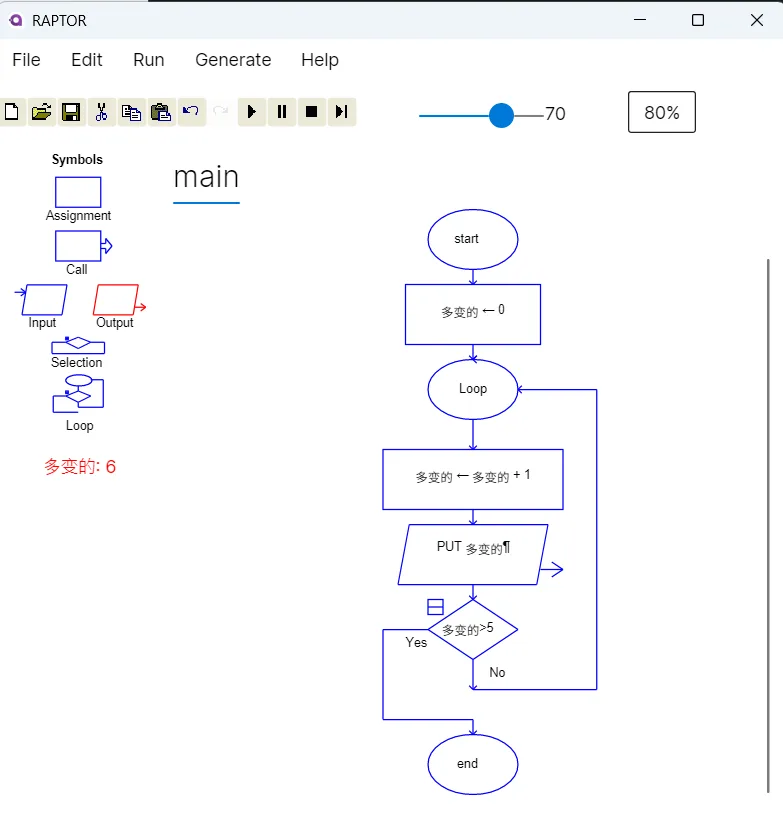
RAPTOR is a visual programming environment for students learning how algorithms work. Rather than starting with a page of source code, you assemble a flowchart and follow its execution through the diagram. Assignment, input, output, selection and loop symbols make the structure of a program visible.
The linked Windows MSI is RAPTOR Avalonia, the multiplatform edition listed by the publisher with a July 10, 2025 update. Its Intermediate mode supports subcharts and procedures, and it accepts international variable names. Install .NET Runtime 8 separately if it is not already present; documentation for this edition is provided online.
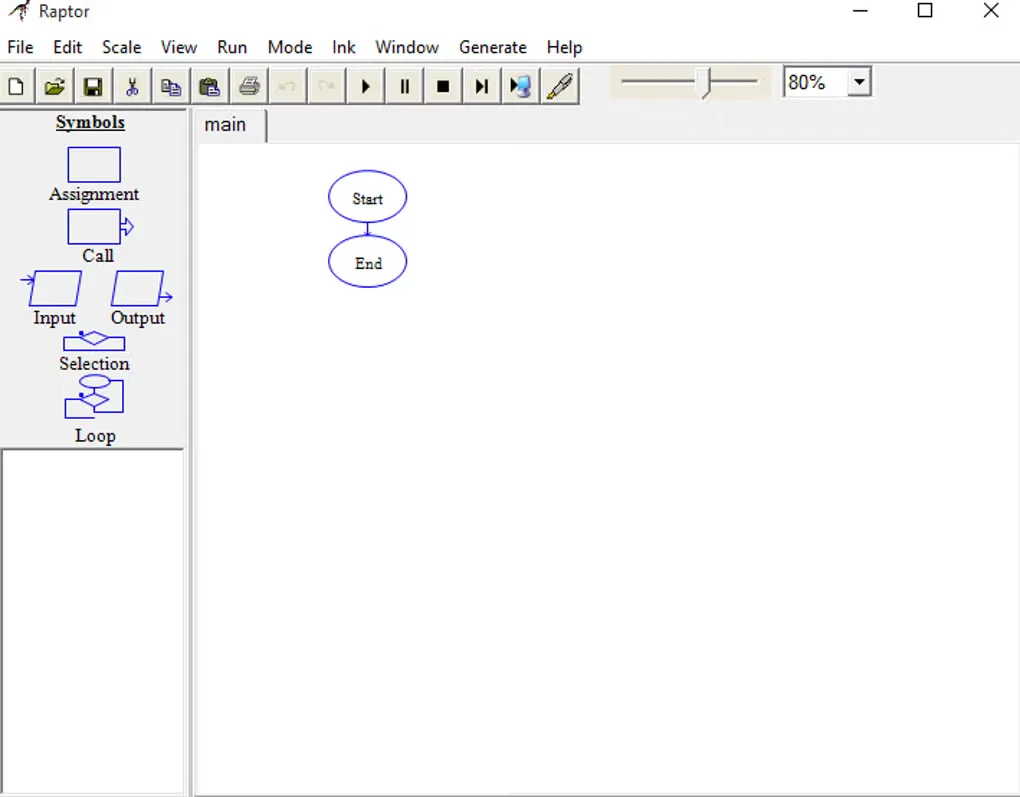
Check the edition required by your course before exchanging files. Avalonia has no object-oriented mode. The separate legacy Windows-only edition supports OO mode but cannot open Avalonia files. The publisher also warns that older binary-format programs need the .oldrap extension before opening in Avalonia and recommends saving them in the newer XML-based .rap format. The first screenshot shows Avalonia; the second shows the legacy Windows interface for comparison.
What it offers
- Create visual programs with assignment, input, output, selection and loop symbols.
- Trace execution through a flowchart to examine algorithm logic.
- Organize programs into subcharts and procedures in Avalonia Intermediate mode.
- Use international variable names in the Avalonia edition.
Good to know
- RAPTOR Avalonia requires .NET Runtime 8 and does not include object-oriented mode.
- Legacy Windows-only RAPTOR cannot open Avalonia files; Avalonia can load only some legacy files.
- For older binary-format programs, the publisher instructs users to rename files to .oldrap before opening and migrate them to XML-based .rap files.
Product images
Sources
References used for this listing. Retrieval dates do not indicate hands-on testing.
- RAPTOR - Flowchart Interpreter ↗Retrieved
- RAPTOR - Flowchart Interpreter - Download ↗Retrieved
More in development
View category ↗

010 Editor 17.0
Inspect and edit binary files on Mac with 010 Editor, a paid text and hex editor with Binary Templates, file comparison and a 30-day trial.
010 Editor 17.0
Inspect and edit binary files with 010 Editor for Windows, a text and hex editor with Binary Templates, file comparison and scripting. Includes a 30-day trial.
10x Editor
Edit and navigate C++ projects on Windows with a built-in parser, workspace search and Visual Studio project support. A paid license is required after the 30-day trial.