

Development Windows
RazorSQL for Windows
Query databases, edit tables and move data with RazorSQL, a Windows SQL editor and database browser available as a 30-day trial.
- Operating system
- Windows 11 and 10; publisher also lists Windows 8, 7, Vista and Server 2003 or later
- Architecture
- x64 (64-bit)
- Download package
- EXE installer
This package requires 64-bit Windows. Separate 32-bit and ZIP packages are listed; the publisher recommends 32-bit for ODBC connections.
Link checked · Download guidance
What is RazorSQL?
RazorSQL brings SQL editing, database navigation and table tools into one desktop workspace. It is useful when you need to inspect a schema, run a query and work with its results without switching between separate tools. The publisher lists support for databases including MySQL, PostgreSQL, SQL Server, Oracle and SQLite, with JDBC connections and Windows ODBC support.
The editor includes syntax highlighting, table and column completion, SQL formatting and query history. A database tree exposes objects and columns, while tools handle table editing, SQL generation, data import and export, and comparisons between table data or query results.
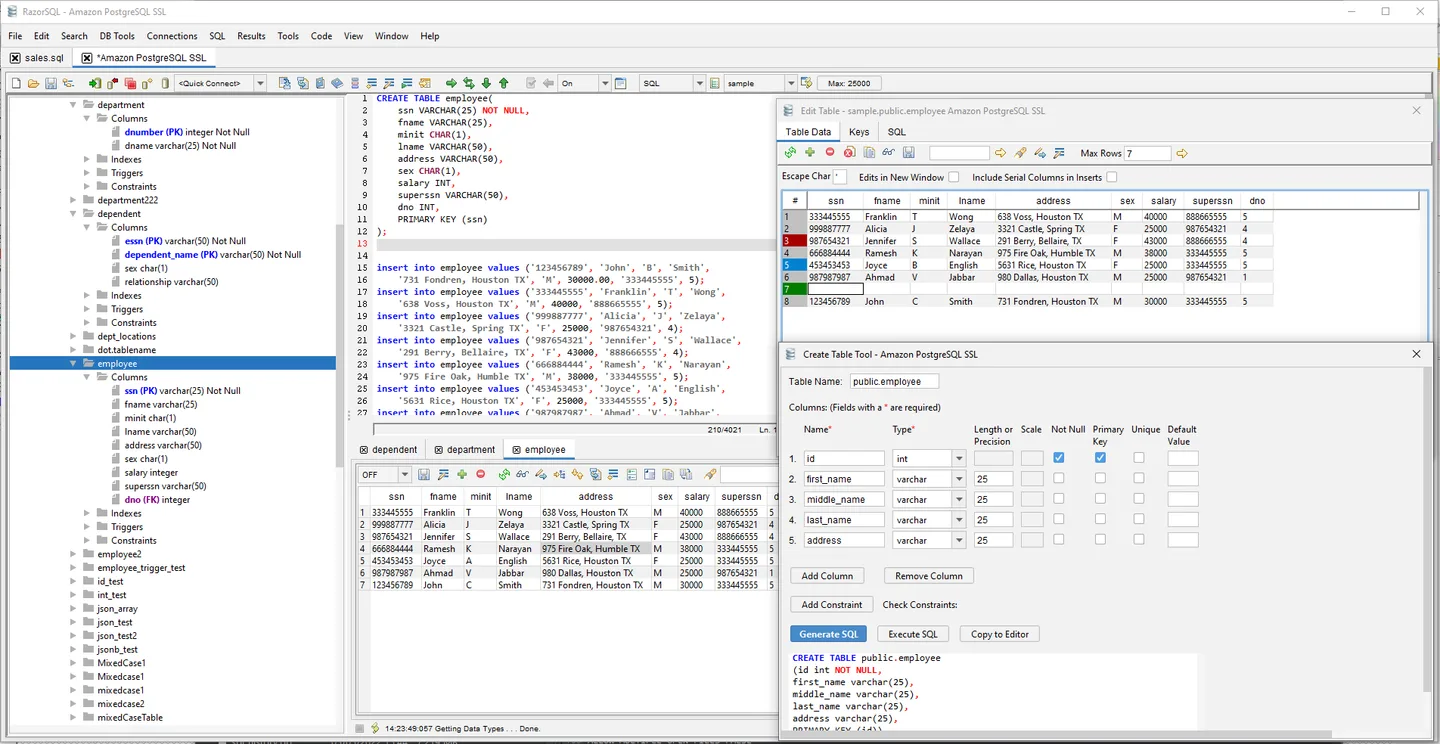
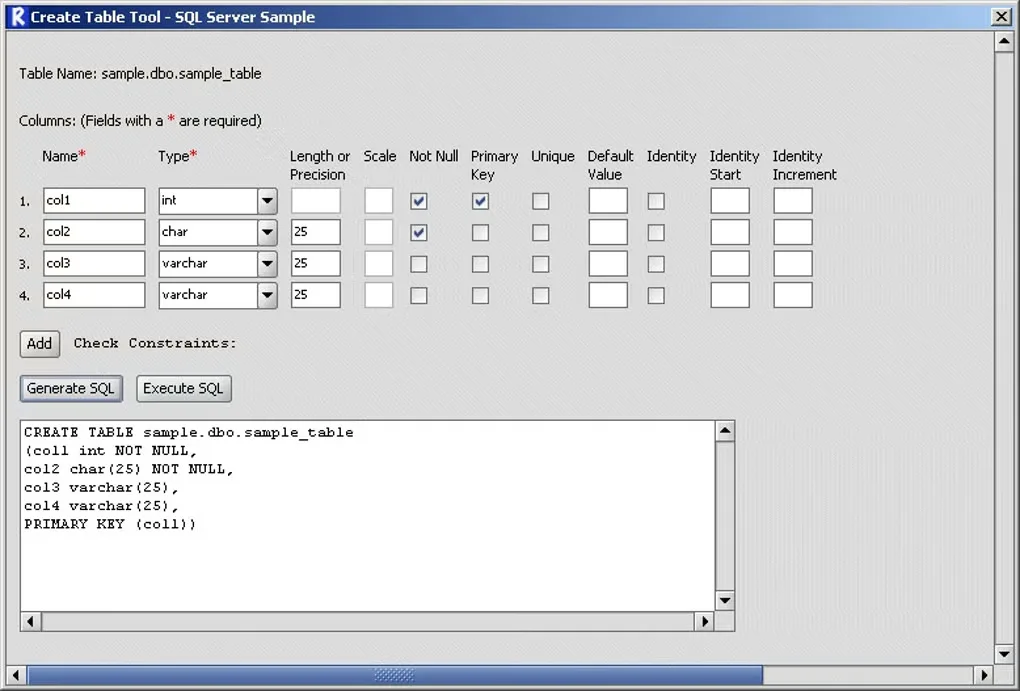
The linked download is the Windows x64 EXE installer for version 11.0.3. The full-feature trial expires 30 days after first use; continuing requires a purchased license. Some database-specific tools are not available for every database type. The publisher recommends the separate 32-bit edition for ODBC connections, so check that requirement before choosing this x64 package. The screenshots show publisher-provided RazorSQL 10 UI and an older Softonic Create Table example, not a verified capture of version 11.0.3.
What it offers
- Browse database objects, tables and column details in a tree view.
- Write SQL with syntax highlighting, table and column completion, formatting and query history.
- Edit table data and generate SQL for database objects.
- Import delimited, Excel or fixed-width data; export query results in supported formats.
- Compare table data or query results across supported database connections.
Good to know
- The trial expires 30 days after first use; a purchased license is required to continue.
- Some database-specific tools are unavailable for certain database types.
- The publisher recommends the separate 32-bit edition for ODBC connections; this link supplies the x64 installer.
Product images
Sources
References used for this listing. Retrieval dates do not indicate hands-on testing.
- RazorSQL - Download ↗Retrieved
- RazorSQL Download ↗Retrieved
- RazorSQL - Database Editor and SQL Query Tool - Features ↗Retrieved
- RazorSQL - Database Admin Tool and SQL Editor - Updates ↗Retrieved
- RazorSQL - Screen Shots ↗Retrieved
More in development
View category ↗

010 Editor 17.0
Inspect and edit binary files on Mac with 010 Editor, a paid text and hex editor with Binary Templates, file comparison and a 30-day trial.
010 Editor 17.0
Inspect and edit binary files with 010 Editor for Windows, a text and hex editor with Binary Templates, file comparison and scripting. Includes a 30-day trial.
10x Editor
Edit and navigate C++ projects on Windows with a built-in parser, workspace search and Visual Studio project support. A paid license is required after the 30-day trial.