
Utilities Windows
RedNotebook
Keep a desktop journal with formatted entries, hashtags, pictures and reusable templates. RedNotebook is free, open-source software with a Windows installer.
Version 2.43 · Direct publisher file
Link checked · Download guidance
What is RedNotebook?
RedNotebook is a desktop diary for recording daily notes and finding them again. Format an entry, add hashtags, attach pictures or links, and reuse a template when the same structure suits each day's writing. Search-as-you-type helps locate earlier entries without reading through the whole journal.
Journal data is stored in plain text files. Automatic saving, ZIP backups and export to plain text, HTML or LaTeX give you ways to preserve and reuse your writing outside the editor.
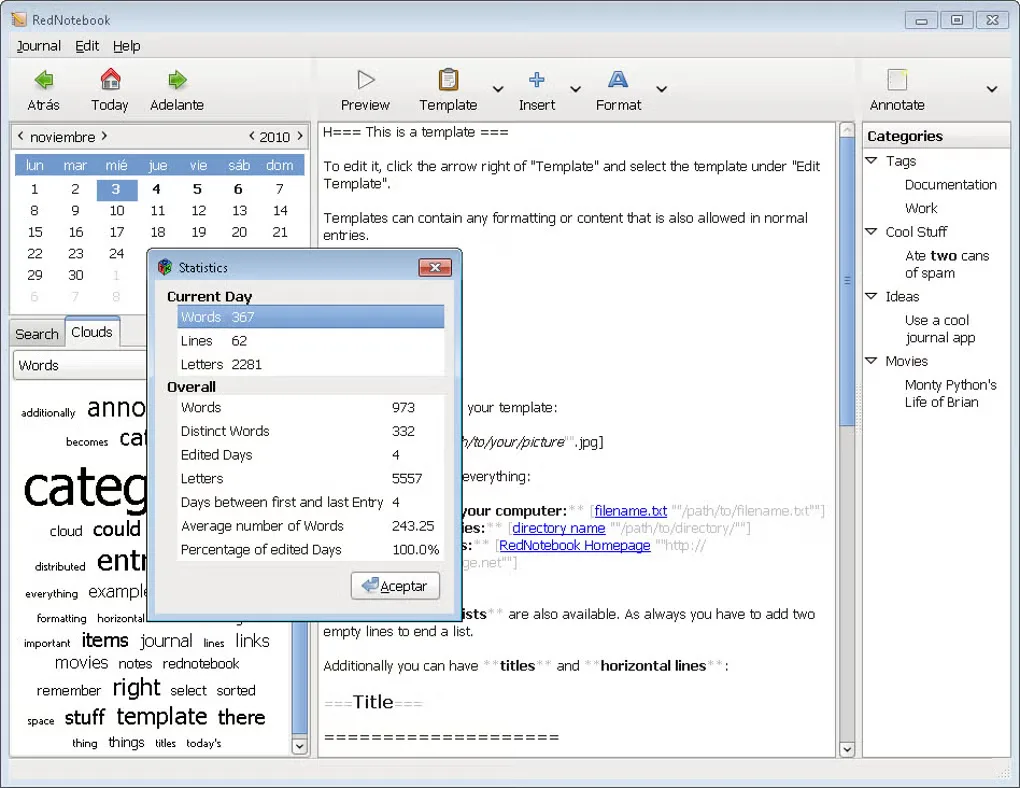
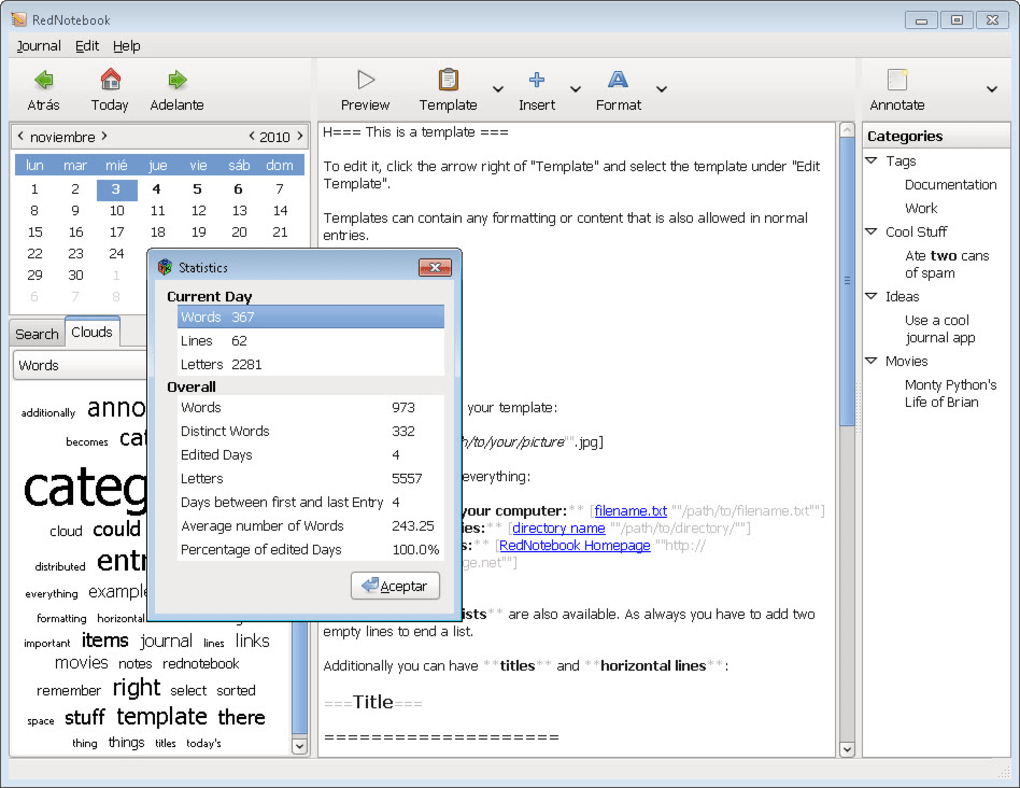
On Windows, formatted previews open externally rather than inside the application; the publisher documents this change from version 2.27. Back up your journal and close RedNotebook before upgrading. The screenshot shows an older Windows interface for orientation, not the appearance of version 2.43.
What it offers
- Write journal entries with bold, italic and underlined text, plus images, files and links.
- Tag entries with hashtags and find earlier notes with search-as-you-type.
- Use customizable templates for recurring journal layouts.
- Automatically save plain-text journal data and create ZIP backups.
- Export entries to plain text, HTML or LaTeX.
Good to know
- Windows uses an external preview rather than an embedded formatted preview, as documented in the publisher's version 2.27 changelog.
- The publisher instructs users to back up the journal and close RedNotebook before upgrading.
Product images
Sources
References used for this listing. Retrieval dates do not indicate hands-on testing.
- Downloads | RedNotebook ↗Retrieved
- RedNotebook — About & Features and release news ↗Retrieved
- RedNotebook v2.43 README — license notes ↗Retrieved
- RedNotebook changelog — Windows preview limitation ↗Retrieved
- RedNoteBook - Download ↗Retrieved
More in utilities
View category ↗
1.1.1.1 with WARP 2026.8.2115.0
Encrypt traffic from your Mac to Cloudflare’s network with WARP, or use DNS-only mode for encrypted DNS queries to the 1.1.1.1 resolver.
1.1.1.1 with WARP 2026.8.2115.0
Encrypt traffic between your Windows PC and Cloudflare, or use encrypted DNS only, with the free 1.1.1.1 with WARP app.

3uTools 9.12.005
Manage iPhone and iPad photos, music, apps and backups from Windows with 3uTools, a free utility that also includes device checks and firmware flashing tools.