
Utilities Android
Remote Mouse
Use an Android phone or tablet as a wireless mouse, keyboard and touchpad for your computer. Remote Mouse requires its desktop helper; this entry links to the publisher's Android APK.
- Operating system
- Android; minimum supported release not confirmed
- Architecture
- Not confirmed by the inspected publisher sources
- Download package
- Android APK
Controller app, not a desktop helper. Requires the separate computer helper. The publisher links Windows, macOS and Linux helpers; its homepage setup uses the same Wi-Fi network.
Link checked · Download guidance
What is Remote Mouse?
Remote Mouse turns an Android phone or tablet into input controls for a computer. Move the pointer, click, scroll with multi-touch gestures or type using the phone's keyboard. It suits controlling a computer connected to a TV, changing presentation slides or entering text without a physical keyboard beside you.
The Android app is the controller, not the desktop helper. Install and run the separate helper on the computer first. The publisher's homepage describes connecting both devices to the same Wi-Fi network; its Android listing also advertises Bluetooth connections. The publisher provides desktop helpers for Windows, macOS and Linux.
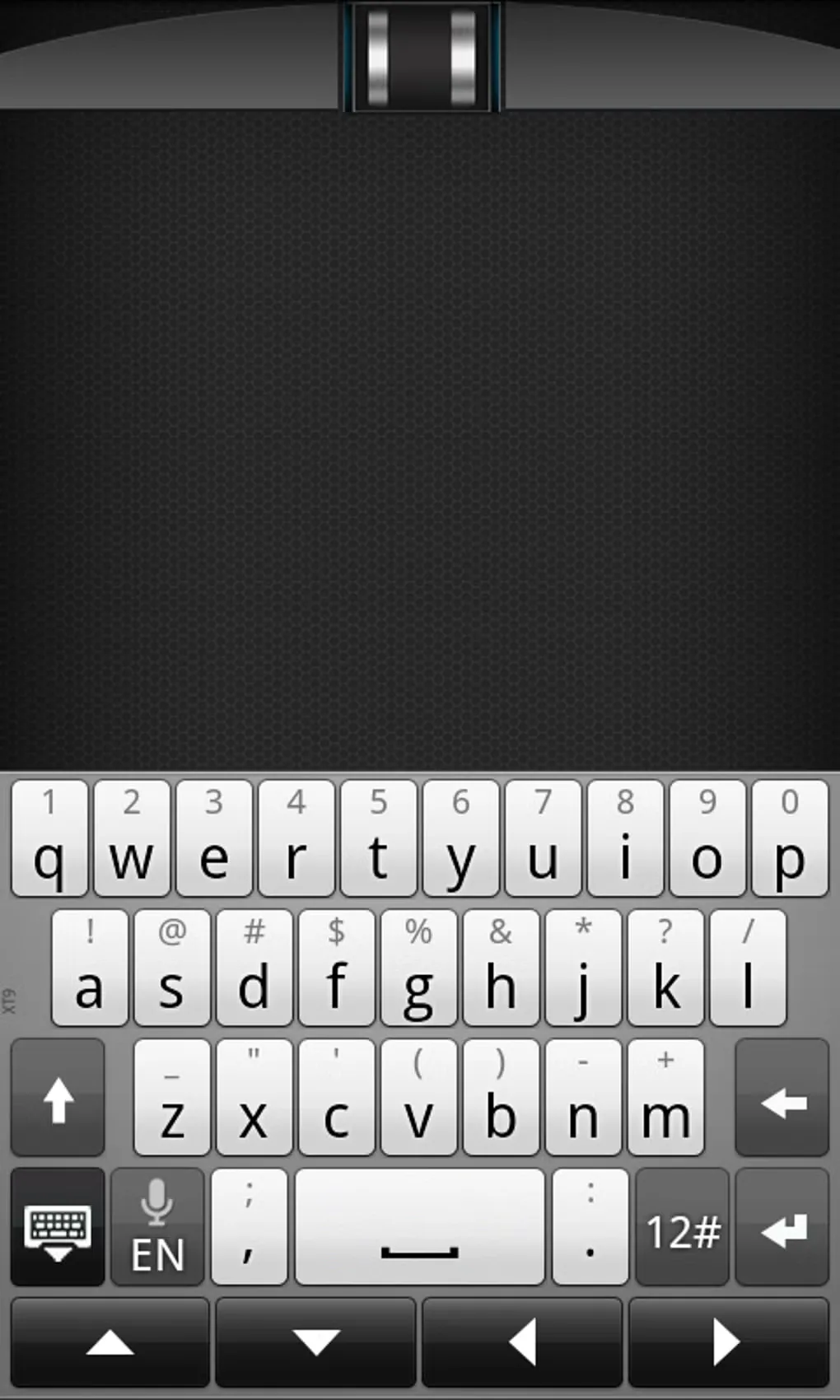
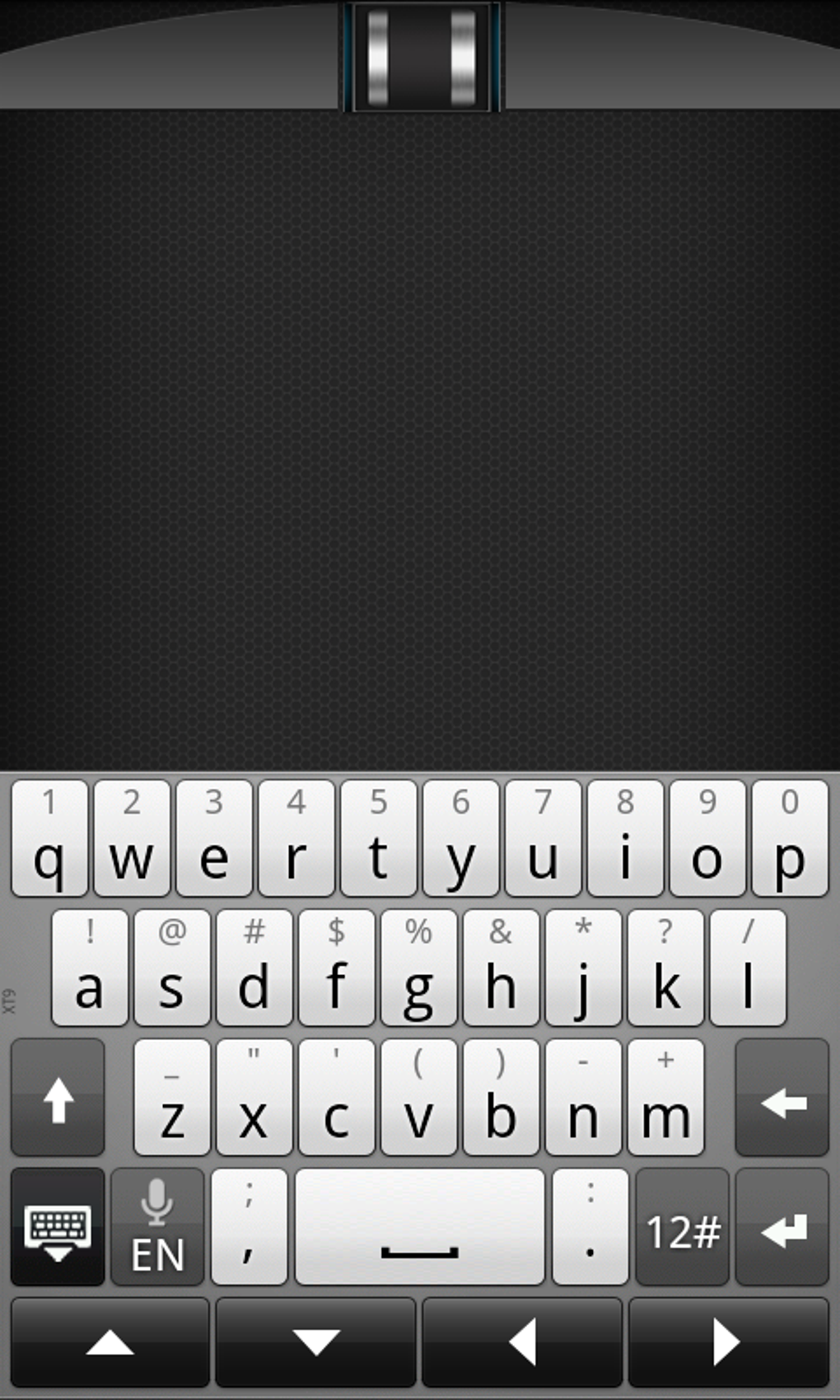
Basic mouse, keyboard and trackpad controls are free to use according to the developer's Android listing. The app contains ads and offers in-app purchases, so do not assume every specialty panel is included free. The gallery image shows an older Android interface with a touchpad and on-screen keyboard, not a verified preview of the current APK. The publisher download's version, minimum Android release and CPU architecture were not established.
What it offers
- Use the phone screen as a mouse and multi-touch touchpad for a computer.
- Enter text remotely with the mobile keyboard; voice input depends on the keyboard's support.
- Use the phone's gyroscope to move the computer pointer.
- Access application switching and computer power controls.
- Specialty panels include media and web controls; the Android listing offers in-app purchases.
Good to know
- Requires the separate Remote Mouse desktop helper running on the computer and a connection between the devices; the homepage's setup uses the same Wi-Fi network.
- Contains ads and in-app purchases; the basic free controls do not establish that every feature is free.
- The publisher APK's version, minimum Android release and supported CPU architectures were not confirmed.
Product images
More in utilities
View category ↗
1.1.1.1 with WARP 2026.8.2115.0
Encrypt traffic from your Mac to Cloudflare’s network with WARP, or use DNS-only mode for encrypted DNS queries to the 1.1.1.1 resolver.
1.1.1.1 with WARP 2026.8.2115.0
Encrypt traffic between your Windows PC and Cloudflare, or use encrypted DNS only, with the free 1.1.1.1 with WARP app.

3uTools 9.12.005
Manage iPhone and iPad photos, music, apps and backups from Windows with 3uTools, a free utility that also includes device checks and firmware flashing tools.