
Utilities Windows
Remote Mouse for Windows
Control a Windows PC from your phone with Remote Mouse, a desktop helper for wireless mouse, keyboard and touchpad input. A mobile companion app is required.
What is Remote Mouse?
Remote Mouse connects a Windows computer to a phone or tablet so the mobile device can act as a mouse, keyboard and touchpad. It is useful when a PC is connected to a television or when you want to move away from the keyboard during a presentation. This download is the Windows desktop helper, not the phone app.
Install the companion Remote Mouse app on an iPhone, iPad or Android device as well as the helper on the PC. The publisher's setup instructions put both devices on the same Wi-Fi network. The mobile controls provide touch gestures and keyboard input; the publisher also describes application switching, volume controls and computer power options.
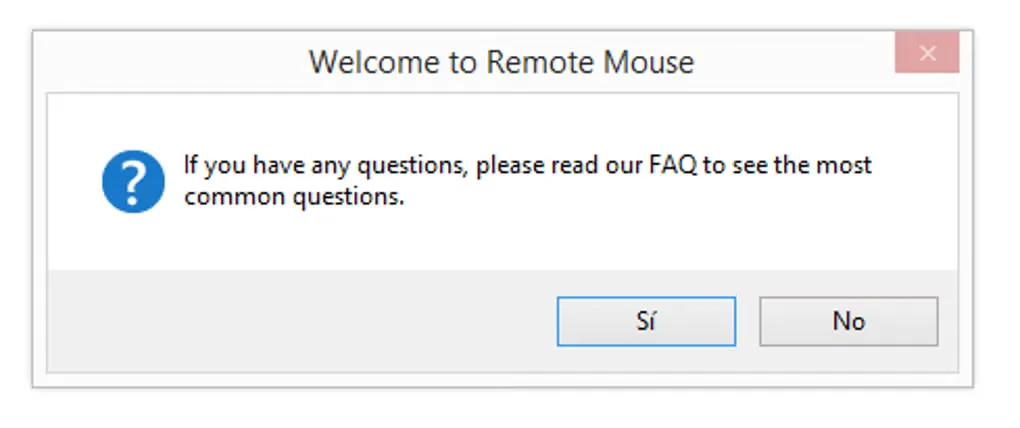
The desktop helper alone does not provide phone control. Some specialty control panels and mobile extras require paid upgrades, so a free desktop download does not mean every companion feature is included. The screenshot shows the Windows helper's welcome dialog linking to its FAQ, rather than the phone's control surface.
What it offers
- Use a phone or tablet as a wireless mouse, keyboard and touchpad for the computer.
- Control pointer movement with multi-touch gestures on the mobile device.
- Launch or switch computer applications from the mobile companion.
- Access computer shutdown, restart, log-off and sleep controls from the phone.
Good to know
- Requires both the Windows desktop helper and a separate mobile companion app; the publisher's setup uses the same Wi-Fi network for both devices.
- Some specialty control panels and additional mobile features require paid upgrades.
Product images
Sources
References used for this listing. Retrieval dates do not indicate hands-on testing.
More in utilities
View category ↗
1.1.1.1 with WARP 2026.8.2115.0
Encrypt traffic from your Mac to Cloudflare’s network with WARP, or use DNS-only mode for encrypted DNS queries to the 1.1.1.1 resolver.
1.1.1.1 with WARP 2026.8.2115.0
Encrypt traffic between your Windows PC and Cloudflare, or use encrypted DNS only, with the free 1.1.1.1 with WARP app.

3uTools 9.12.005
Manage iPhone and iPad photos, music, apps and backups from Windows with 3uTools, a free utility that also includes device checks and firmware flashing tools.