

Utilities Windows
ReNamer for Windows
Rename batches of files and folders with ordered rules, metadata tags and reusable presets. ReNamer Lite is free for non-commercial use; commercial use requires Pro.
- Operating system
- Windows 2000 and later, according to the publisher
- Architecture
- x86, as identified in the Windows Package Manager manifest
- Download package
- EXE installer
This entry links to the installer, not the separately offered portable package. Software was not installed or run.
Link checked · Download guidance
What is ReNamer?
ReNamer changes file and folder names by applying a sequence of rules. Use it to add text, remove unwanted characters, replace words, change case or append a number sequence across a collection. Save a rule set as a preset when the same naming pattern is needed again.
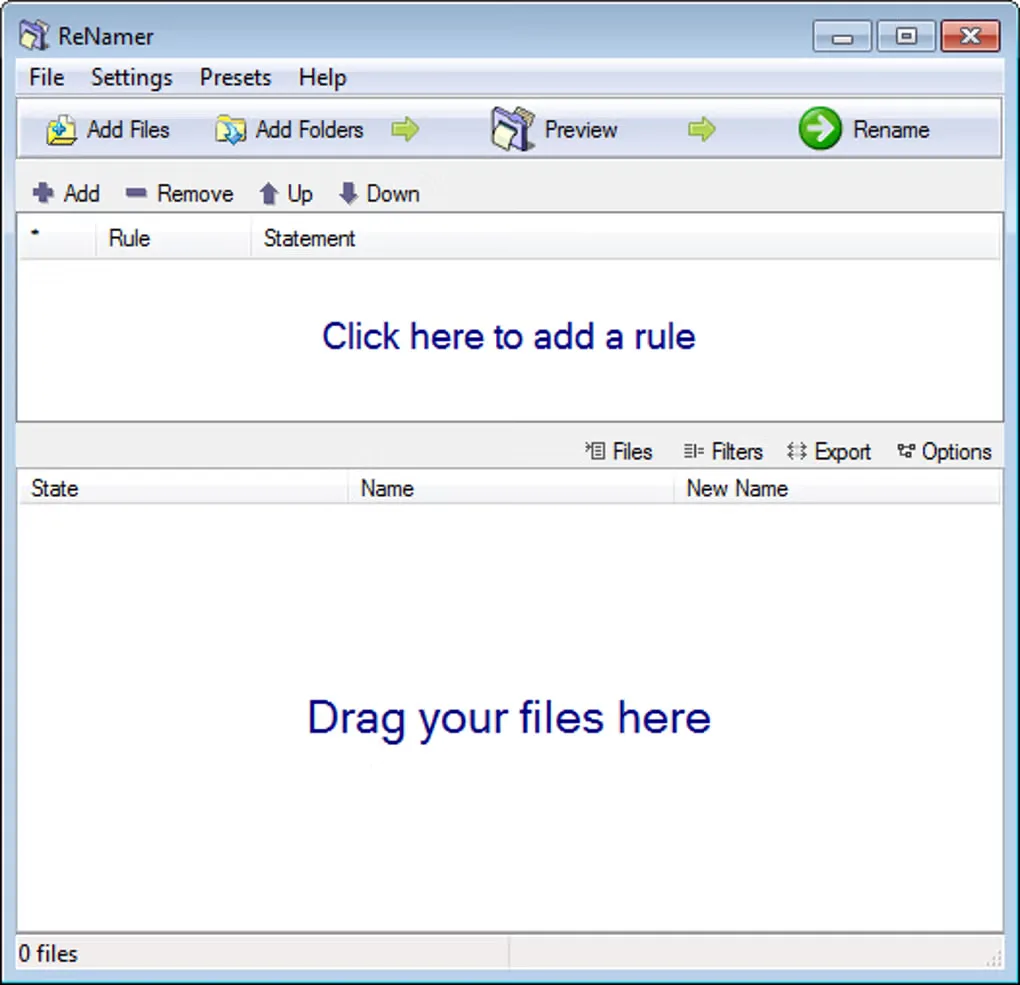
For media collections, metadata tags can put information such as a music track's artist or a photo's date taken into the filename. Regular Expressions handle pattern-based changes, while the Pascal Script rule provides custom renaming logic. The interface separates the rule list from the file list and includes a Preview control before Rename.
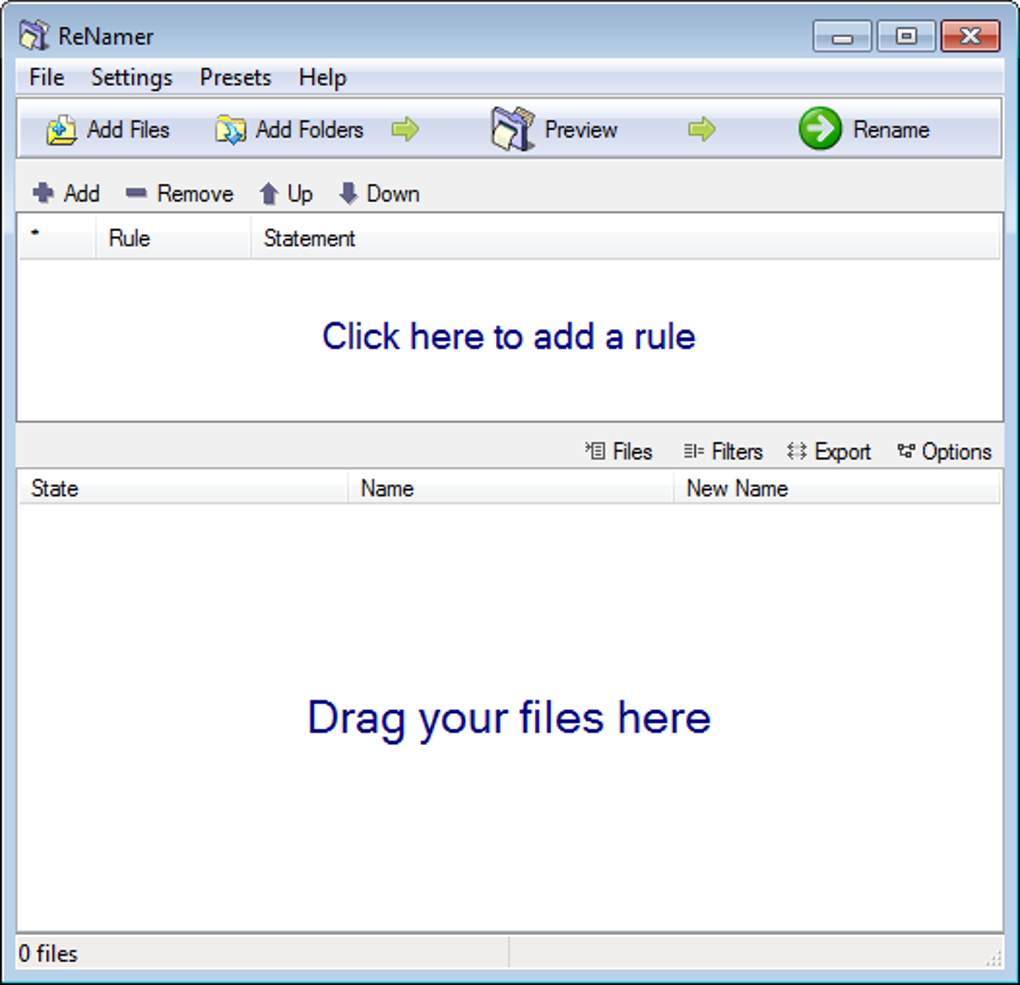
The linked download is the publisher's ReNamer 7.10 Windows installer, identified as x86 in the Windows Package Manager manifest. The default Lite license is for non-commercial use and limits a rule set to five rules and saved presets to five. Pro is a paid upgrade for commercial use and removes those limits. The screenshot illustrates the Windows interface, not a verified capture of version 7.10.
What it offers
- Combine ordered rules for inserting, removing and replacing text, changing case, adjusting extensions and adding sequential numbers.
- Save renaming rules as named presets for repeated tasks.
- Build names from supported music, photo, video and document metadata or file checksums.
- Use Regular Expressions or Pascal Script for custom renaming logic.
- Rename folders as well as files, with Unicode filename support.
Good to know
- The free Lite license permits non-commercial use only; commercial use requires a paid Pro license.
- Lite supports at most five renaming rules and five saved presets; Pro removes these limits.
Product images
Sources
References used for this listing. Retrieval dates do not indicate hands-on testing.
- ReNamer — Powerful bulk file renamer — publisher product page ↗Retrieved
- ReNamer — publisher downloads ↗Retrieved
- den4b Licensing Terms ↗Retrieved
- ReNamer — Lite versus Pro comparison ↗Retrieved
- Windows Package Manager community installer manifest — den4b.ReNamer 7.10 ↗Retrieved
- Windows Package Manager community locale manifest — ReNamer ↗Retrieved
- ReNamer - Download — observed Windows product and screenshot gallery ↗Retrieved
More in utilities
View category ↗
1.1.1.1 with WARP 2026.8.2115.0
Encrypt traffic from your Mac to Cloudflare’s network with WARP, or use DNS-only mode for encrypted DNS queries to the 1.1.1.1 resolver.
1.1.1.1 with WARP 2026.8.2115.0
Encrypt traffic between your Windows PC and Cloudflare, or use encrypted DNS only, with the free 1.1.1.1 with WARP app.

3uTools 9.12.005
Manage iPhone and iPad photos, music, apps and backups from Windows with 3uTools, a free utility that also includes device checks and firmware flashing tools.