

Utilities Android
RetroArch for Android
Run emulator and game-engine cores through a shared Android interface with RetroArch. Download the publisher's 64-bit APK; games are not included.
- Operating system
- Android phones and tablets with a compatible 64-bit operating system
- Architecture
- 64-bit; release build configuration lists ARM64 (arm64-v8a) and x86_64
- Download package
- APK for manual installation (RetroArch_aarch64.apk)
This is the publisher's 64-bit APK, not its separate 32-bit build or Google Play edition. Minimum Android version for this binary was not independently established; core and device requirements vary.
Link checked · Download guidance
What is RetroArch?
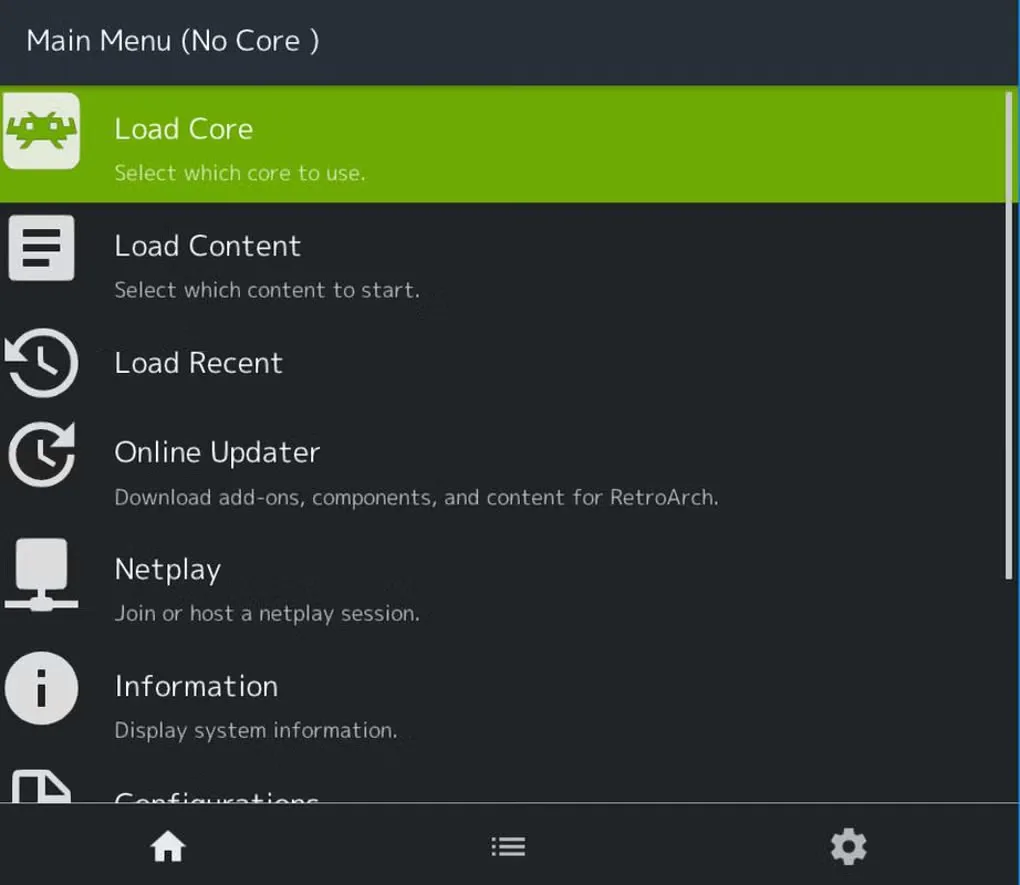
RetroArch brings emulator and game-engine cores into one Android app, with shared menus, controller settings and audio/video controls. Choose a core for the system you want to use, load your own game files and keep recognized games in system-specific playlists. It suits managing several retro systems without learning a separate interface for each one.
RetroArch is a frontend, not a collection of bundled games. Download a suitable core separately; some cores also need BIOS files that you must supply legally. Automatic library scans only add games that match RetroArch's database, so a scan is not a guarantee that every file will appear.
This download is the publisher's version 1.22.2 64-bit Android APK for manual installation, not the Google Play edition or the separate 32-bit build. Your device needs a compatible 64-bit Android environment. Core availability, game compatibility and performance depend on the chosen core and device; a working frontend does not mean every system will run.
What it offers
- Download emulator and game-engine cores through the built-in Core Downloader.
- Use shared controller, sound and video settings across cores.
- Scan recognized game files into playlists organized by system.
- Use controller profiles, with manual button mapping when a controller is not recognized.
- Apply shaders to change how supported games are displayed.
Good to know
- No games are included; a suitable core and your own legally obtained content are required, and some cores need separate BIOS files.
- Automatic library scanning only adds games that match RetroArch's database.
- The selected APK is 64-bit, not a download for 32-bit-only Android devices; core compatibility and performance vary by device.
Product images
More in utilities
View category ↗
1.1.1.1 with WARP 2026.8.2115.0
Encrypt traffic from your Mac to Cloudflare’s network with WARP, or use DNS-only mode for encrypted DNS queries to the 1.1.1.1 resolver.
1.1.1.1 with WARP 2026.8.2115.0
Encrypt traffic between your Windows PC and Cloudflare, or use encrypted DNS only, with the free 1.1.1.1 with WARP app.

3uTools 9.12.005
Manage iPhone and iPad photos, music, apps and backups from Windows with 3uTools, a free utility that also includes device checks and firmware flashing tools.