
Utilities macOS
Rnote for macOS
Sketch, take handwritten notes and annotate PDFs with Rnote, a free vector-based drawing app. This Mac download is the Apple silicon app bundle in a DMG.
- Operating system
- macOS Ventura through macOS Sequoia
- Architecture
- ARM64 (Apple silicon)
- Download package
- DMG containing a standalone macOS app bundle
The maintainer says Tahoe should work but has not verified it. A separate x86_64 DMG is available for Intel Macs.
Link checked · Download guidance
What is Rnote?
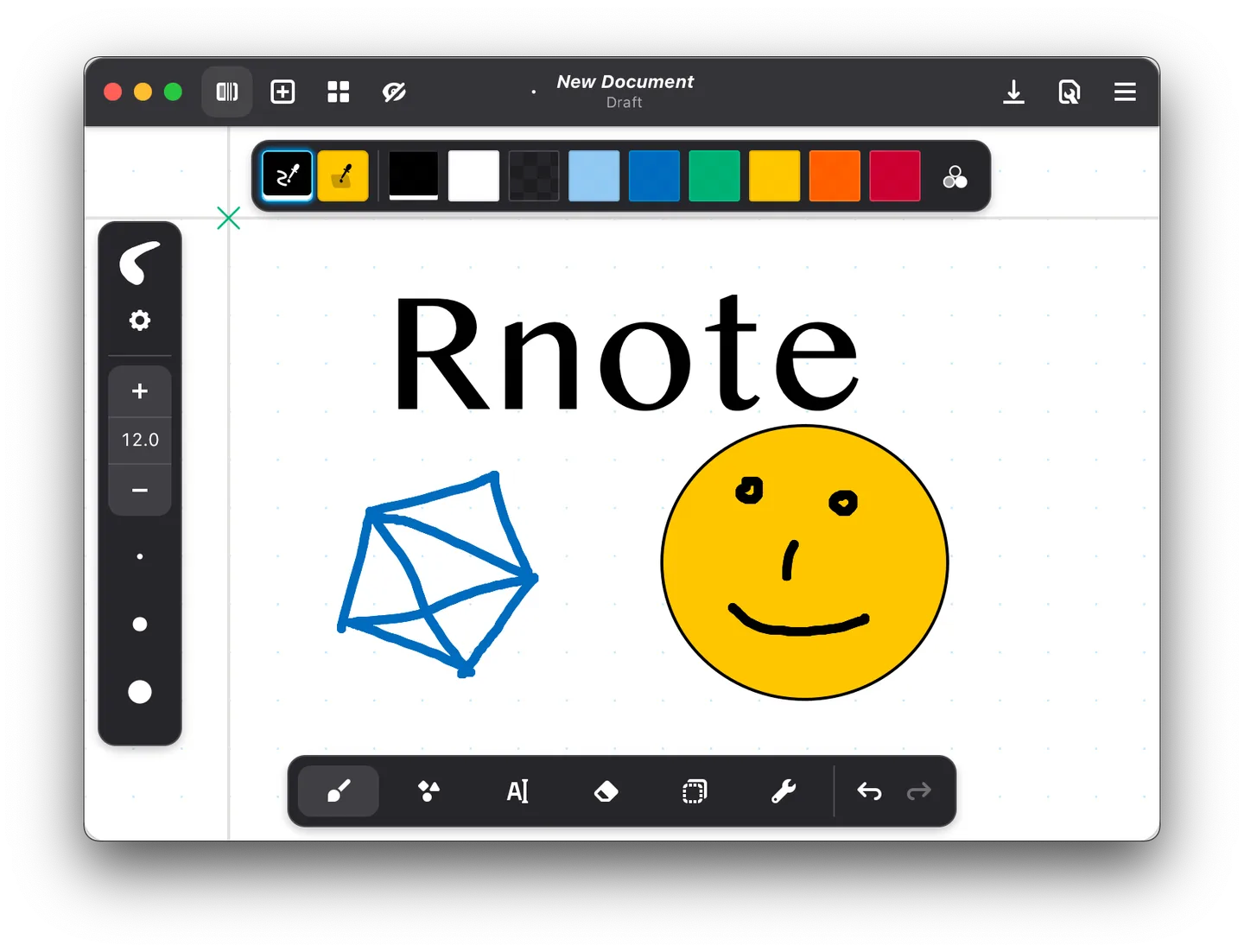
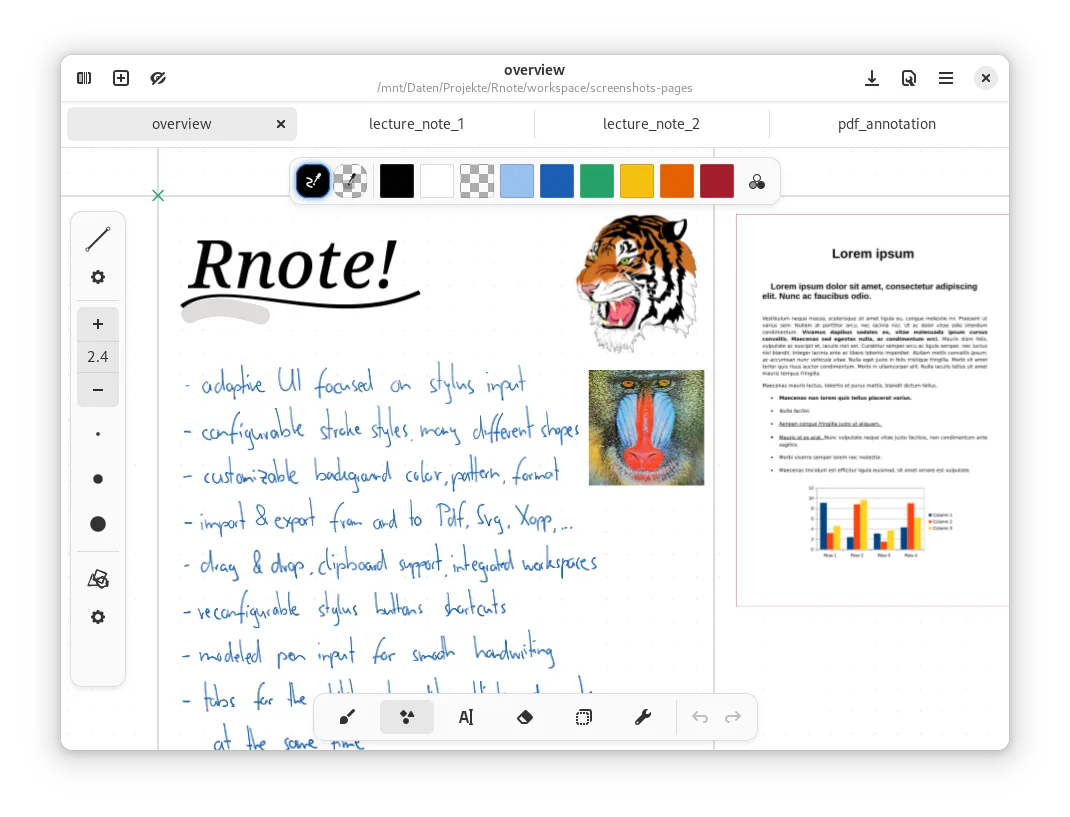
Rnote combines freehand drawing, typed text and document annotation on a configurable canvas. It is aimed at students, teachers and drawing-tablet users who want handwritten notes alongside imported PDFs or pictures. Pressure-sensitive strokes, shape tools and selection controls let you draw content and then move, rotate or resize it. Documents can use fixed pages, continuous vertical space or an infinite canvas.
The macOS app bundle is maintained by René de Hesselle and linked from the Rnote project website. This entry selects the Apple silicon ARM64 disk image for Rnote 0.14.2, macOS package build 239. The same release offers a separate Intel x86_64 disk image. The macOS project lists Ventura through Sequoia as supported; it says Tahoe should work but has not been verified.
Rnote can import PDFs, bitmap images and SVG files, and export documents, pages or selections to formats including PDF, SVG and Xopp. Its native .rnote format is still unstable: the publisher warns that format changes can break compatibility between versions. Keep that limitation in mind when choosing a format for notes you need to retain across upgrades.
What it offers
- Draw with pressure-sensitive stylus input, configurable stroke styles and shape tools.
- Move, rotate and resize existing content with the selection tool.
- Use fixed pages, continuous vertical documents or an infinite canvas with customizable backgrounds.
- Import PDF, bitmap and SVG content; export documents, pages or selections to PDF, SVG and Xopp.
- Work with document tabs, an integrated workspace browser and autosave.
Good to know
- The native .rnote file format is unstable; changes can break compatibility between versions.
- The macOS maintainer has not verified Tahoe support; the documented supported range is Ventura through Sequoia.
- This download is ARM64 for Apple silicon. Intel Macs need the separate x86_64 package from the macOS release page.
Product images
Sources
References used for this listing. Retrieval dates do not indicate hands-on testing.
More in utilities
View category ↗
1.1.1.1 with WARP 2026.8.2115.0
Encrypt traffic from your Mac to Cloudflare’s network with WARP, or use DNS-only mode for encrypted DNS queries to the 1.1.1.1 resolver.
1.1.1.1 with WARP 2026.8.2115.0
Encrypt traffic between your Windows PC and Cloudflare, or use encrypted DNS only, with the free 1.1.1.1 with WARP app.


3uTools 9.12.005
Manage iPhone and iPad photos, music, apps and backups from Windows with 3uTools, a free utility that also includes device checks and firmware flashing tools.