
Utilities macOS
RØDE Central
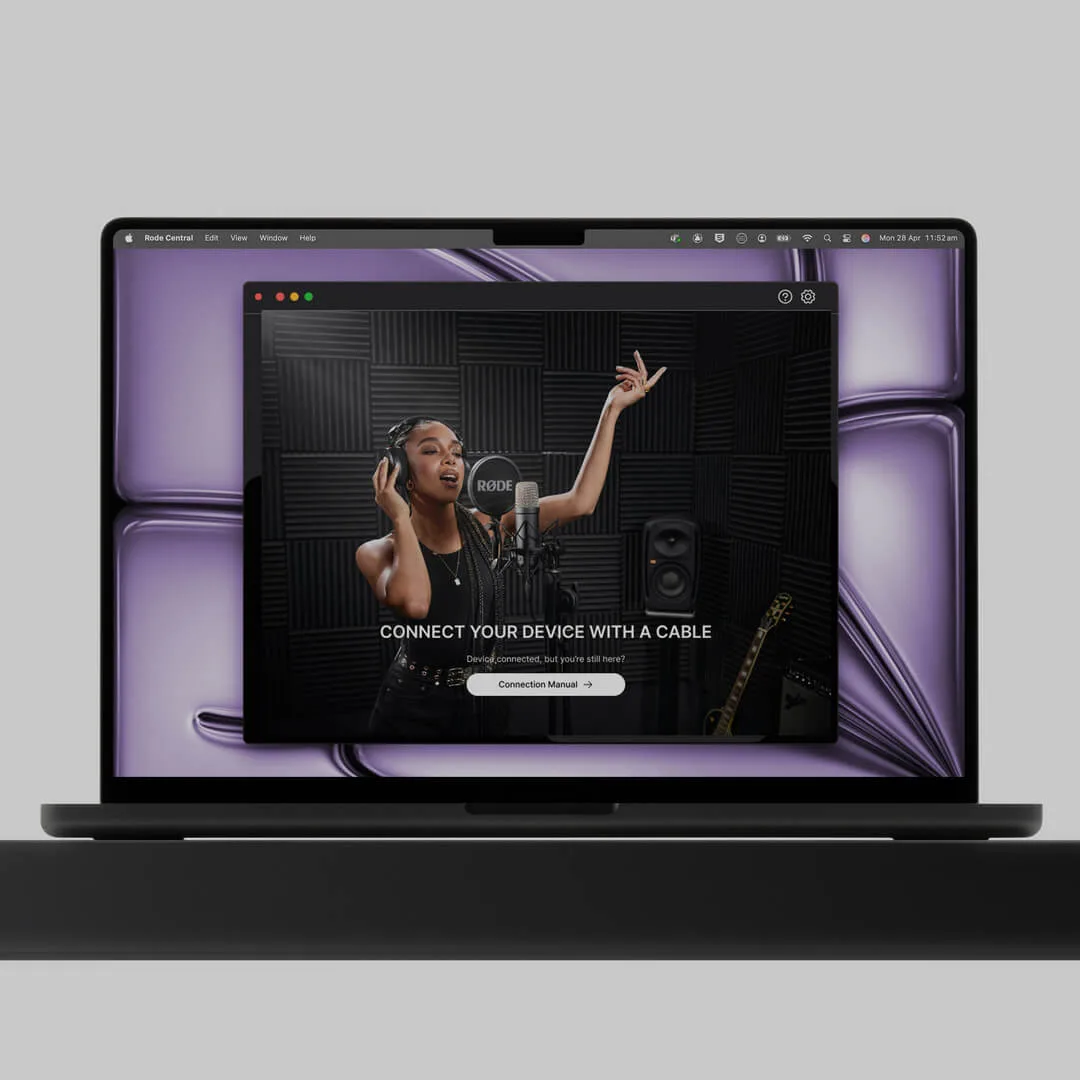
Configure compatible RØDE microphones and audio interfaces, adjust device functions and update firmware with the free RØDE Central companion app for Mac.
- Operating system
- macOS 11 or later
- Architecture
- Not specified in the consulted publisher pages
- Download package
- ZIP archive
Publisher-linked Mac desktop download. Compatible RØDE hardware is required for device configuration; CPU architecture and archive contents were not inspected.
Link checked · Download guidance
What is RØDE Central?
RØDE Central gives Mac users a desktop interface for configuring compatible RØDE audio hardware. Use it to change device settings, enable or disable supported functions and update firmware. Supported products include Wireless PRO, Wireless GO II, PodMic USB, NT-USB Mini and AI-Micro; available controls depend on the connected device. Built-in tips and product-specific guides help explain the settings.
For Wireless GO II, Wireless GO (3rd Gen) and Wireless PRO receivers, RØDE also documents camera gain presets: connect the receiver by USB, choose a camera model or create a preset, then save it to the receiver. This is a hardware companion utility, so check your exact device before downloading. RØDE directs RØDECaster Pro II, RØDECaster Duo, RØDECaster Video and Streamer X owners to the separate RØDECaster App. The desktop edition requires macOS 11 or later.
What it offers
- Configure settings and enable or disable supported functions on compatible RØDE hardware.
- Update firmware for supported microphones and audio interfaces.
- Access device-specific tips, user guides and support links from the app.
- Create and save camera gain presets for Wireless GO II, Wireless GO (3rd Gen) and Wireless PRO receivers.
Good to know
- Device configuration requires compatible RØDE hardware; the controls available depend on the connected product.
- RØDECaster Pro II, RØDECaster Duo, RØDECaster Video and Streamer X use the separate RØDECaster App.
- Requires macOS 11 or later, according to RØDE's desktop requirements.
Product images
Sources
References used for this listing. Retrieval dates do not indicate hands-on testing.
More in utilities
View category ↗
1.1.1.1 with WARP 2026.8.2115.0
Encrypt traffic from your Mac to Cloudflare’s network with WARP, or use DNS-only mode for encrypted DNS queries to the 1.1.1.1 resolver.
1.1.1.1 with WARP 2026.8.2115.0
Encrypt traffic between your Windows PC and Cloudflare, or use encrypted DNS only, with the free 1.1.1.1 with WARP app.

3uTools 9.12.005
Manage iPhone and iPad photos, music, apps and backups from Windows with 3uTools, a free utility that also includes device checks and firmware flashing tools.