
Utilities Windows
RSSly
Follow news and blogs with RSSly, a free Windows RSS reader with OPML import, local article storage, multiple reading layouts and an embedded browser with ad blocking.
- Operating system
- Windows 10 and Windows 11
- Architecture
- 64-bit; processor architecture not specified in the cited publisher pages
- Download package
- EXE installer (RSSly-Setup.exe)
Publisher lists 200 MB free storage for installation and local feeds. Compatibility and features are documented claims, not an installation test.
Link checked · Download guidance
What is RSSly?
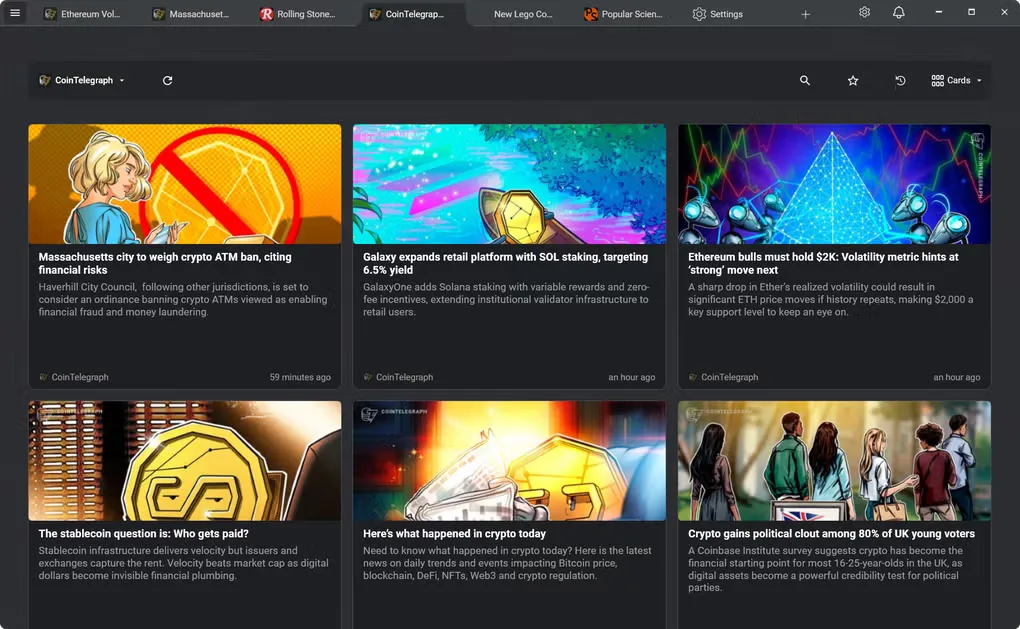
RSSly brings RSS subscriptions into a Windows desktop reader rather than a cloud account. Add feeds yourself or import an OPML subscription file, organize feeds into categories, search article titles and summaries, and save items for later. Cards, List and Compact layouts offer different ways to browse, while tabs let you keep several feeds or articles open.
Previously fetched articles are stored locally for offline reading. Full web pages can open in an embedded browser, where the publisher describes domain-level and CSS-level ad blocking. The app also offers light and dark themes and does not require an account.
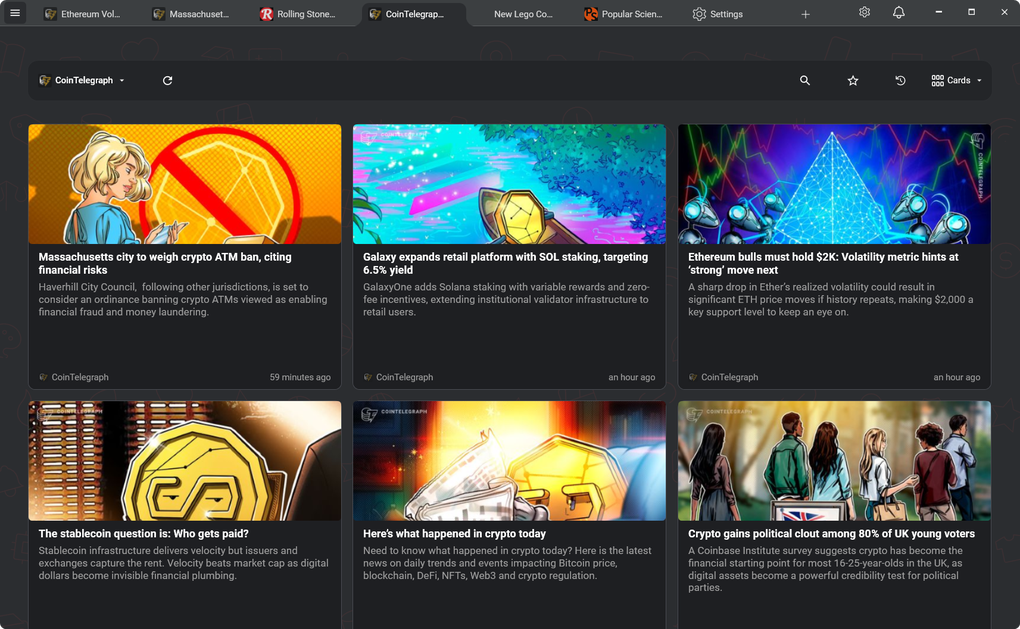
Offline reading does not fetch new stories: feeds must first be retrieved with an internet connection. The publisher's 2026.10.2 release also adds live internet lofi radio, which is separate from offline article reading. The screenshot here comes from the Softonic Windows gallery and shows an earlier Cards layout, not the redesigned 2026.10.2 front page.
What it offers
- Import RSS subscriptions from OPML files and organize feeds into custom categories.
- Read previously fetched articles from local storage without an internet connection.
- Choose Cards, List or Compact layouts; search titles and summaries or save articles for later.
- Open articles in tabs or a popup embedded browser with publisher-described domain and CSS ad blocking.
- Switch between light and dark themes without creating a cloud account.
Good to know
- Offline access covers previously fetched content; retrieving new feed items requires an internet connection.
- The live lofi radio introduced in 2026.10.2 requires internet access and is not an offline feature.
Product images
Sources
References used for this listing. Retrieval dates do not indicate hands-on testing.
More in utilities
View category ↗
1.1.1.1 with WARP 2026.8.2115.0
Encrypt traffic from your Mac to Cloudflare’s network with WARP, or use DNS-only mode for encrypted DNS queries to the 1.1.1.1 resolver.
1.1.1.1 with WARP 2026.8.2115.0
Encrypt traffic between your Windows PC and Cloudflare, or use encrypted DNS only, with the free 1.1.1.1 with WARP app.

3uTools 9.12.005
Manage iPhone and iPad photos, music, apps and backups from Windows with 3uTools, a free utility that also includes device checks and firmware flashing tools.