
Utilities Windows
Rufus for Windows
Create bootable USB drives from Windows or Linux ISO images with Rufus, a free Windows utility that runs without installation.
- Operating system
- Windows 8 or later
- Architecture
- x64 (64-bit Intel/AMD)
- Download package
- Standard EXE; no installation required
Requires administrator privileges. Separate x86 and ARM64 builds are available; this button selects x64. Creating media erases the target USB.
Link checked · Download guidance
What is Rufus?
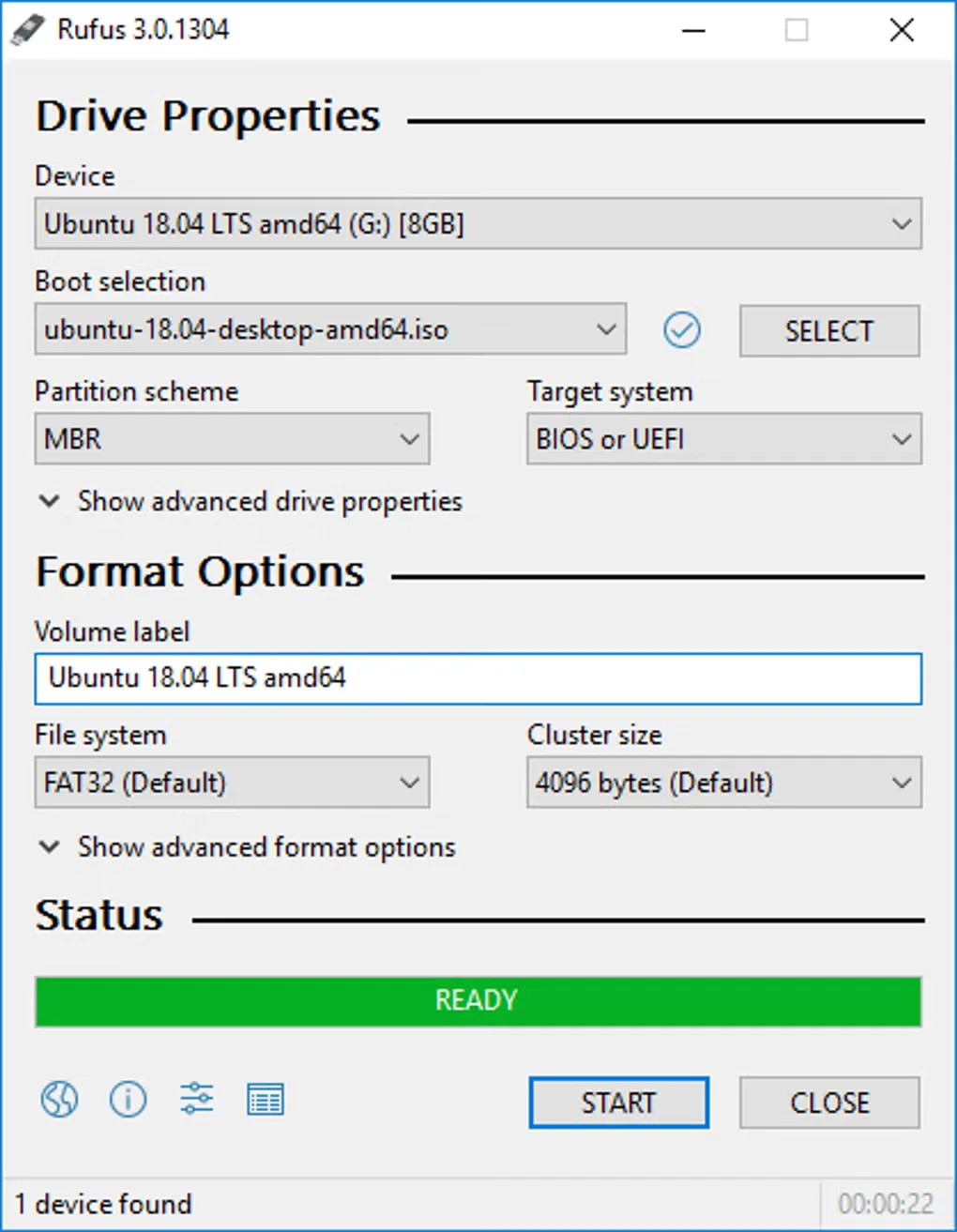
Rufus turns a USB flash drive into bootable media for installing an operating system or running a recovery utility. It can write supported Windows and Linux ISO images, or prepare a DOS boot drive for firmware tools. The application runs on Windows; creating a Linux USB does not mean Rufus itself runs on Linux.
This download is the standard Windows x64 executable for Rufus 4.15, not an installer and not the separately named portable package. Run it with administrator privileges on Windows 8 or later. Back up the target USB first: Rufus repartitions and reformats the drive rather than preserving its existing files. It suits preparing one bootable image at a time, not maintaining a menu of multiple ISOs on one USB drive.
What it offers
- Create USB installation media from supported Windows and Linux ISO images.
- Prepare DOS boot media for firmware flashing or low-level utilities.
- Format USB flash drives as part of preparing bootable media.
- Run the downloaded executable directly without an installation step.
Good to know
- Creating bootable media repartitions and reformats the selected USB drive; back up its files before starting.
- Administrator privileges are required to format the drive and change its boot records.
- Built-in multiboot support is not provided; use another tool if you need several bootable ISOs on one drive.
Product images
Sources
References used for this listing. Retrieval dates do not indicate hands-on testing.
- Rufus — official purpose, downloads, requirements and license ↗Retrieved
- Rufus official FAQ — drive erasure, administrator rights and multiboot ↗Retrieved
- Softonic Rufus discovery — search-index excerpt only; direct access blocked ↗Retrieved
- Official Windows x64 executable — bounded HEAD observation ↗Retrieved
- Rufus for Windows — normally accessible gallery and historical UI screenshot ↗Retrieved
More in utilities
View category ↗
1.1.1.1 with WARP 2026.8.2115.0
Encrypt traffic from your Mac to Cloudflare’s network with WARP, or use DNS-only mode for encrypted DNS queries to the 1.1.1.1 resolver.
1.1.1.1 with WARP 2026.8.2115.0
Encrypt traffic between your Windows PC and Cloudflare, or use encrypted DNS only, with the free 1.1.1.1 with WARP app.

3uTools 9.12.005
Manage iPhone and iPad photos, music, apps and backups from Windows with 3uTools, a free utility that also includes device checks and firmware flashing tools.