
Development Windows
RunJS
Explore JavaScript and TypeScript in a desktop scratchpad with live results, Node.js and browser APIs. This entry links to the Windows x64 EXE installer.
- Operating system
- Windows; minimum version and build not stated in inspected publisher documentation
- Architecture
- x64
- Download package
- EXE installer
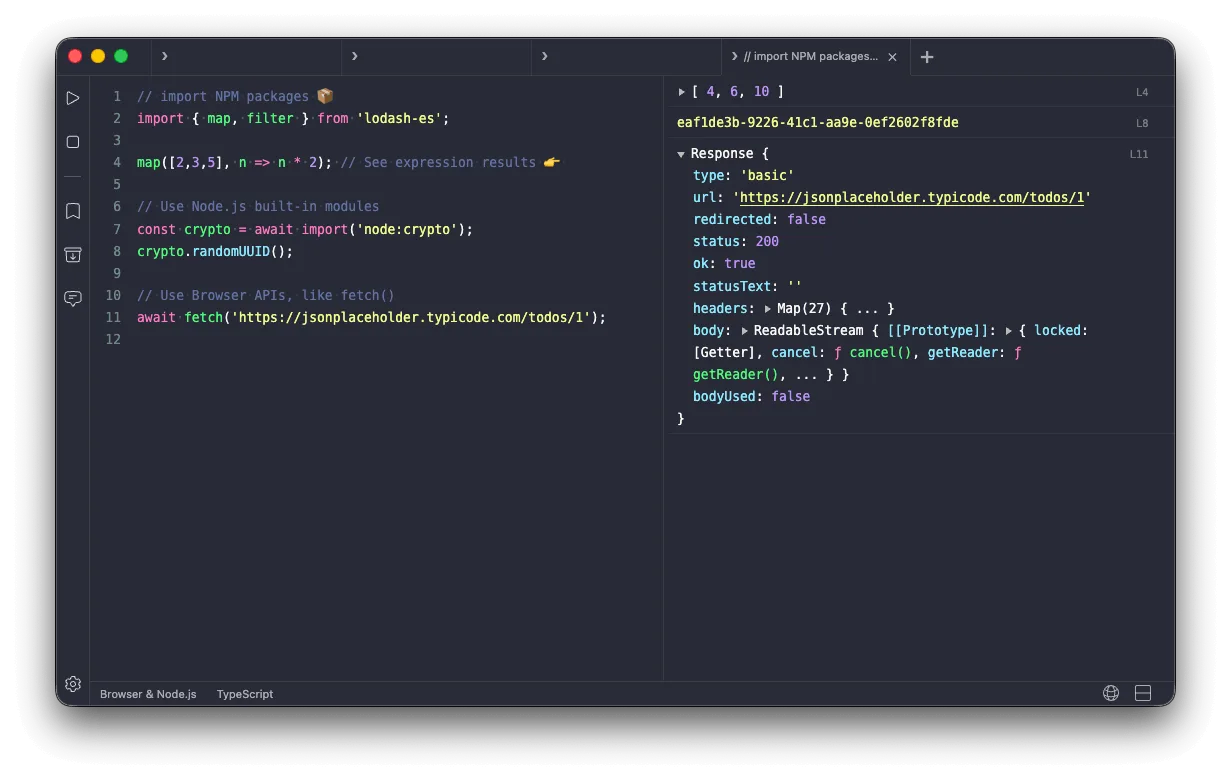
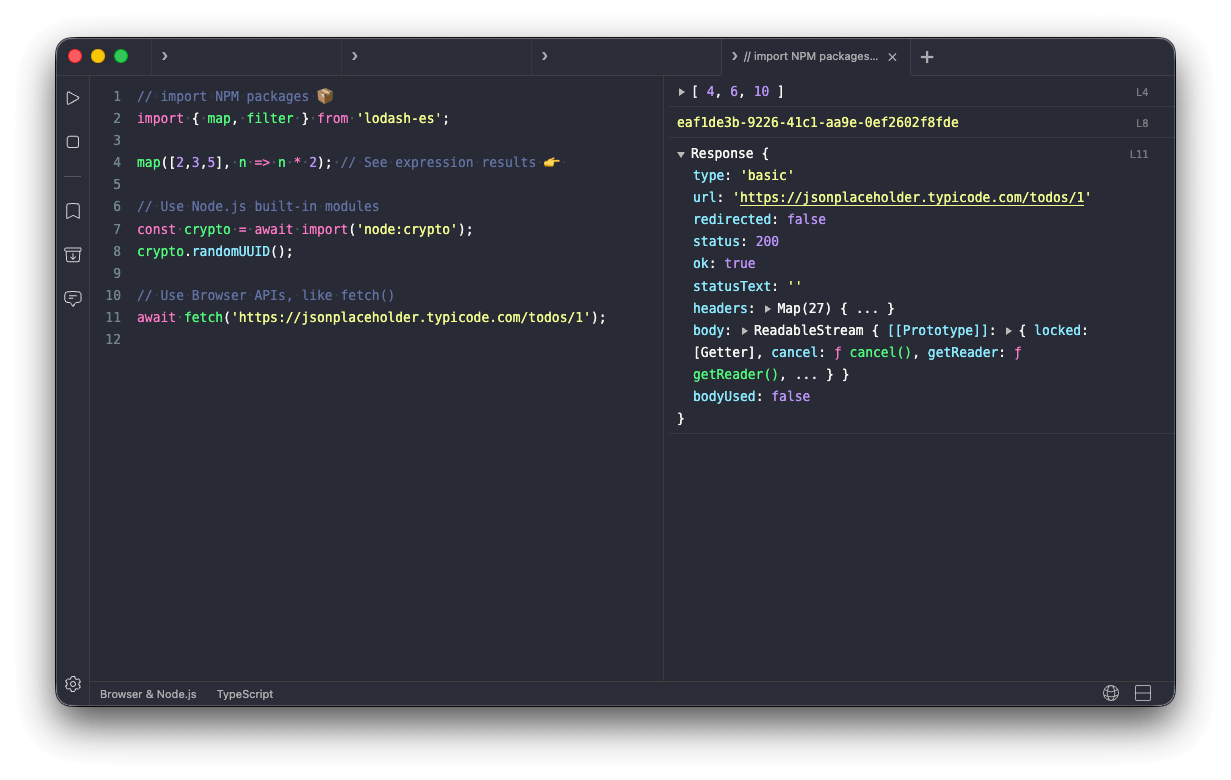
Publisher labels the selected Windows package x64. Screenshot illustrates the shared editor with macOS window controls; it is not a Windows-specific capture.
Link checked · Download guidance
What is RunJS?
RunJS puts a code editor and its evaluated results side by side, so you can explore a function, reshape a data sample or try an npm package without first creating a project. It runs code as you type and combines Node.js with browser APIs. TypeScript support makes it useful for checking a small language example as well as ordinary JavaScript.
Use it to isolate a calculation or experiment with an API before moving the result into your application. Magic Comments and Logpoints let you inspect intermediate values without adding console.log calls, while snippets provide a way to save examples for reuse. These are publisher-documented capabilities, not results from a hands-on software test.
The selected download is the publisher-linked RunJS 4.1.0 Windows x64 EXE. The Windows instructions say to run the installer, follow its prompts and launch the app from the Start menu; removal uses Windows Add or Remove Programs. The inspected publisher pages do not state a minimum Windows version or build.
A free download is offered, but paid licenses are sold for full feature access. The Perpetual license includes one year of updates; continued updates require renewal. A separate Lifetime license includes future major releases. Exact free-tier feature limits were not established. The screenshot is the publisher’s cross-platform editor illustration with macOS window controls, not a Windows capture.
What it offers
- Evaluate JavaScript and TypeScript with code on the left and results on the right.
- Experiment with built-in Node.js and browser APIs in one desktop scratchpad.
- Install npm packages to explore libraries without creating a project.
- Inspect values using Magic Comments and Logpoints without console.log.
- Save and reuse code snippets.
Good to know
- The free download does not establish unlimited free feature access; paid licenses are offered, and exact free-tier restrictions were not established.
- The Perpetual license includes one year of updates; continued updates require renewal, unlike the separate Lifetime option.
- Minimum supported Windows version and build are not specified on the inspected publisher pages.
Product images
Sources
References used for this listing. Retrieval dates do not indicate hands-on testing.
- Client Challenge ↗Retrieved
- RunJS - JavaScript Playground for Your Desktop ↗Retrieved
- Intro to RunJS | RunJS Documentation ↗Retrieved
- Buy License - RunJS ↗Retrieved
- Installation | RunJS Documentation ↗Retrieved
- EULA - RunJS ↗Retrieved
More in development
View category ↗
010 Editor 17.0
Inspect and edit binary files on Mac with 010 Editor, a paid text and hex editor with Binary Templates, file comparison and a 30-day trial.
010 Editor 17.0
Inspect and edit binary files with 010 Editor for Windows, a text and hex editor with Binary Templates, file comparison and scripting. Includes a 30-day trial.
10x Editor
Edit and navigate C++ projects on Windows with a built-in parser, workspace search and Visual Studio project support. A paid license is required after the 30-day trial.