
Utilities Android
RustDesk for Android
Control a remote computer from Android, transfer files, or share your phone screen with RustDesk, an open-source remote desktop app with self-hosted server support.
- Operating system
- Android; screen sharing requires Android 6 or later
- Architecture
- Universal Android package (publisher label)
- Download package
- Signed APK (publisher label)
Selected download is the universal APK. The publisher also offers separate ARM64 and ARMv7 APKs. Internal system audio sharing requires Android 10 or later; no APK installation or signature inspection performed.
Link checked · Download guidance
What is RustDesk?
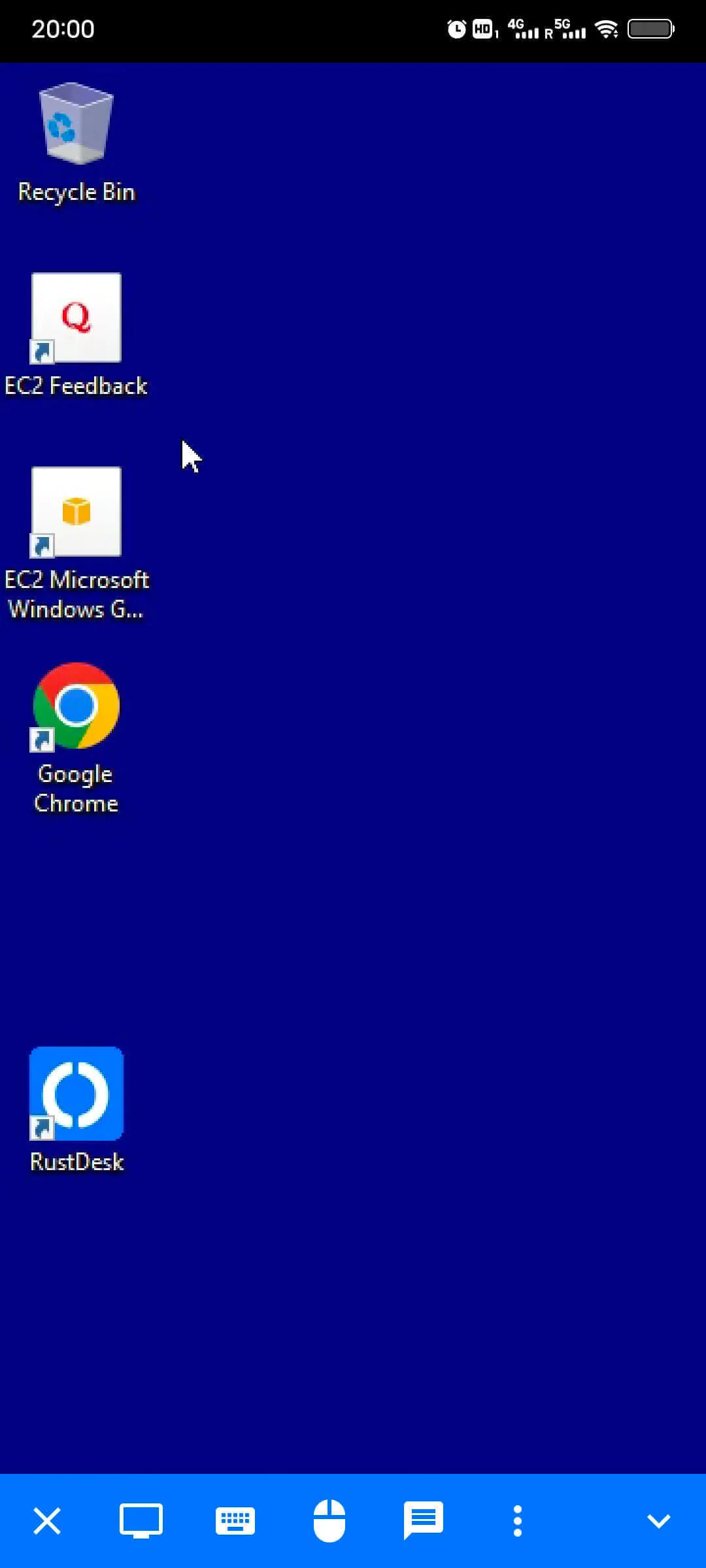
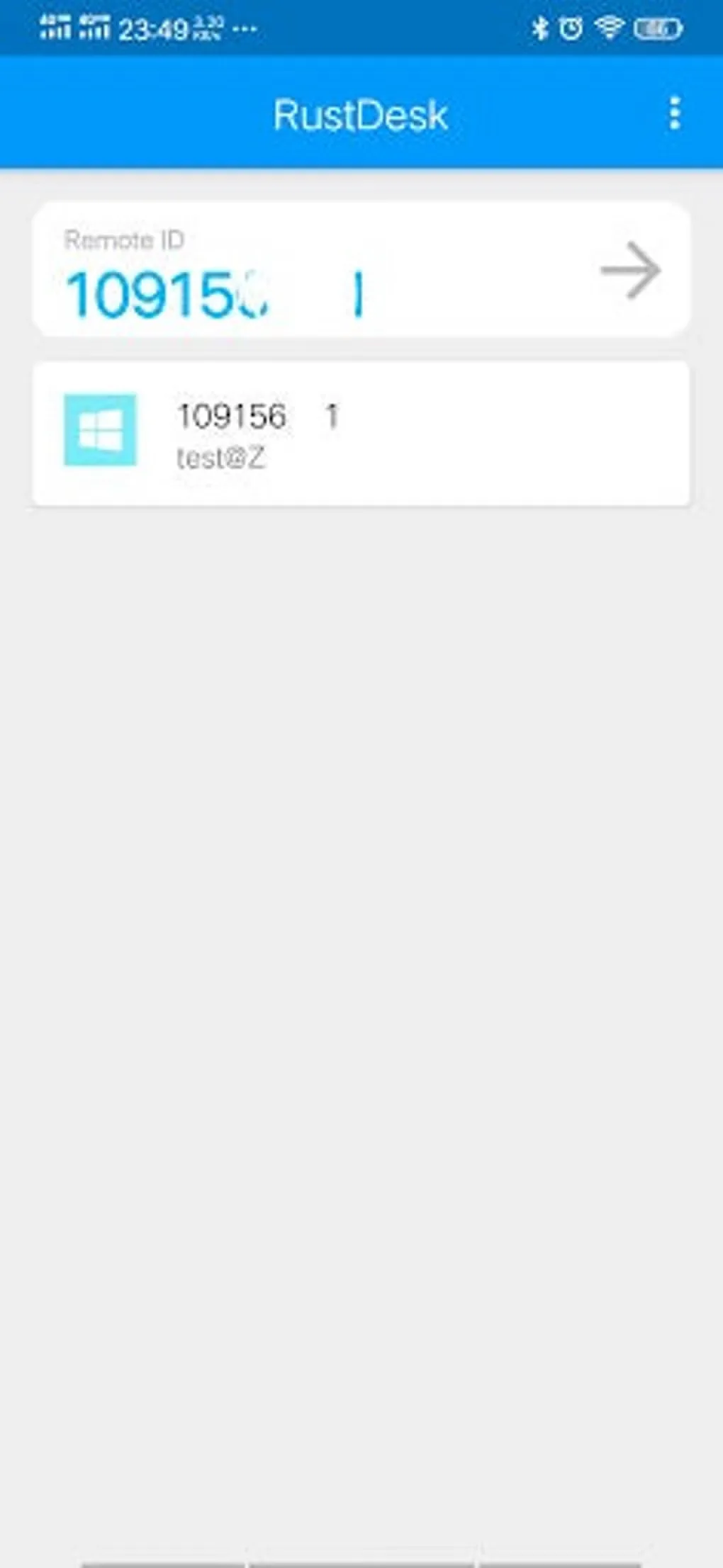
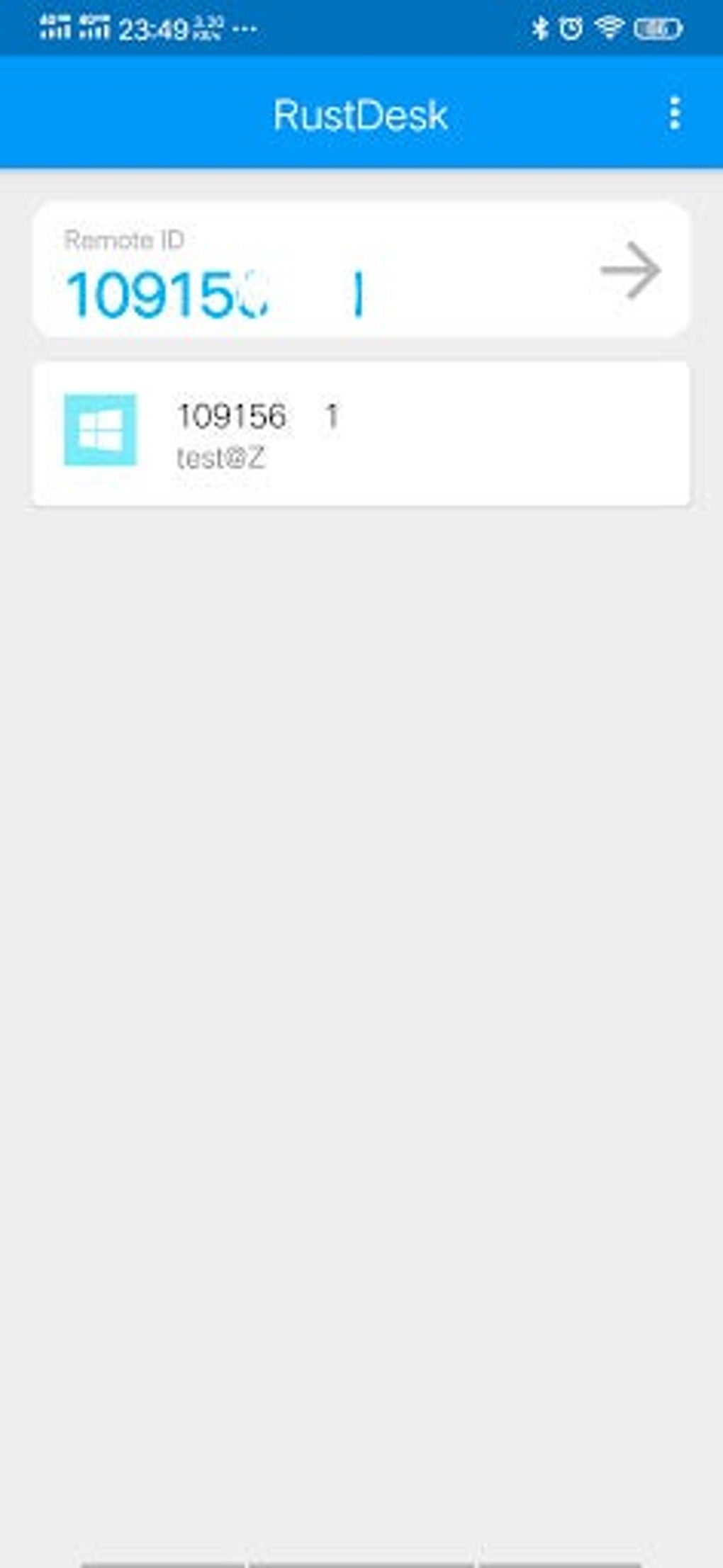
RustDesk connects an Android phone or tablet to a remote device for desktop access and file transfer. Enter the remote device ID or choose a previously connected device, complete verification, and use mouse or touch mode to interact with its screen. The Android client also lets you switch between local and remote file views when transferring files.
For support in the other direction, RustDesk can share the Android phone’s screen and accept control requests once the required permissions and service are enabled. You can configure an ID and relay server in the app, including a server you host yourself. This entry links to the publisher’s version 1.5.0 universal signed APK rather than the older package described by Softonic.
Screen sharing requires Android 6 or later; sharing internal system audio requires Android 10 or later. The publisher instructs users to request Screen Capture and Input Control permissions each time RustDesk starts. Without Screen Capture permission, other devices cannot issue control requests. The screenshots are source documentation and historical gallery examples, not a claim that this exact release was installed or tested.
What it offers
- Connect to a remote device by ID or select a previously connected device after verification.
- Switch between mouse and touch modes for remote input.
- Transfer files using separate local and remote file views.
- Share an Android phone screen and accept remote control requests after granting the required permissions.
- Configure ID and relay servers, including a self-hosted server.
Good to know
- Android screen sharing requires Android 6 or later; internal system audio sharing requires Android 10 or later.
- Screen Capture and Input Control permissions must be requested when RustDesk starts; without Screen Capture permission, incoming control requests are unavailable.
Product images
More in utilities
View category ↗
1.1.1.1 with WARP 2026.8.2115.0
Encrypt traffic from your Mac to Cloudflare’s network with WARP, or use DNS-only mode for encrypted DNS queries to the 1.1.1.1 resolver.
1.1.1.1 with WARP 2026.8.2115.0
Encrypt traffic between your Windows PC and Cloudflare, or use encrypted DNS only, with the free 1.1.1.1 with WARP app.

3uTools 9.12.005
Manage iPhone and iPad photos, music, apps and backups from Windows with 3uTools, a free utility that also includes device checks and firmware flashing tools.