
Utilities Windows
Samsung Magician
Monitor Samsung SSD health, check firmware updates and benchmark supported drives with Samsung Magician for Windows.
- Operating system
- Windows 10 or higher
- Architecture
- Publisher lists 32-bit and 64-bit Windows 10; package architecture not separately identified
- Download package
- EXE installer
Minimum 600 MB free installation space; feature support depends on drive model. Consult the publisher’s compatibility guide for your device.
Link checked · Download guidance
What is Samsung Magician?
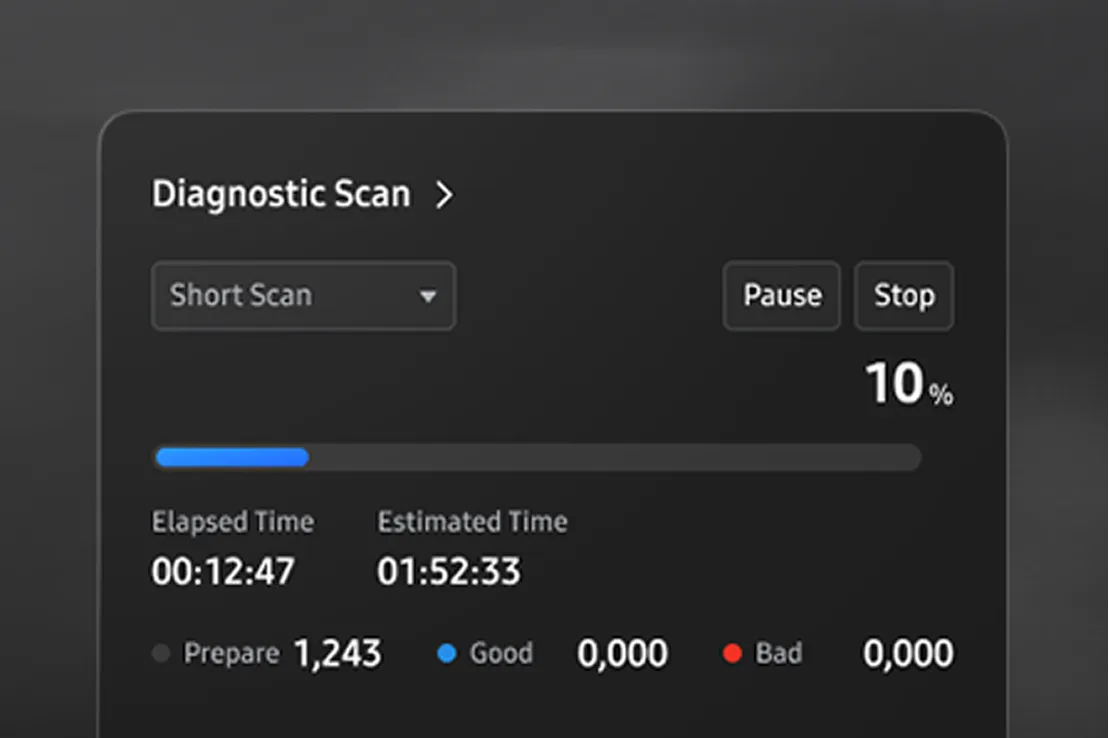
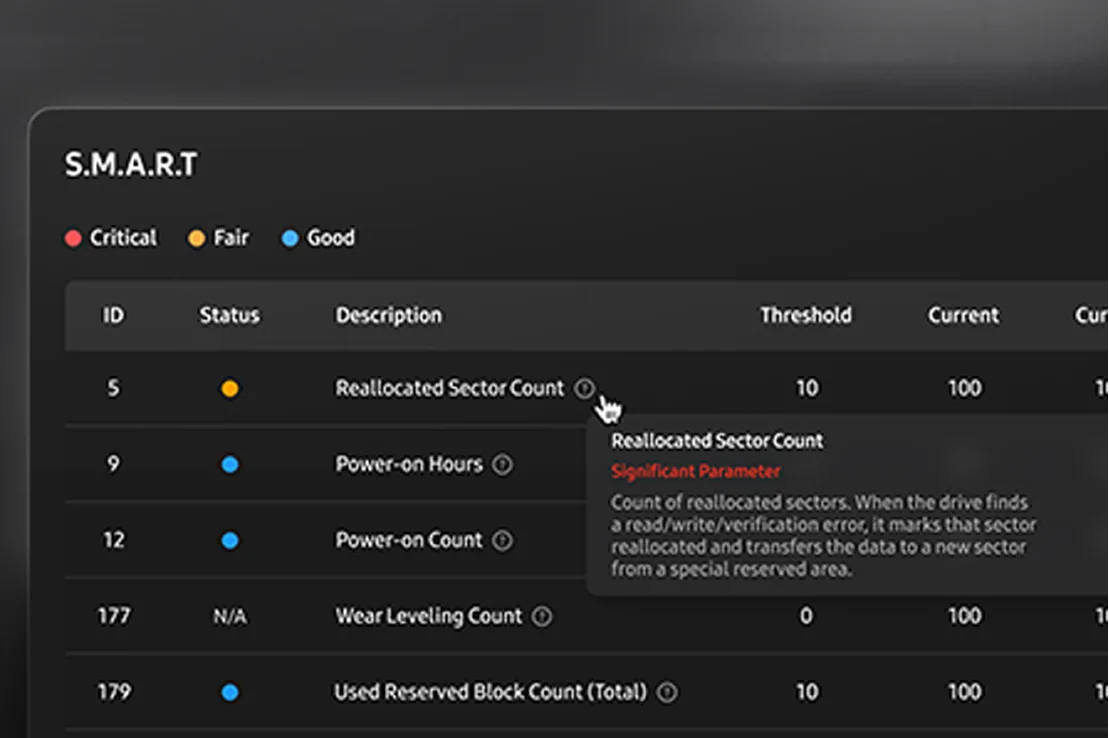
Samsung Magician brings drive information, maintenance and migration tools together for owners of Samsung storage. Its customizable dashboard can show drive health and temperature, while S.M.A.R.T. information, diagnostic scans and read/write benchmarks help you inspect a supported SSD. Firmware updates and performance settings are available for compatible models.
The integrated Data Migration tool can move an installed Windows system, applications and files to a supported Samsung SSD. It is not a general-purpose cloning tool: Samsung excludes OEM target drives and encrypted source drives from its supported migration scenarios.
Check your exact drive model before relying on a feature. Samsung OEM drives and other manufacturers’ drives have reduced support, and Samsung lists SCSI-connected SSDs and BIOS RAID configurations as unsupported. Back up important data before firmware changes or migration; Samsung warns that firmware updates carry a risk of data loss.
What it offers
- Arrange dashboard widgets for drive health, temperature and maintenance information.
- Inspect supported drives with S.M.A.R.T. information, diagnostic scans and read/write benchmarks.
- Check firmware updates and use model-dependent performance optimization and over-provisioning tools.
- Migrate an installed Windows system, applications and files to a supported Samsung SSD.
Good to know
- Feature availability depends on the storage model; Samsung OEM and non-Samsung drives do not receive full support.
- SCSI-connected SSDs and SSDs configured in RAID mode through the BIOS are not supported.
- Data Migration does not support OEM target drives or encrypted source drives, and requires a source drive with an operating system.
- Firmware updates carry a risk of data loss; back up important data before updating.
Product images
Sources
References used for this listing. Retrieval dates do not indicate hands-on testing.
More in utilities
View category ↗
1.1.1.1 with WARP 2026.8.2115.0
Encrypt traffic from your Mac to Cloudflare’s network with WARP, or use DNS-only mode for encrypted DNS queries to the 1.1.1.1 resolver.
1.1.1.1 with WARP 2026.8.2115.0
Encrypt traffic between your Windows PC and Cloudflare, or use encrypted DNS only, with the free 1.1.1.1 with WARP app.

3uTools 9.12.005
Manage iPhone and iPad photos, music, apps and backups from Windows with 3uTools, a free utility that also includes device checks and firmware flashing tools.