

Utilities Windows
Samsung Smart Switch for Windows
Back up a Galaxy phone to your Windows PC, restore data to a new Galaxy device and sync Outlook contacts and calendars with Samsung Smart Switch.
- Operating system
- Windows 10 or later
- Architecture
- x86, as identified by the Microsoft WinGet manifest
- Download package
- EXE installer
Requires a compatible mobile device and data-capable USB cable. Samsung specifies the Microsoft Media Feature Pack if missing. Installer architecture is manifest evidence, not an inspection of downloaded executable bytes.
Link checked · Download guidance
What is Samsung Smart Switch?
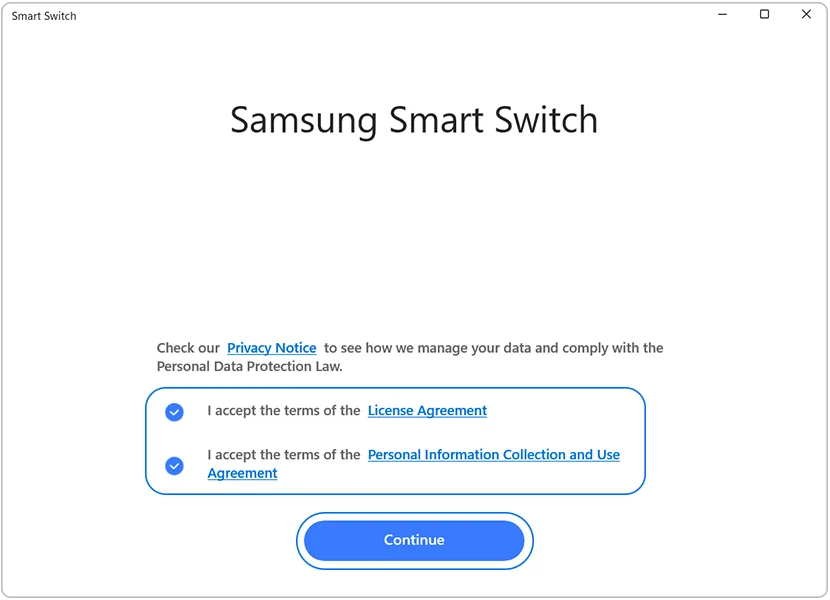
Samsung Smart Switch for Windows helps you keep a local backup of a Galaxy phone or tablet and move supported data to a replacement Galaxy device. Connect the old device with a data-capable USB cable, allow access on the phone and choose the categories to back up. Connect the new Galaxy device when you are ready to restore the saved data.
The desktop app also supports restoring data from an iTunes backup, syncing Outlook contacts and calendars, and checking for available Galaxy device software updates. It is a phone backup and migration utility, not the separate Galaxy Book Smart Switch tool for moving between computers.
A backup is not a browsable copy of everything on your phone. Samsung notes that backed-up messages cannot be read on the PC; they become readable after restoration to a phone. Supported content varies by device and transfer method, and DRM-protected media and some private app data cannot be transferred. The Windows requirements in Samsung's US guide are Windows 10 or later, with the Microsoft Media Feature Pack needed if it is missing.
What it offers
- Back up supported Galaxy phone or tablet data to a Windows computer and restore it to a new Galaxy device.
- Choose backup categories and select specific items within supported categories.
- Restore supported iTunes backup data to a Galaxy device.
- Sync Outlook contacts and calendars and check for available Galaxy device software updates.
Good to know
- Transfers require a compatible device and a data-capable USB cable; supported content depends on the source device and transfer method. DRM-protected media and some private app data are excluded.
- Backed-up messages cannot be viewed directly on the PC; restore them to a phone to read them.
Product images
Sources
References used for this listing. Retrieval dates do not indicate hands-on testing.
- Samsung Smart Switch - Download ↗Retrieved
- Samsung Smart Switch ↗Retrieved
- Transfer data to a new phone using Smart Switch for Windows or Mac ↗Retrieved
- Smart Switch | Apps & Services | Samsung US ↗Retrieved
- How to backup your Samsung phone to PC or Mac ↗Retrieved
- Downloading Smart Switch on my PC | Samsung Australia ↗Retrieved
- Microsoft WinGet community manifest — Samsung.SmartSwitch 4.3.24062.1 installer ↗Retrieved
- Samsung Smart Switch - Free download and install on Windows | Microsoft Store ↗Retrieved
More in utilities
View category ↗
1.1.1.1 with WARP 2026.8.2115.0
Encrypt traffic from your Mac to Cloudflare’s network with WARP, or use DNS-only mode for encrypted DNS queries to the 1.1.1.1 resolver.
1.1.1.1 with WARP 2026.8.2115.0
Encrypt traffic between your Windows PC and Cloudflare, or use encrypted DNS only, with the free 1.1.1.1 with WARP app.

3uTools 9.12.005
Manage iPhone and iPad photos, music, apps and backups from Windows with 3uTools, a free utility that also includes device checks and firmware flashing tools.