
Utilities Windows
Scrieb for Windows
Record meetings or import audio and video to create local transcripts, speaker labels and summaries with Scrieb for Windows. The free plan allows one hour of recording per day.
- Operating system
- Windows 10 and Windows 11
- Architecture
- Not specified for the standard Windows installer
- Download package
- MSI installer
This entry links to the publisher's standard Windows endpoint. The publisher offers a separate Windows ARM64 build for Snapdragon computers.
Link checked · Download guidance
What is Scrieb?
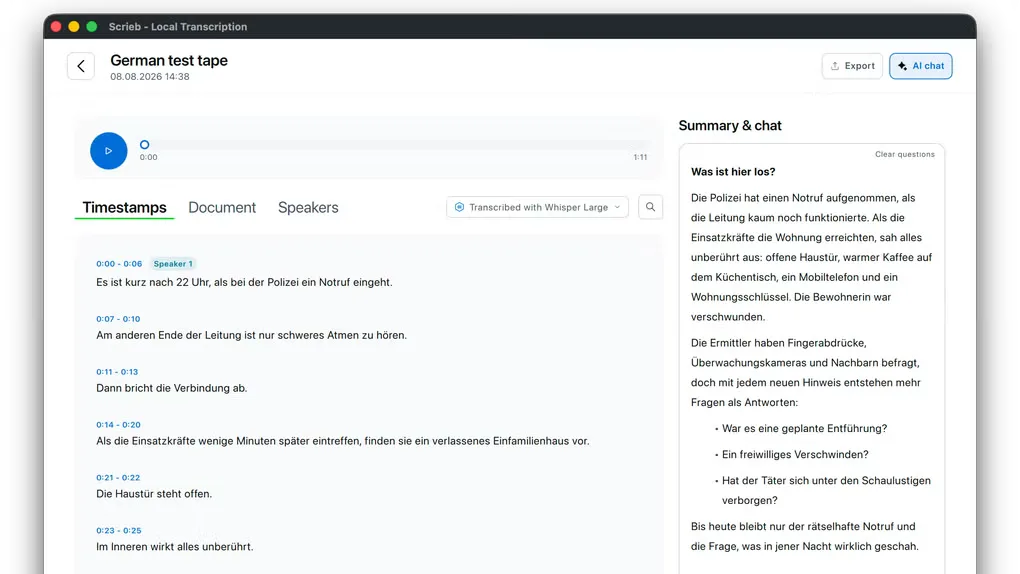
Scrieb turns meetings, interviews and existing recordings into searchable notes on your Windows computer. It can capture microphone and meeting-app audio without a bot joining the call, or import audio and video files such as MP3, WAV, M4A and MP4. Transcripts include speaker identification, while summaries and chat help you revisit the conversation.
The publisher says transcription, speaker recognition, summaries and chat run on your own CPU or GPU. After the initial model download, these functions can work offline. You can choose a Whisper model, correct a transcript in the Document tab and generate a summary from the edited text. Search covers transcripts and summaries; exports include DOCX, PDF, plain text and Markdown.
The free plan limits recording to one hour per day. Pro removes that limit through a paid subscription, with one licence covering Windows and Mac. Initial setup requires a model download, so offline use is not available from a fresh installation without preparation. Recording locally does not replace the need to tell participants and obtain consent where required.
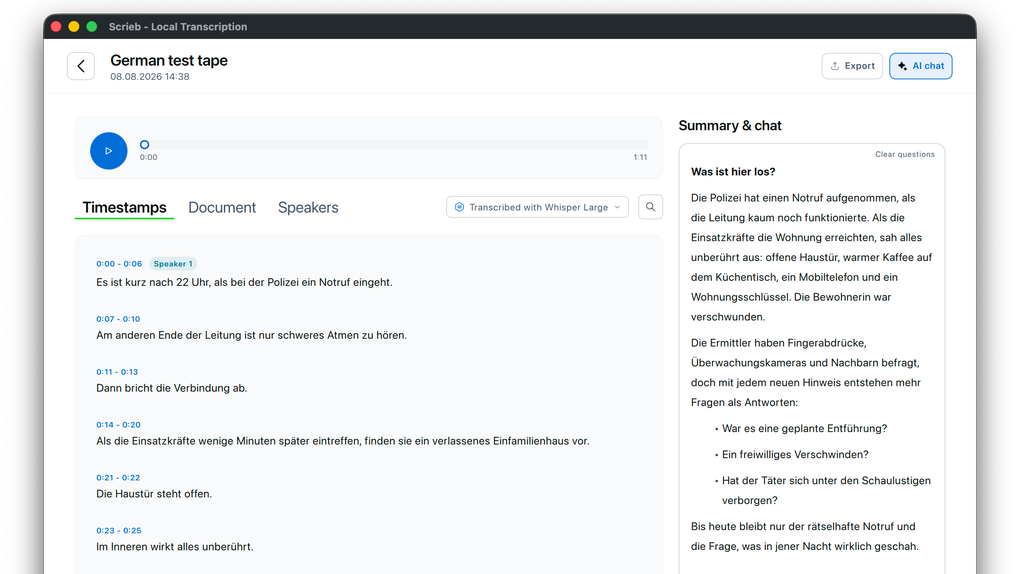
The gallery image is a source-supplied Scrieb interface reference with macOS-style window controls, not a verified Windows capture. No installer was downloaded and the application was not run for this entry.
What it offers
- Record microphone and meeting-app audio without adding a bot to the call.
- Import existing audio and video files, including MP3, WAV, M4A and MP4.
- Create local transcripts with speaker identification and choose among Whisper model sizes.
- Edit transcripts, generate summaries and search or chat across recordings.
- Export notes as DOCX, PDF, plain text or Markdown.
Good to know
- The free plan allows one hour of recording per day; removing that limit requires a paid Pro subscription.
- Offline processing requires an initial model download.
- Recording consent remains the user's responsibility; Scrieb does not announce itself as a meeting participant.
Product images
Sources
References used for this listing. Retrieval dates do not indicate hands-on testing.
More in utilities
View category ↗
1.1.1.1 with WARP 2026.8.2115.0
Encrypt traffic from your Mac to Cloudflare’s network with WARP, or use DNS-only mode for encrypted DNS queries to the 1.1.1.1 resolver.
1.1.1.1 with WARP 2026.8.2115.0
Encrypt traffic between your Windows PC and Cloudflare, or use encrypted DNS only, with the free 1.1.1.1 with WARP app.

3uTools 9.12.005
Manage iPhone and iPad photos, music, apps and backups from Windows with 3uTools, a free utility that also includes device checks and firmware flashing tools.