

Utilities Windows
SD Memory Card Formatter for Windows
Format SD, SDHC, SDXC and SDUC memory cards on Windows with the SD Association’s utility, developed by Tuxera. Choose Quick or Overwrite format and set a volume label.
What is SD Memory Card Formatter?
SD Memory Card Formatter prepares SD-family memory cards using the SD File System Specification. It is a focused option for formatting a card through a compatible PC card slot or USB reader rather than a general-purpose disk-management tool. The publisher lists version 5.0.4 for Windows.
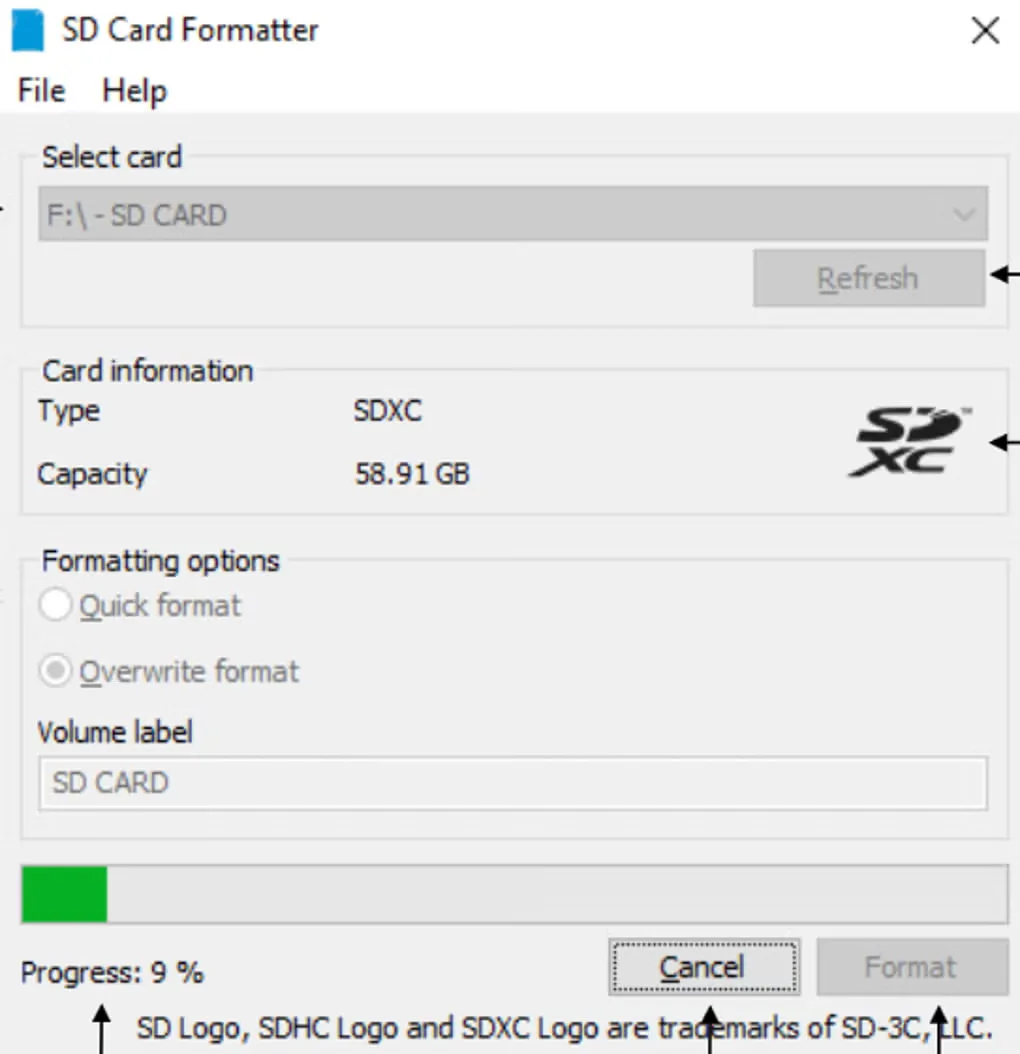
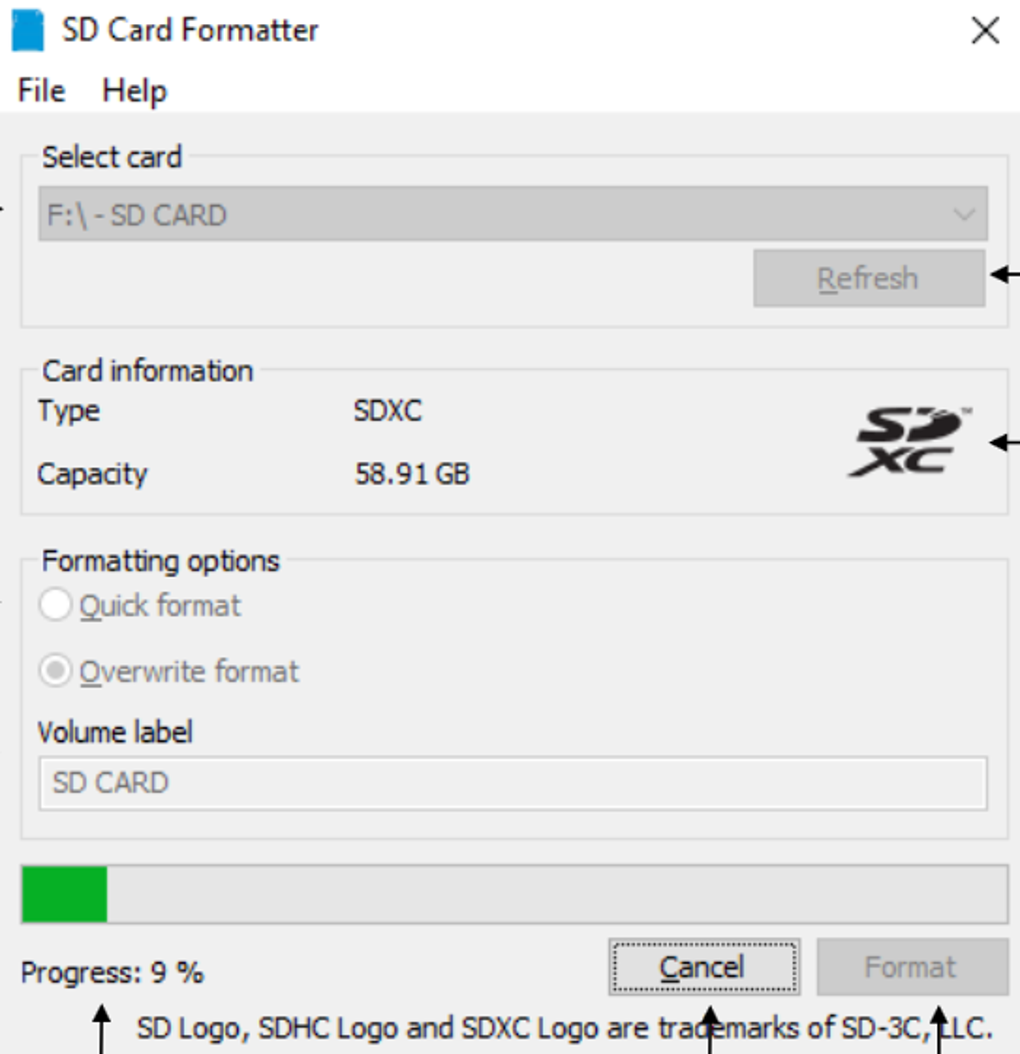
Select a recognized card, check its type and capacity, and choose Quick format or Overwrite format. Quick format resets file-system entries without overwriting the data previously stored in files. Overwrite format also overwrites the user data area and can take substantially longer. The interface lets you change the volume label before starting.
Back up needed files and confirm the selected card before formatting: recorded information becomes unavailable when formatting starts. Administrator rights are required. Cards encrypted with BitLocker To Go must be unlocked first, and the protected security area on SD, SDHC and SDXC cards is not formatted. The publisher lists Windows 10 22H2 and Windows 11 22H2, 23H2 and 24H2. Check that your reader supports the card type you intend to format.
The download is the publisher’s Windows ZIP package. Use is subject to the SD Association’s end-user license agreement, linked in the sources. The gallery screenshot is a source-provided Windows interface illustration; it does not establish the interface of version 5.0.4.
What it offers
- Format SD, SDHC, SDXC and SDUC memory cards according to the SD File System Specification.
- Choose Quick format to reset file-system entries or Overwrite format to overwrite the user data area.
- Select from detected cards, refresh the list, and view the selected card’s type and capacity.
- Set a volume label before formatting.
Good to know
- Formatting makes recorded information unavailable; back up needed files and verify the selected card first.
- Quick format does not overwrite existing file data; the manual notes that recovery tools may retrieve it.
- BitLocker To Go-encrypted cards must be unlocked before formatting.
- The protected security area of SD, SDHC and SDXC cards is not formatted; SDUC cards have no such area.
- Administrator rights and a reader compatible with the card type are required; Overwrite format can take much longer than Quick format.
Product images
Sources
References used for this listing. Retrieval dates do not indicate hands-on testing.
More in utilities
View category ↗
1.1.1.1 with WARP 2026.8.2115.0
Encrypt traffic from your Mac to Cloudflare’s network with WARP, or use DNS-only mode for encrypted DNS queries to the 1.1.1.1 resolver.
1.1.1.1 with WARP 2026.8.2115.0
Encrypt traffic between your Windows PC and Cloudflare, or use encrypted DNS only, with the free 1.1.1.1 with WARP app.

3uTools 9.12.005
Manage iPhone and iPad photos, music, apps and backups from Windows with 3uTools, a free utility that also includes device checks and firmware flashing tools.